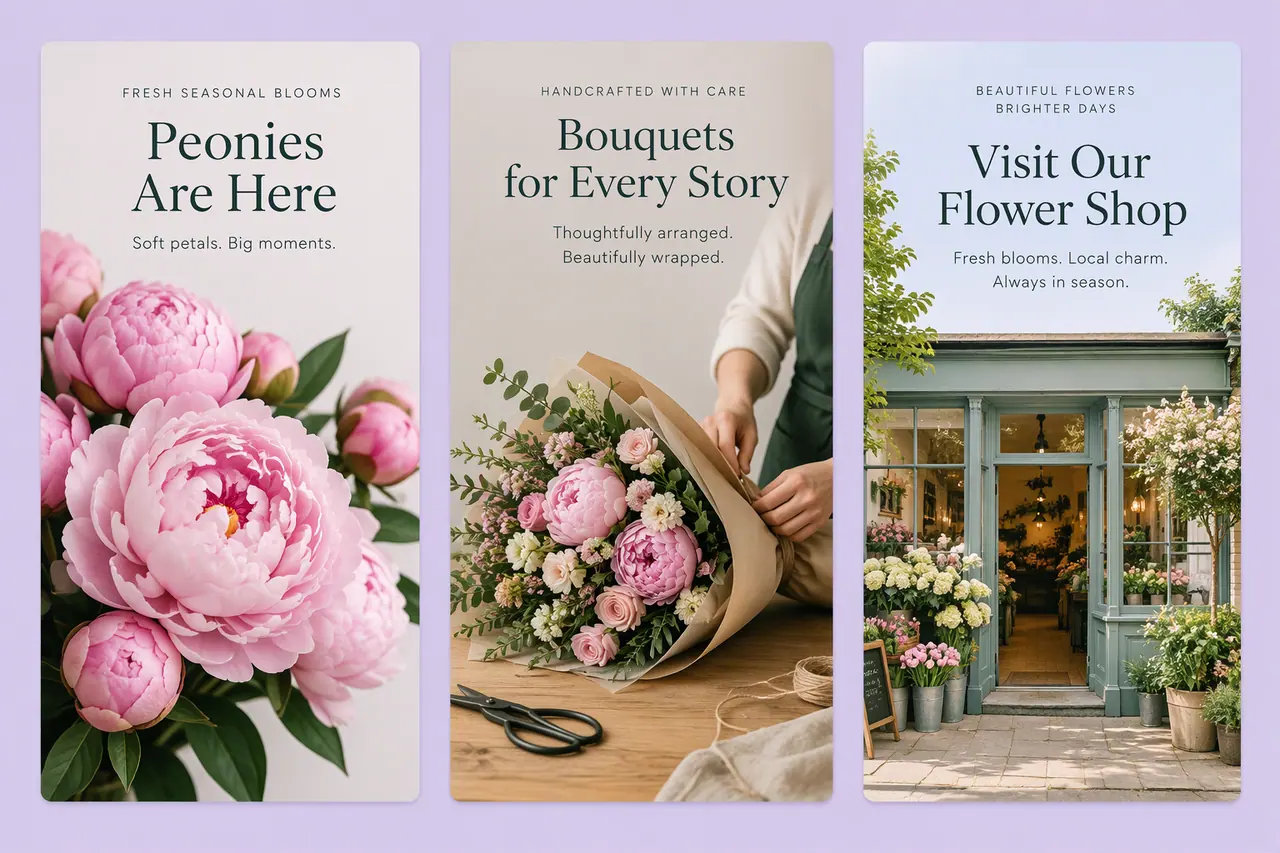
The size, and the margins that keep your words visible.
Why 9:16
Stories are watched full screen on a phone held upright. A 9:16 picture fills that screen edge to edge; a square or landscape picture leaves empty space around it.
The story safe area
Anything within 14% of the top or bottom can end up under the app's own name, progress bar and reply field. Keeping key content 8% in from the sides as well stops it from running into the edges of the screen.
Making stories in Cutlin
Ask for stories in your prompt - "4 stories announcing the sale" - and they appear as 9:16 items in a plan, each with a caption; for one story, choose Tall 9:16, tagged Instagram Story, in Configuration. Generate for social media brings any picture to exactly 1080 × 1920 with words inside the safe area. Add your brand's @username to keep them on-brand.