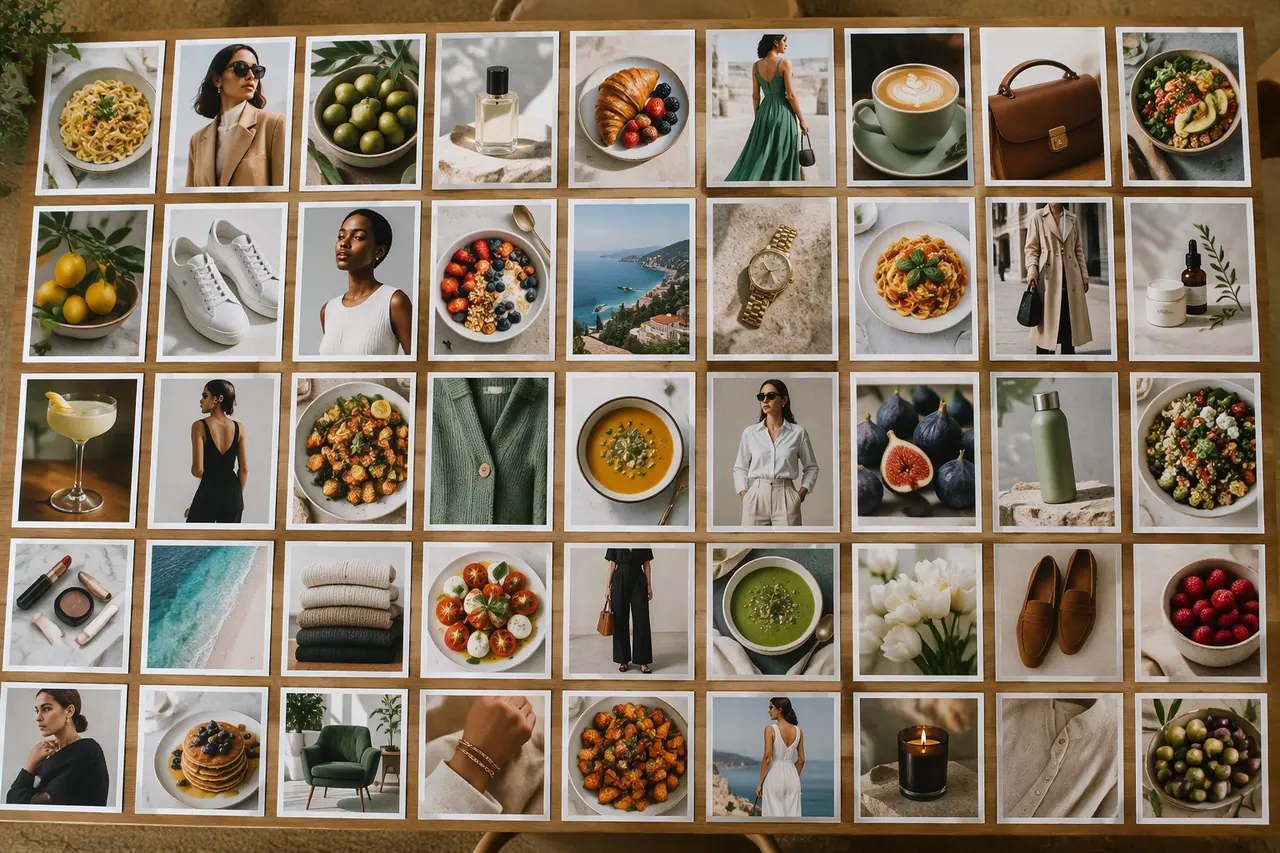
From a description to a post that is ready to upload.
Step by step in Cutlin
Cutlin does not post for you: download the finished post and publish it in the app or your usual scheduling tool.
- In Configuration, choose the Portrait 4:5 size, tagged Instagram post, so the picture is made at exactly 1080 × 1350
- Add your brand's @username so its colours, fonts and real logo are applied
- Describe the post: what it announces, what is in it, any words it must show
- Pick the best of up to 4 results and refine it with a follow-up prompt
- Run Check for social media, fix what it flags, then download
- For the same post at every platform size, with words and logo inside the safe area, choose Generate for social media in its menu
Many posts at once
Ask for a week of posts, or attach a content calendar, and Cutlin builds a plan of up to 30 posts, stories and videos, each with a caption you can copy.
What to check yourself
AI can get details wrong. Read every word in the picture, check prices, dates and product details, and make sure the caption says what you mean.