Brand identity and launch content for startups
You need a brand before launch, not after. Ask Cutlin for a brand, describe your startup and get a logo, colours, fonts and guidelines; publish them as a Melon Cut Guidelines brand; then make the launch posts, stories and videos in the same look.
- live preview tabs for a new brand
- 5
- credits per change to a brand
- 5
- launch items in one plan
- 30

Sounds familiar?
- No brand yet, and a launch date coming
- A logo made in a hurry, with no rules for using it
- Investors, press and partners all asking for the logo
- A product that changes faster than the pitch deck
What you can make
- A logo, colour palette and font pairing, kept as font files, from a two-line description of the product
- A founder's logo sketch traced and redrawn as a clean mark
- A launch-week plan: an announcement post, three feature posts, a story and a vertical teaser
- A press kit at your brand's link in Melon Cut Guidelines, with logo downloads in PNG and PDF
- A landscape hero picture for the website in the new brand colours
How startups use Cutlin
Describe the business
In Cutlin, ask for a brand and say what you do, for whom and how you want to come across. Choose Open brand on its card in the chat and watch the logo, colours, fonts and guidelines appear in the live preview, in a sidebar beside the chat.
Refine and publish
Ask for changes in the same chat, work through the things to fix and the suggestions, then pick the brand's address and publish.
Launch
Name your new brand's @username in your prompt and make the launch pictures, videos and captions in the same look, from one chat.
From description to identity
Ask Cutlin for a brand and it creates a logo, colours, fonts and guidelines from a description of your business, or changes a brand you already have. The brand appears as a card in the chat; Open brand shows it in a sidebar beside the chat, with live preview tabs - Guidelines, Overview, Foundation, Assets and Systems - things to fix and suggestions, undo and publishing, while changes are asked for in the same chat. Each turn uses 5 credits.
A press kit that stays current
Guidelines published in Melon Cut Guidelines are your press kit: logos to download in the format a journalist or partner needs, colour codes to copy, and your mission and story to quote. When you update the brand, the link updates with it.
Room to grow
When the product grows into a family, add sub-brands under the parent in Melon Cut Guidelines. When you rebrand, publish the new identity and keep the old one as an earlier identity on the brand's History timeline.
The features they use most
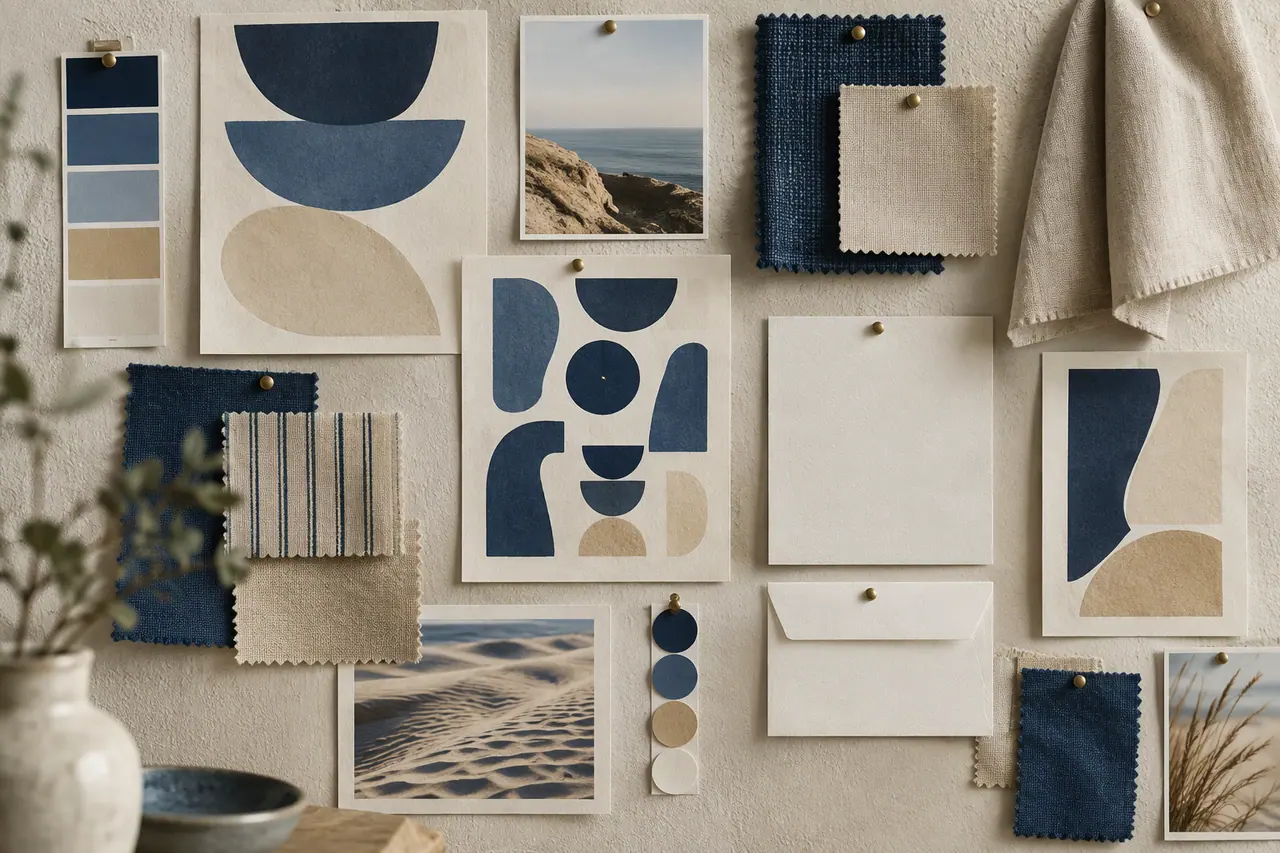 On-brand content
AI brand identity generator
Logo, colours, fonts and guidelines from a description.
 On-brand content
On-brand AI images
Your guidelines and your real logo on every picture.
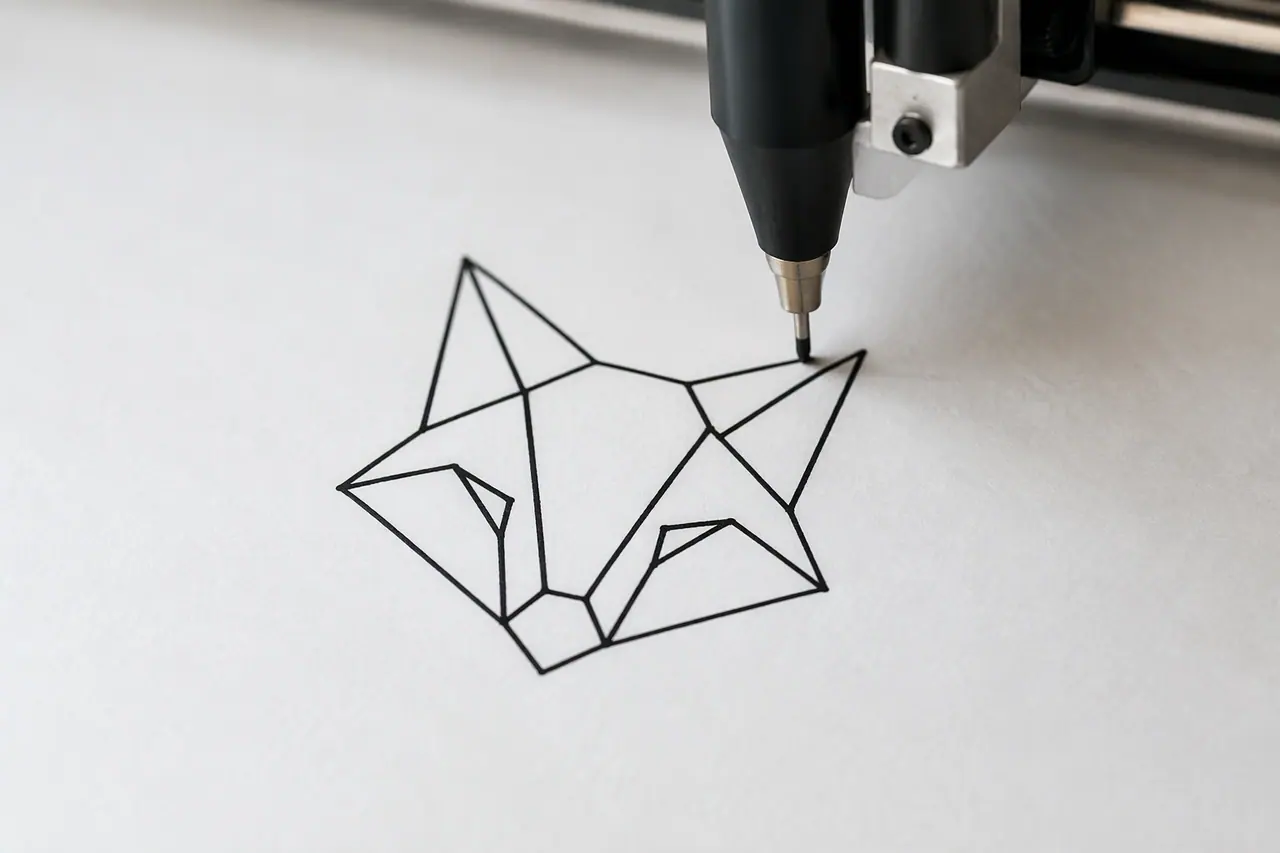 Vectors
AI vector generator
Real, editable SVG from a text description.
 Social media
 post generator
Feed posts at 1080 × 1350, checked before you post.
Can AI create our brand identity?
Yes. Ask Cutlin for a brand and describe your business, and it creates a logo, colours, fonts and guidelines that you refine before publishing.
What happens when we rebrand?
Publish the new look as the brand's new identity and keep the old one as an earlier identity. In Melon Cut Guidelines the brand's History page lists both, and the old page points to the current one.
Is there a free plan?
Not for making a brand with AI: that needs a paid Cutlin plan; see the pricing page. Melon Cut Guidelines, where the published brand is kept, has a Free plan for private guidelines.
A brand used in Cutlin is kept in Melon Cut Guidelines: its guidelines page is at meloncut.com/yourbrand, and Cutlin reads it from there.
People also ask
- Your brand Can AI create a brand identity? Yes. AI can turn a description of a business into a starting brand identity: a logo, a colour palette, fonts and written guidelines. It is fast and useful for exploring directions, but you still decide what fits - review the logo closely, check that the name and mark are free to use, and refine it until it feels like yours.
- Your brand How do I make AI images on-brand? Give the AI your brand, not just a prompt: your colours, fonts, photo style and the rules for your logo. Describing them in every prompt helps, but results still drift. A tool that reads your published brand guidelines does it consistently. In Cutlin, add your brand's @username and every result follows its guidelines, with your real logo placed afterwards.
- Pricing and credits How do credits work in Cutlin? Credits are how Cutlin measures AI work. Your plan gives credits every month, and each action uses some: a picture 5 with the Fast model or 15 with Quality, a branded one 30, and a video 60 for every started 5 seconds. Before a run, the studio shows what it costs and what you have left. Top-up packs add more credits at any time.
Make this week's content today
From a brand identity to launch content, in one place.