AI content for real estate marketing
Every new listing needs posts, stories and a video by the day it goes live. Cutlin makes them from the property photos you already have and keeps every piece in the agency's look, and its free Watermark tool puts the agency's logo on every listing photo.
- keyframes between a listing video's first and last photo
- 8
- agency logo watermark on every photo
- Free
- just-listed posts
- 1080 × 1350

Sounds familiar?
- A post, a story and a video for every listing, often in the same week
- Listing photos needed in a different size for every portal and platform
- Agents' own posts drifting away from the agency's brand
- Photos reused elsewhere with no sign of where they came from
What you can make
- A just-listed post for a three-bedroom apartment, with the area and neighbourhood in the headline
- A vertical listing video from six photos: the façade opens it, the balcony view closes it
- Every listing photo watermarked with the agency logo in one go, saved as the agency's template
- A 1.91:1 picture of the façade for when the listing link is shared
- An open-house story with the date, the time and the agent's name
How real estate use Cutlin
Upload the listing photos
Add the property's photos to your prompt and your agency's brand under Primary brand in Configuration.
Ask for the set
Request a just-listed post, an open-house story and a vertical video in one message; Cutlin plans them as separate items.
Watermark and download
Put the agency logo on the photos you will share elsewhere with the free Watermark tool, then download.
A listing video from photos you already have
Choose the photos and their order: the first opens the video, the last closes it, and up to 8 more sit in between as keyframes. Generate for social media makes it again at exactly 1080 × 1920 for Reels and TikTok, with words and logo kept clear of the app's buttons, and a branded video ends on your real logo.
Your logo on every listing photo
The Watermark tool is free for anyone signed in. Add the agency logo and every photo of the listing, place the mark in a corner or repeat it as a tiled or diagonal pattern so it is hard to crop out, and save it as the agency's template so every agent uses the same one.
Present the property fairly
Use AI for posts, stories and videos about the property, not to change what the property looks like. Rules on edited property images and AI content differ by country and platform, so check your local advertising rules and each platform's policy.
One agency look for every listing
Put the agency's logos, colours, fonts and tone of voice in Melon Cut Guidelines and give every agent the link. Make the listing content in Cutlin under the agency's @username, and every post shares one look and carries the real logo.
The features they use most
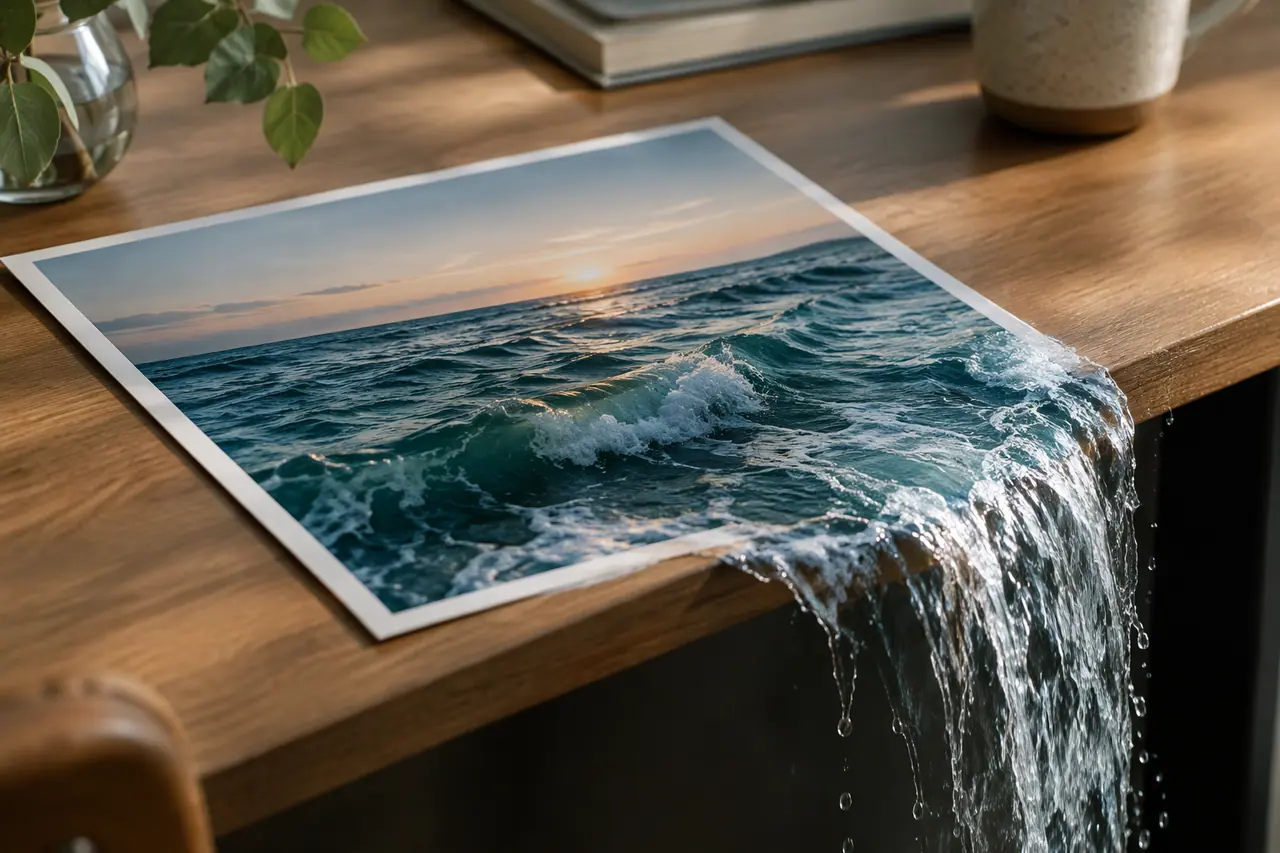 Video
Image to video
Photos in, video out: first frame, last frame and keyframes.
 Watermark
Logo watermark
Free for anyone signed in: your logo on as many pictures as you add.
 Social media
 post generator
Feed posts at 1080 × 1350, checked before you post.
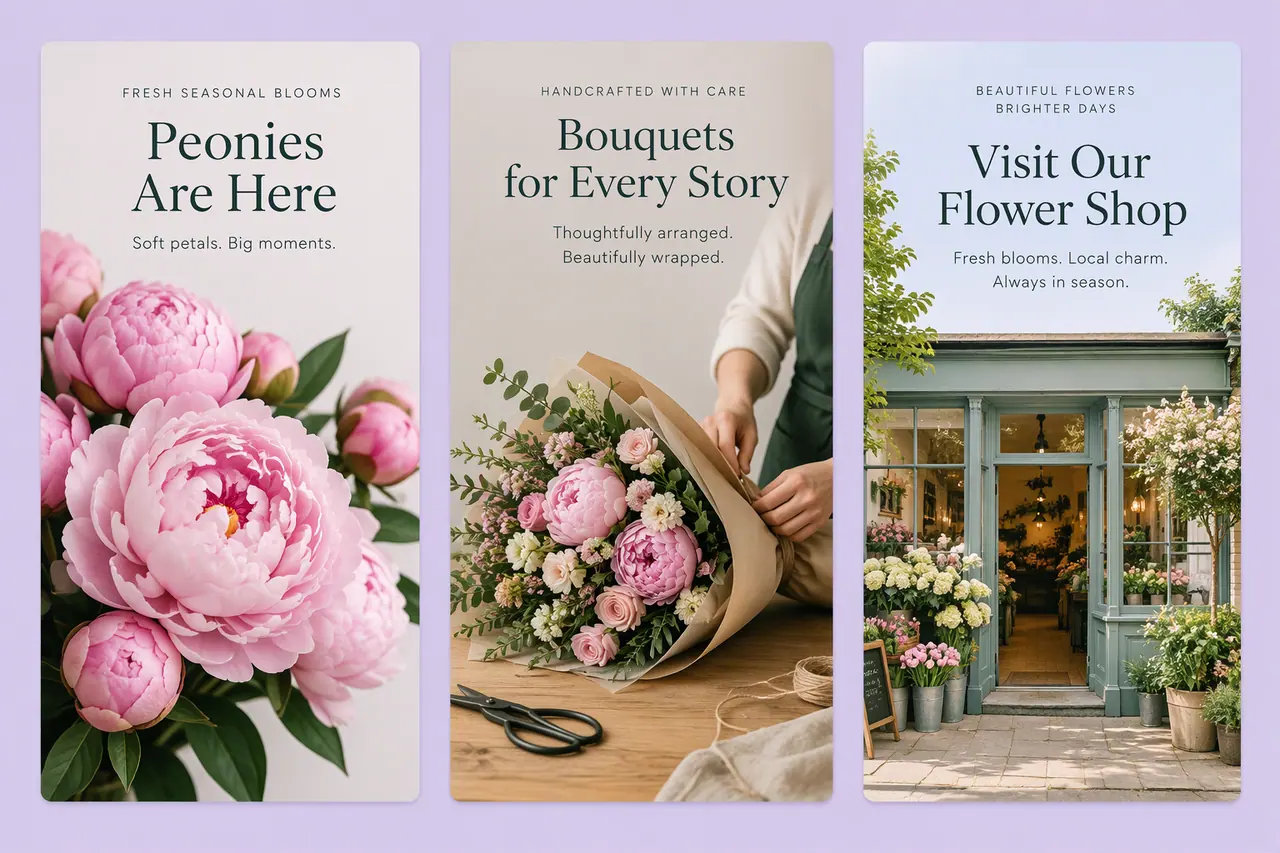 Social media
AI story generator
Full-screen 9:16 stories, planned with your posts.
 On-brand content
On-brand AI images
Your guidelines and your real logo on every picture.
Can AI make a property video from listing photos?
Yes. Make a video from pictures: the façade can open it, the best view can close it, and up to 8 more photos sit in between as keyframes.
Can I add my agency logo to listing photos?
Yes, for free. The Watermark tool puts your logo on as many photos as you add, as a single mark or a tiled or diagonal pattern, with its size, opacity, rotation and margin set as you like.
Is it acceptable to edit property photos with AI?
Changing what the property looks like can mislead buyers. Rules differ by country and platform, so check local advertising rules and label AI content where a platform asks you to.
A brand used in Cutlin is kept in Melon Cut Guidelines: its guidelines page is at meloncut.com/yourbrand, and Cutlin reads it from there.
People also ask
- Video Can AI turn photos into a video? Yes. Image-to-video AI animates a still picture or moves between several, inventing the motion in between. In Cutlin, attach your pictures: the first opens the video, the last closes it, and up to 8 more act as keyframes in between. Add your brand and the video gets a generated opening frame and an end card with your real logo.
- Watermarks How do I add a logo watermark to photos? Place your logo on the photo at a set position, size and opacity - usually a corner, small and partly transparent - or repeat it across the picture so it is hard to crop out. Cutlin's Watermark tool does this for free for anyone signed in: add your logo and as many pictures as you like, place the mark or choose a tiled or diagonal pattern, set its rotation and margin, and watch the live preview.
- Using AI content Do I need to label AI-generated content on social media? Sometimes. Platforms such as Instagram, Facebook and TikTok have their own rules for labelling AI-generated content, especially realistic images, video or audio that people could mistake for real people or events. The rules differ by platform and by country and change often, so check each platform's current policy and local law before you post. When in doubt, label it.
Make this week's content today
Listing posts, open-house stories and listing videos.