AI story generator for 9:16 Instagram stories
Ask Cutlin's AI story generator for stories alongside your posts and it makes them in the full-screen 9:16 shape. To bring a picture to exactly 1080 × 1920, with every word and the logo kept clear of the edges where the app puts its own name, buttons and reply box, choose Generate for social media in its menu.
- pixels, when remade for social media
- 1080 × 1920
- kept clear at top and bottom
- 14%
- kept clear at each side
- 8%
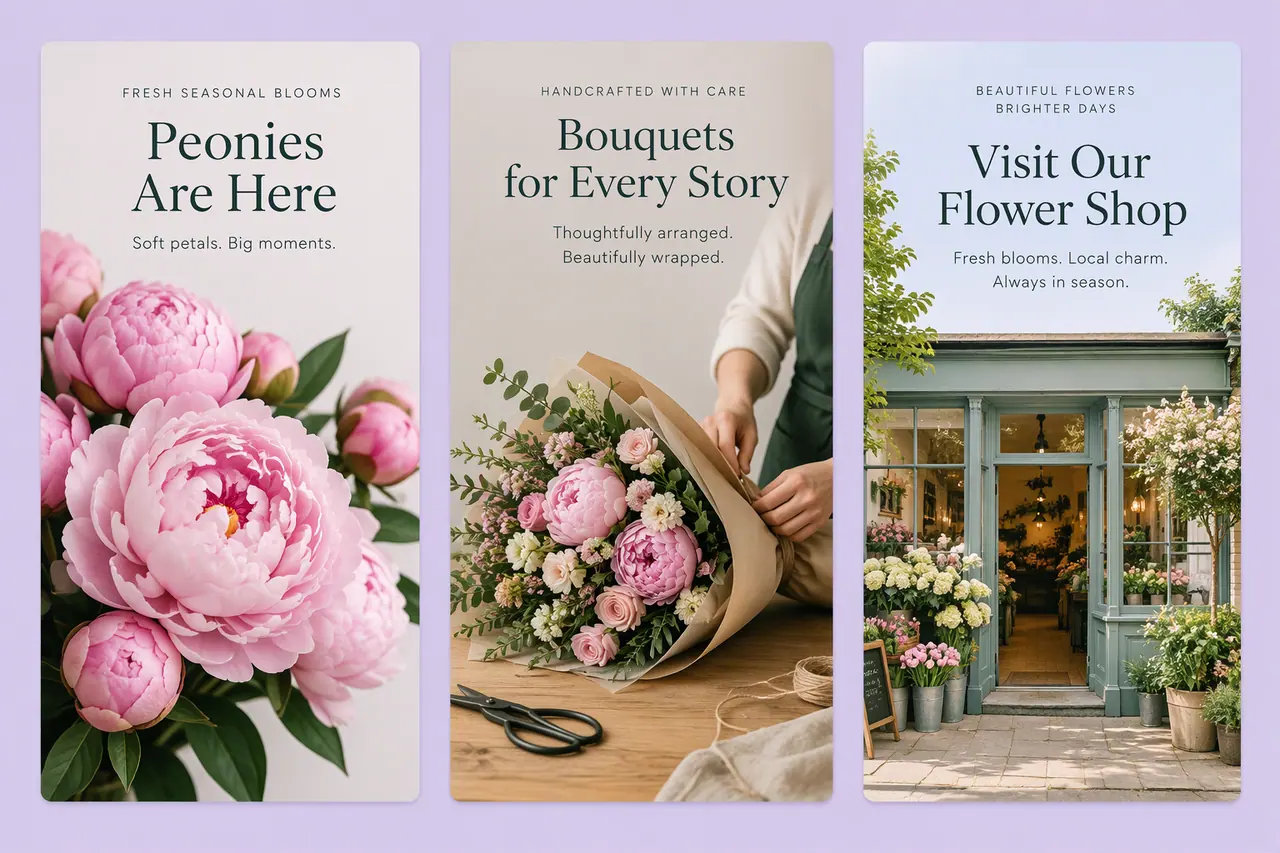
AI story generator, step by step
Ask for stories
Write what you need - "three stories announcing Friday's offer" - or ask for posts and stories together, and they are made as items in a plan. For a single story, choose Tall 9:16, tagged Instagram Story, in Configuration.
Review the plan
Each Story 9:16 item has a title and the text that goes with it. Remove any you don't need and check the credits.
Make and download
Press Make all. To bring a story to exactly 1080 × 1920 with its words inside the safe area, choose Generate for social media in its menu. Then download each story, or all of them as a zip, and post them.
Built for the full screen
A story fills the phone from top to bottom. In a plan, a story is a 9:16 picture, made like any other; on its own, choose Tall 9:16 in Configuration, tagged Instagram Story, Reels, TikTok and YouTube Shorts, for a 864 × 1536 picture.
Clear of the buttons and bars
Stories carry the app's own interface on top: the account name and progress bar at the top, the reply box and buttons at the bottom. Generate for social media, in a picture's menu, makes it again at exactly 1080 × 1920 and keeps every word and the logo 8% from the sides and 14% from the top and bottom, so nothing important sits underneath them.
Stories as part of a campaign
Stories are rarely made alone. Ask for a launch - feed posts and stories - and they arrive in one plan, with the text for each story written alongside it.
On-brand stories
Add your brand with its @username and each story follows its colours, fonts and style. Your real logo is placed on it, never drawn by the AI.
AI story generator: the details
- Size
- 864 × 1536 with Tall 9:16; 1080 × 1920 with Generate for social media
- Shape
- 9:16 portrait
- Safe area, sides
- 8% from the left and right, with Generate for social media
- Safe area, top and bottom
- 14% from each, with Generate for social media
- How it is made
- As an item in a plan, with its text, or with the Tall 9:16 size
What size is an Instagram story?
1080 × 1920 pixels, a 9:16 portrait. Generate for social media makes a story at exactly that size, with words and logo inside the safe area.
Can I get a post and a story of the same idea?
Yes. Ask for both in one message - "a post and a story for the sale" - and the plan holds a Post 4:5 and a Story 9:16 item.
A brand used in Cutlin is kept in Melon Cut Guidelines: its guidelines page is at meloncut.com/yourbrand, and Cutlin reads it from there.
Works well with
 Social media
 post generator
Feed posts at 1080 × 1350, checked before you post.
 Video
Social media video maker
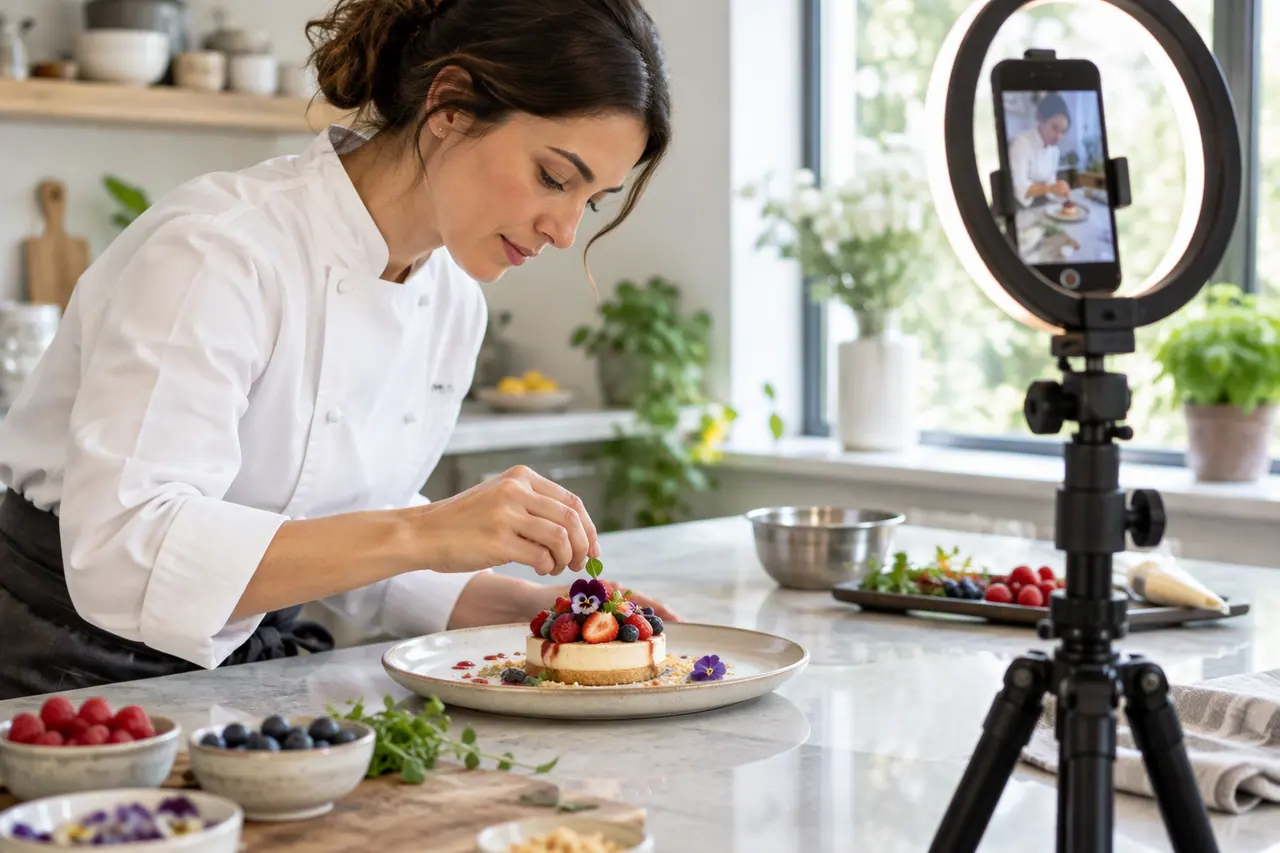
Vertical, square or landscape videos, remade clear of the buttons.
 Social media
Bulk image generation
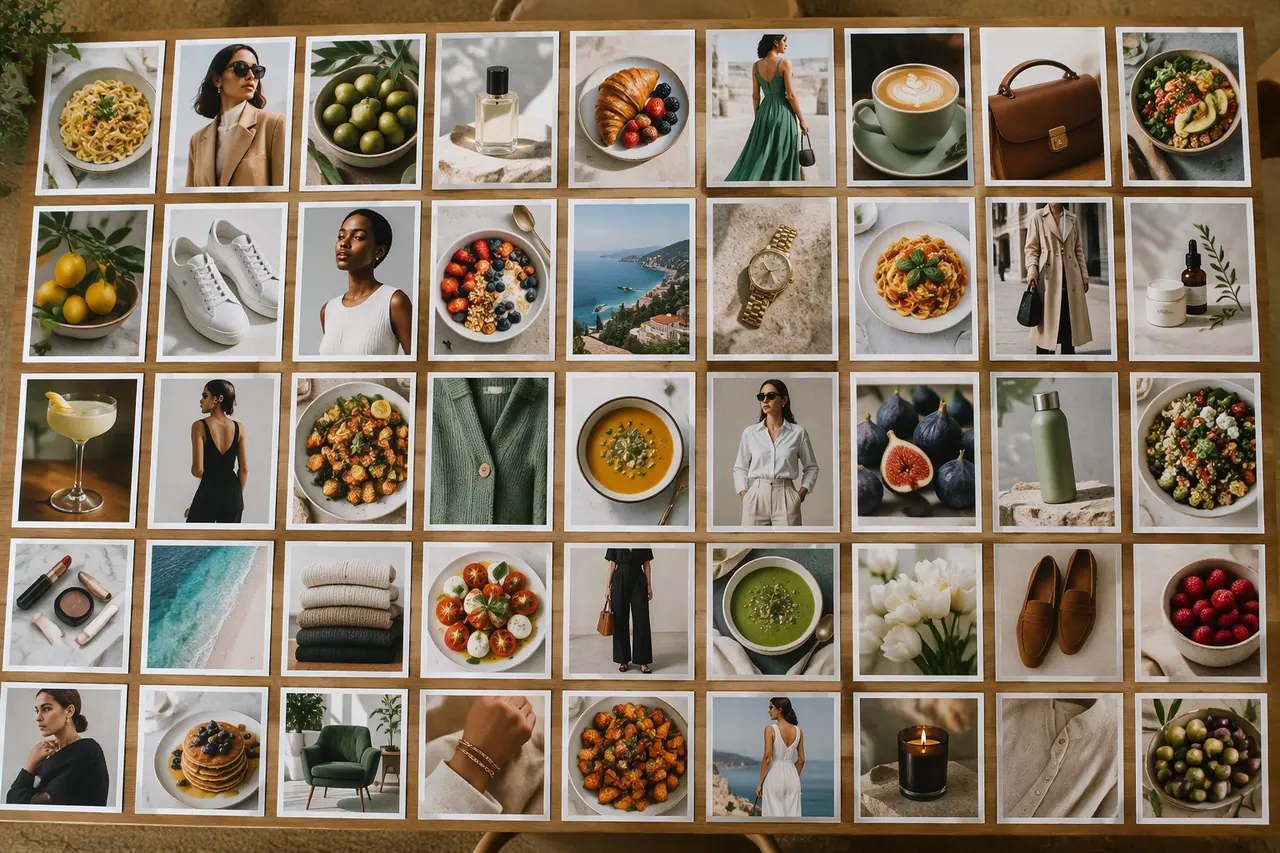
Up to 30 posts, stories and pictures from one prompt.
 On-brand content
On-brand AI images
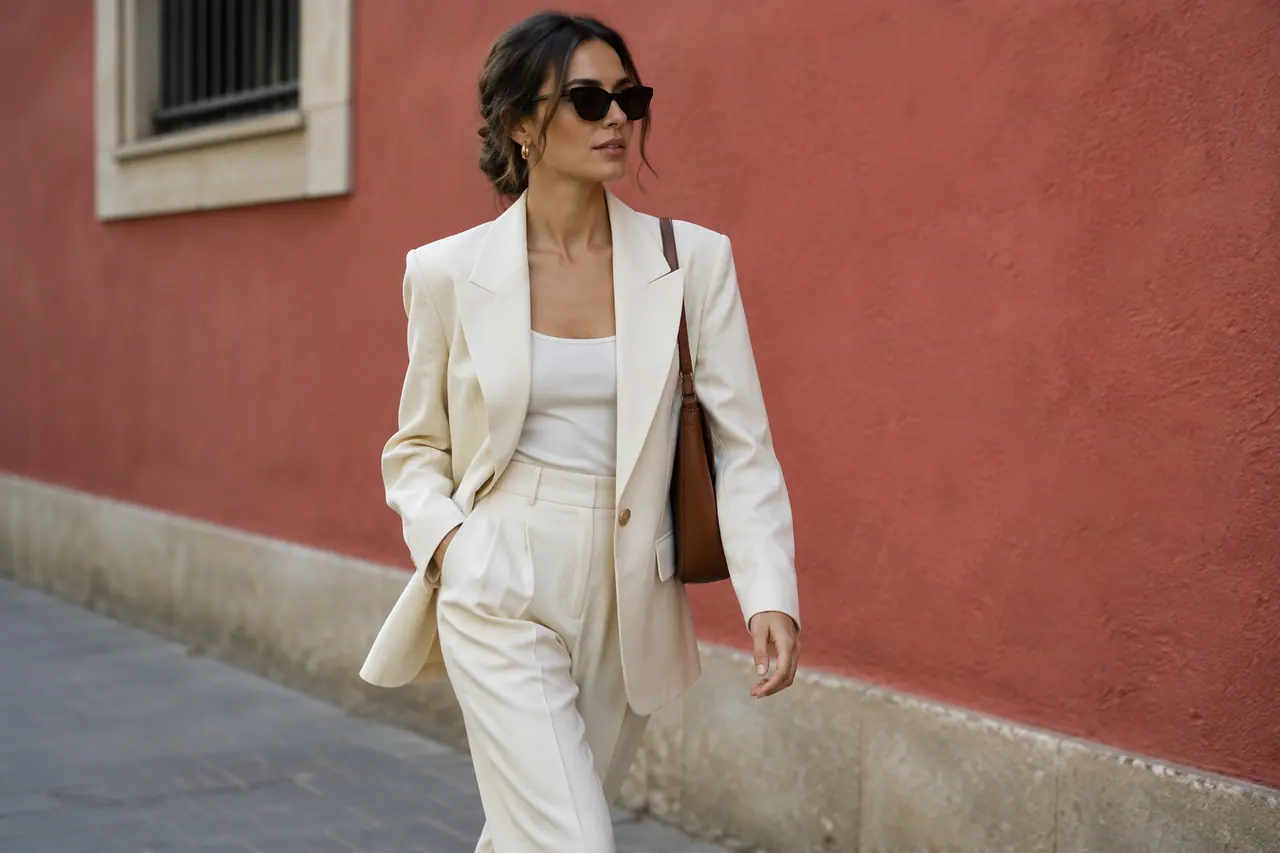
Your guidelines and your real logo on every picture.


People also ask
- Social media What size is an Instagram story? Make Instagram stories 1080 × 1920 pixels, a 9:16 vertical that fills a phone screen. The app shows your profile name at the top and the reply bar at the bottom, so keep text, logos and faces 8% from the sides and 14% from the top and bottom. Cutlin's Generate for social media makes stories at exactly this size, with this safe area.
- Social media What is a safe zone on social media? A safe zone is the area of a post, story or video where important content won't be cropped or hidden behind the app's buttons, names and captions. Keep text, logos and faces inside it. Cutlin's Generate for social media uses 13% from the sides and 12% from the top and bottom for 4:5 posts, 8% and 14% for stories, and 8%, 14% and 20% for vertical videos.
Try it on your next post
Full-screen 9:16 stories, planned with your posts.