AI content for social media managers
Keep every account posting without a design queue. Describe a week of content, get posts, stories and vertical videos in the right sizes, on-brand, with captions - and check each one before it goes live.
- items in one content plan
- 30
- feed posts, ready to upload
- 1080 × 1350
- stories and vertical videos
- 9:16

Sounds familiar?
- Several accounts, each needing fresh visuals every day
- Designs that drift away from the brand's colours and fonts
- Posts cropped badly on the profile grid or covered by buttons
- Waiting on a designer for every small change
What you can make
- A week of feed posts for a product launch, with captions
- Stories announcing an offer, in the brand's colours
- A vertical teaser video from three product photos
- Holiday posts for the days coming up this month
- The same post rewritten for a different audience
How social media managers use Cutlin
Add the brand
Type the brand's @username so every result follows its guidelines and carries its real logo.
Ask for the week
Describe the posts, stories and videos you need, or attach the content calendar as a document.
Check and publish
Run Check for social media on each post, fix what it flags, copy the caption and download.
Made for the feed, not cropped by it
Pick a size by the platform it is tagged with - Portrait 4:5, 1080 × 1350, is the Instagram post shape feeds show largest - and every picture comes back at exactly that size. Generate for social media remakes a post at the platform sizes you pick, with logos and text kept 13% from the sides and 12% from the top and bottom so the profile grid doesn't cut them.
The features they use most
 Social media
 post generator
Feed posts at 1080 × 1350, checked before you post.
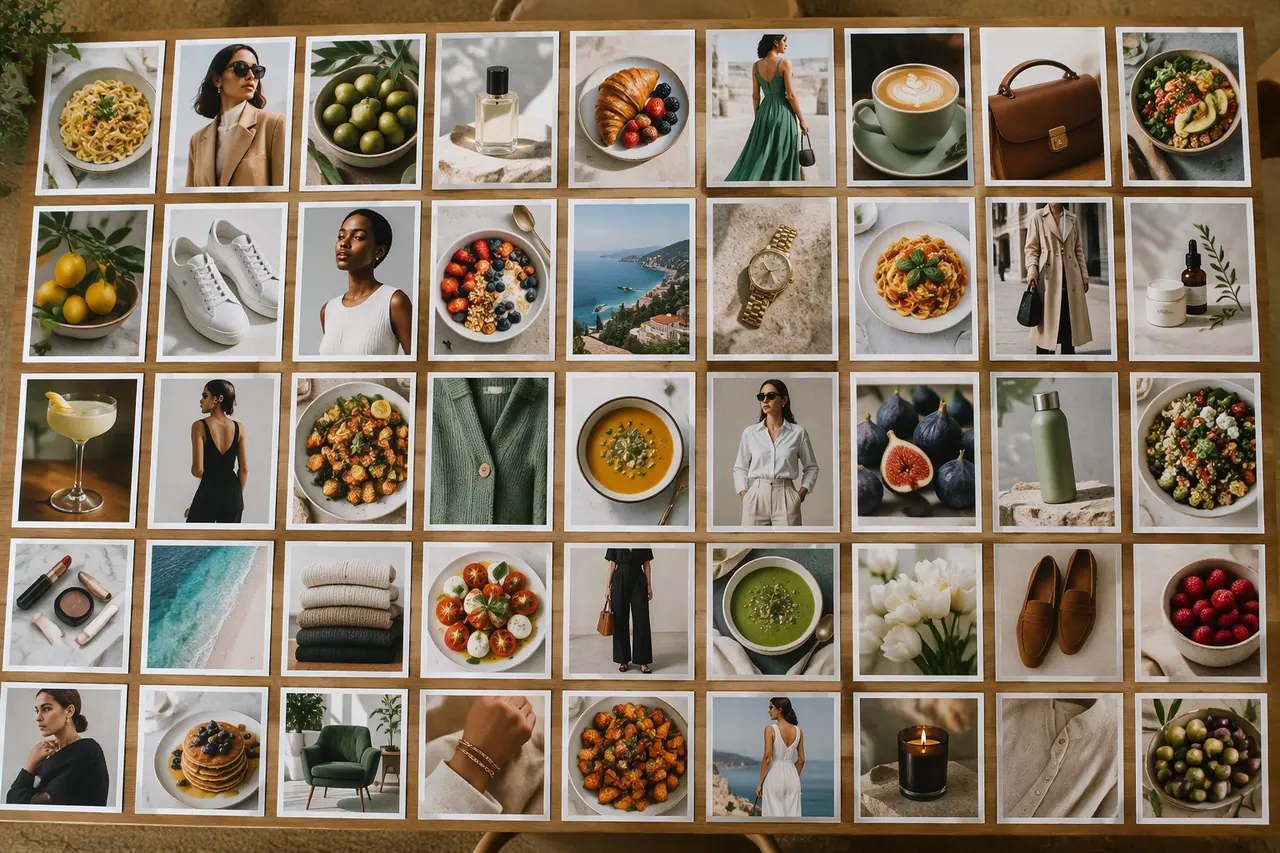 Social media
Bulk image generation
Up to 30 posts, stories and pictures from one prompt.
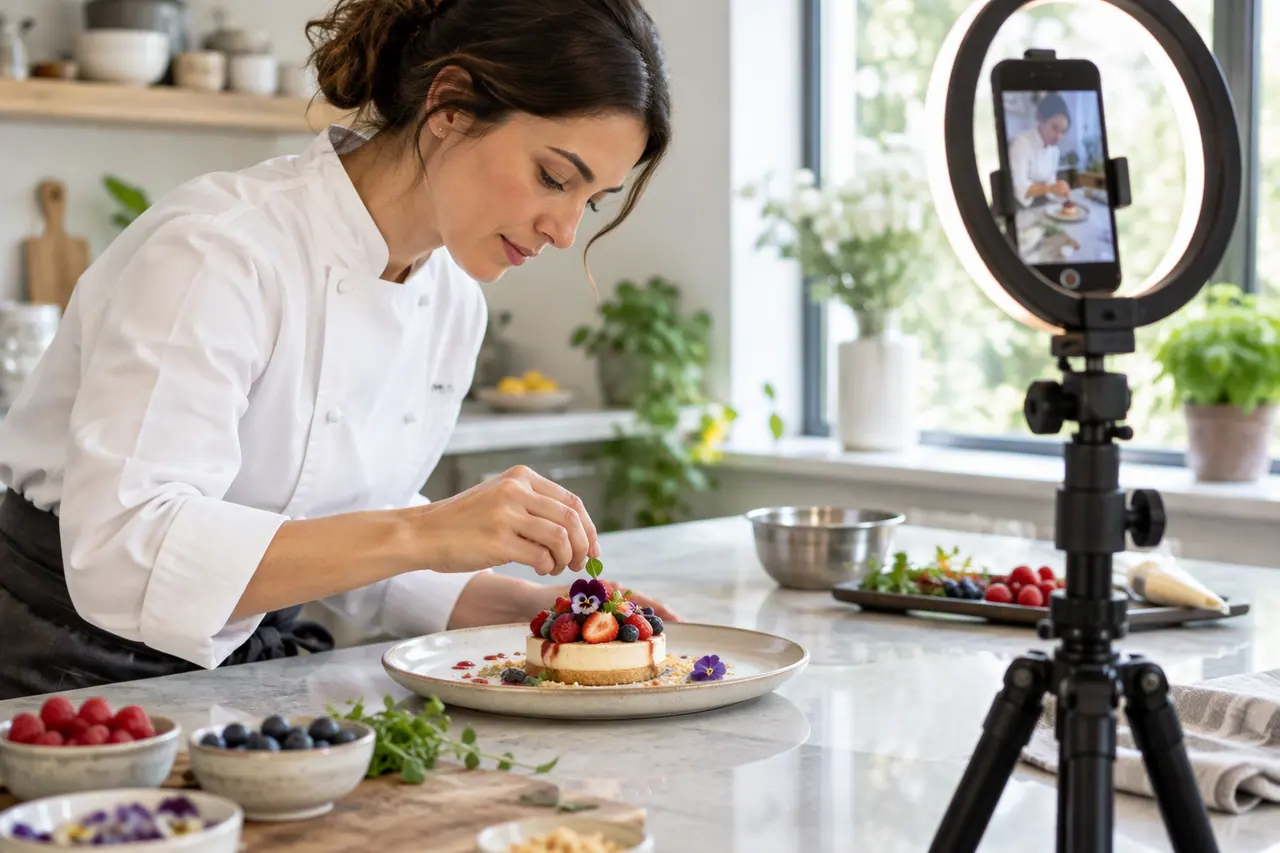 Video
Social media video maker
Vertical, square or landscape videos, remade clear of the buttons.
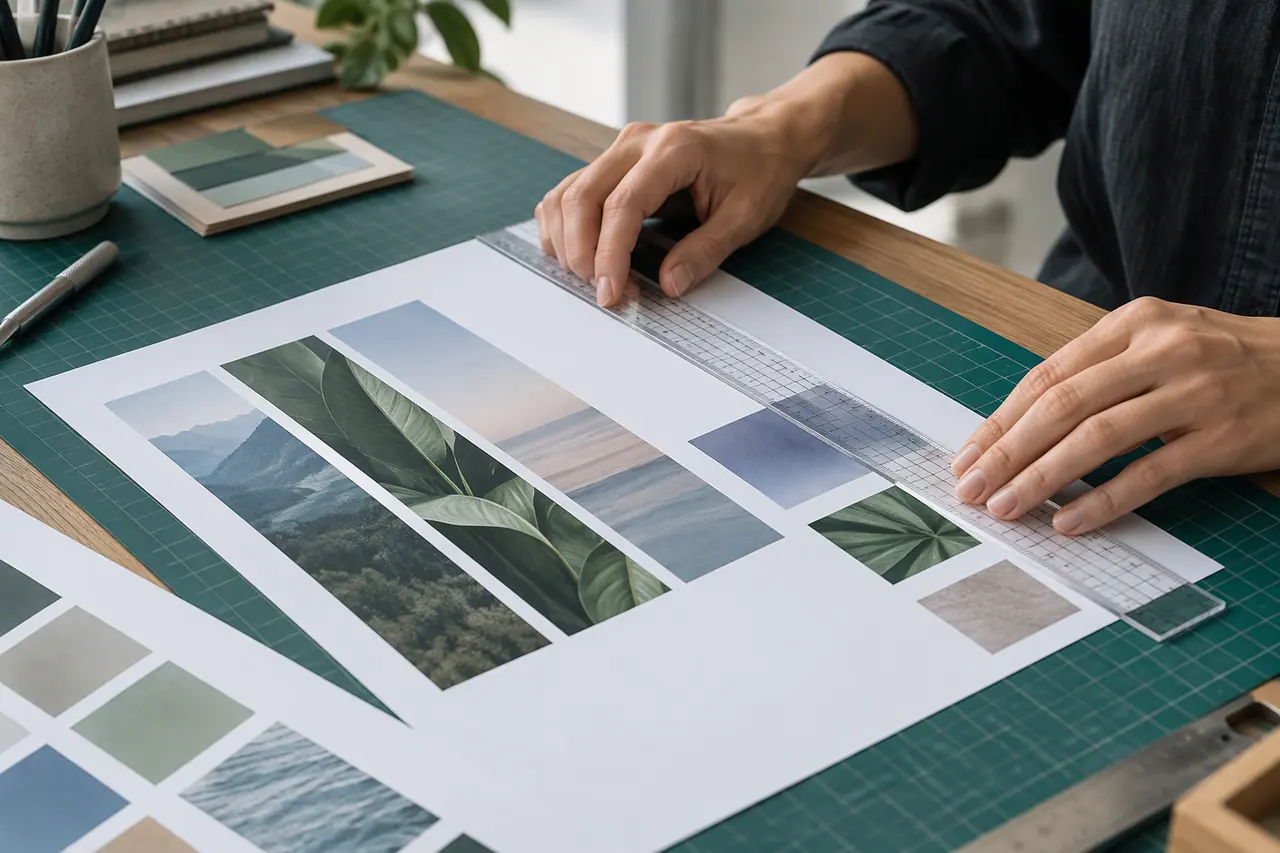 Social media
 checker
Size, shape, content and grid crop, checked in one click.
Can I make content for several brands?
Yes. Each request can name a different brand with its @username, and the results follow that brand's guidelines.
Does it write captions too?
Yes. Every item in a content plan comes with a caption you can copy with one click.
A brand used in Cutlin is kept in Melon Cut Guidelines: its guidelines page is at meloncut.com/yourbrand, and Cutlin reads it from there.
People also ask
- Social media What size is an Instagram post? Make Instagram feed posts 1080 × 1350 pixels, a 4:5 portrait. It is the tallest shape the feed shows in full, so it takes up more of the screen than a square. Keep logos and text 13% from the sides and 12% from the top and bottom so the profile grid doesn't crop them.
- Bulk creation and plans Can AI generate images in bulk? Yes. In Cutlin one prompt makes up to 4 pictures, and a request for several things - a week of posts, a set of stories - becomes a plan of up to 30 items. You see every item and the credits before anything is made, remove what you don't need, and make them all at once.
Make this week's content today
A week of on-brand posts, stories and videos in one chat.