AI caption generator for every post in your plan
Cutlin writes captions with the plan, before a single picture is made. Every post and story in it gets a title and an AI-written caption that fits it, so the picture and the words come from one request - and Copy caption puts the text on your clipboard.
- caption for every plan item
- 1
- captions in one plan
- 30
- documents to write them from
- 10

AI captions, step by step
Ask for the content
Request several posts or stories in one message, with a brief or document attached if you have one. Cutlin plans each item with a title and a caption.
Read them first
Captions appear in the plan before anything is made, so you can see the angle of each post and remove the ones that don't fit.
Copy and publish
When a result is ready, press Copy caption and paste it into Instagram, Facebook, TikTok or your scheduling tool, alongside the downloaded picture.
Pictures and words from one request
The caption is the second half of every post, and often the slower half to write. In a Cutlin plan it is written for you: a caption for a feed post, the text for a story.
Captions are written from your prompt and any document you attached, so they carry the same offer, dates and message as the picture they belong to.
You can also ask for a caption on its own, or for a picture and its caption in one prompt - "a picture and a caption for our opening" - and Cutlin makes both in the same chat.
Check the words before you spend credits
Because captions are part of the plan, you read them before any credits go on pictures. If an item's angle is wrong, remove it before you press Make all.
Keep your own words where they matter
Have a launch line or a legal note that must appear exactly? Put it in your prompt or in the attached document. Read every caption before you post it, especially names, prices, dates and claims.
AI captions: the details
- Captions
- One per plan item, with a title
- Written for
- Pictures, 4:5 posts and 9:16 stories
- Written from
- Your prompt and any documents you attach
- Copying
- A Copy caption button on each result
- Plan size
- Up to 30 items
Can AI write captions for my posts?
Yes. Ask for several posts or stories in one message and Cutlin writes a caption for each item in the plan, ready to copy.
Can captions come from my own brief?
Yes. Attach the brief, calendar or product list as a document and the captions are written from it, alongside the pictures.
Should I edit AI captions before posting?
Read every caption before it goes out. Check names, prices, dates and any claim, and adjust the wording so it sounds like you.
Works well with
 Social media
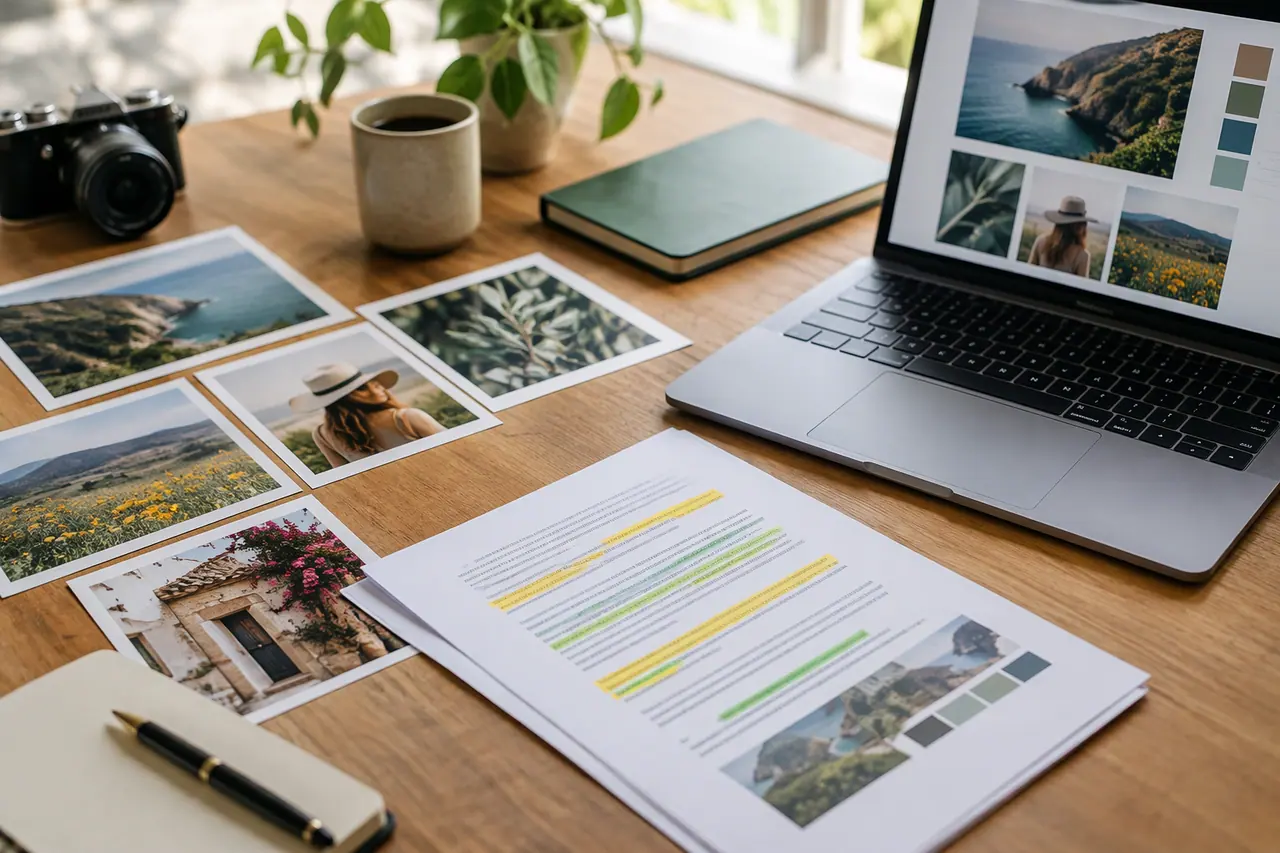
Content plans from documents
Briefs, calendars and menus turned into a plan of posts.
 Social media
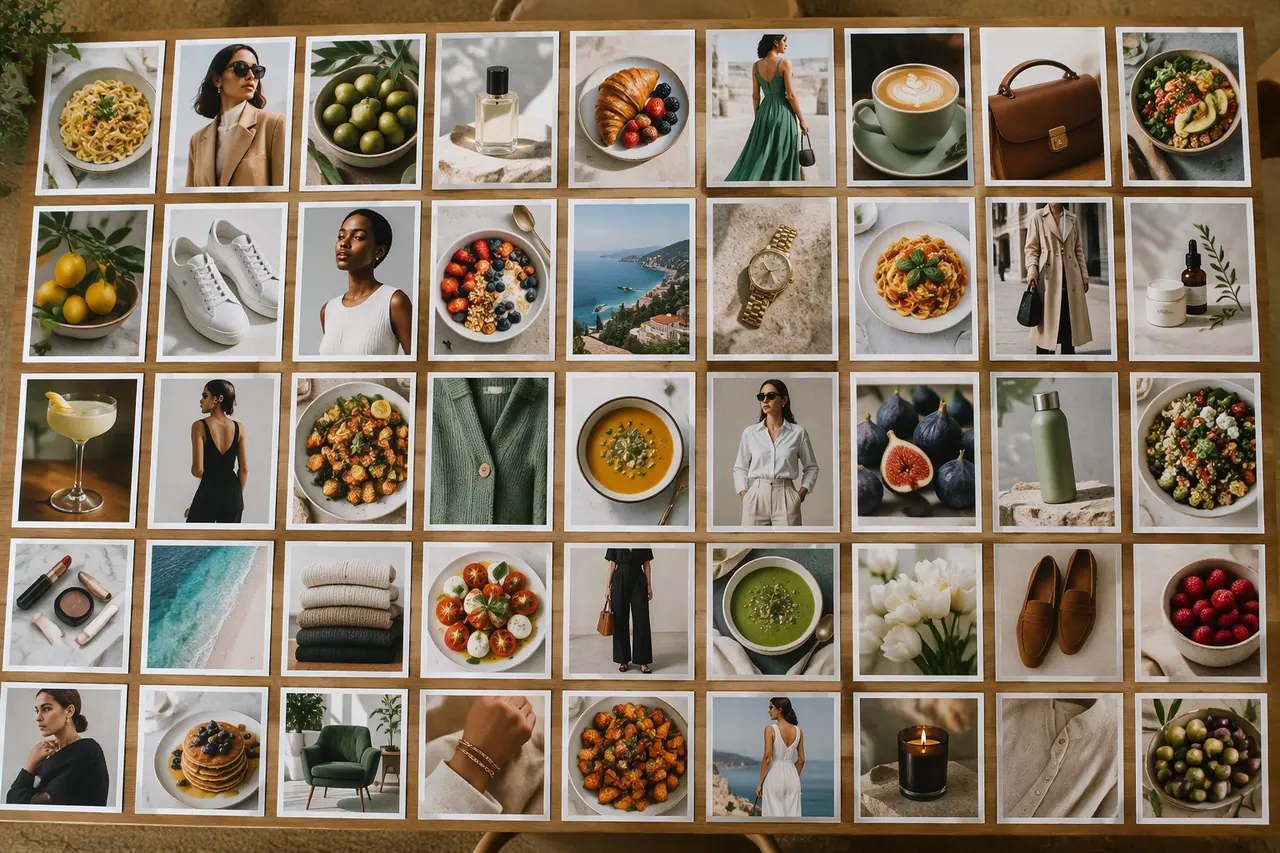
Bulk image generation
Up to 30 posts, stories and pictures from one prompt.
 Social media
 post generator
Feed posts at 1080 × 1350, checked before you post.
 Video
Social media video maker
Vertical, square or landscape videos, remade clear of the buttons.

People also ask
- Bulk creation and plans Can AI write captions for social media posts? Yes. AI can draft a caption for each post from what the post shows and what you asked for, which saves writing dozens by hand. Treat it as a first draft and check the facts, the tone, the hashtags and any claims. In Cutlin, every item in a content plan comes with its own caption, and Copy caption puts it on your clipboard.
- Social media How do I make social media posts with AI? Describe the post you want - the message, the product, the mood - in an AI design tool set to the right size, then review and refine it. In Cutlin, choose the Portrait 4:5 size, tagged Instagram post, for a 1080 × 1350 feed post, add your brand's @username, write your prompt and press Check for social media before you download.
Try it on your next post
A caption for every item, written with the plan.