On-brand AI content for companies with several brands
A group with several brands needs each one kept distinct. Each brand's guidelines are kept in Melon Cut Guidelines, which links them into a family, and Cutlin makes content for whichever brand you name.
- @username brings a brand's guidelines in
- 1
- recent brands, one click away
- 5
- on-brand items in one plan
- 30
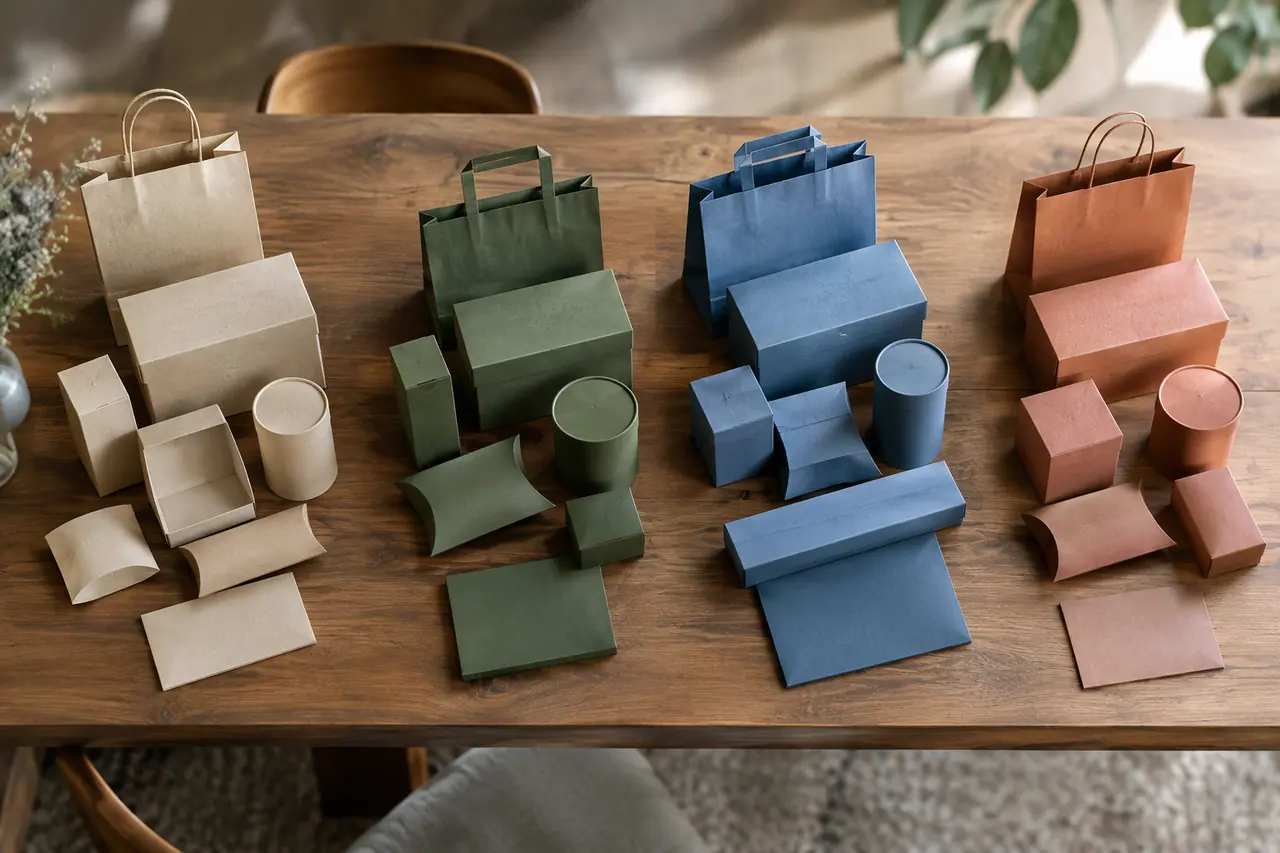
Sounds familiar?
- Sub-brands drifting away from the parent's standards
- Markets that need the same message said differently
- Old identities still circulating after a rebrand
- Agencies on different brands working from different files
What you can make
- Launch posts for three sub-brands made in one afternoon, each named by its @username
- The same campaign made once for each brand, in each brand's colours and fonts
- A parent brand page in Melon Cut Guidelines that lists every sub-brand, each with its logo
- An asset library in Melon Cut Guidelines filtered by market, so each country downloads only its own files
How multi-brand companies use Cutlin
Give each brand its guidelines
In Melon Cut Guidelines, create a brand for the parent and for each sub-brand, with its own assets, foundation, handle and visibility.
Link the family
Set the parent on each sub-brand there, and the brands' pages show Part of, Sub-brands and Related Brands.
Make content per brand
In Cutlin, name the brand you are working on by its @username, and switch by naming another.
Content for whichever brand you name
Choose a brand under Primary brand in Configuration and the results follow its guidelines and carry its real logo. Choose another and the next results follow that one; the five you used last are listed there. Every item in a plan follows the same brand, which keeps a campaign consistent.
Distinct brands, one family
In Melon Cut Guidelines each brand keeps its own logos, colours, fonts, foundation, visibility and address, so a product brand can look nothing like the group if that is the plan. The family links show how they connect: a sub-brand shows the parent it is part of, and the parent lists its sub-brands.
Markets inside each brand
Melon Cut Guidelines lets you define the markets a brand works in and assign assets, foundation values and systems to them. Write per-market variants where the words must change, and let people filter the asset library by market so each country takes only what applies to it.
The features they use most
 On-brand content
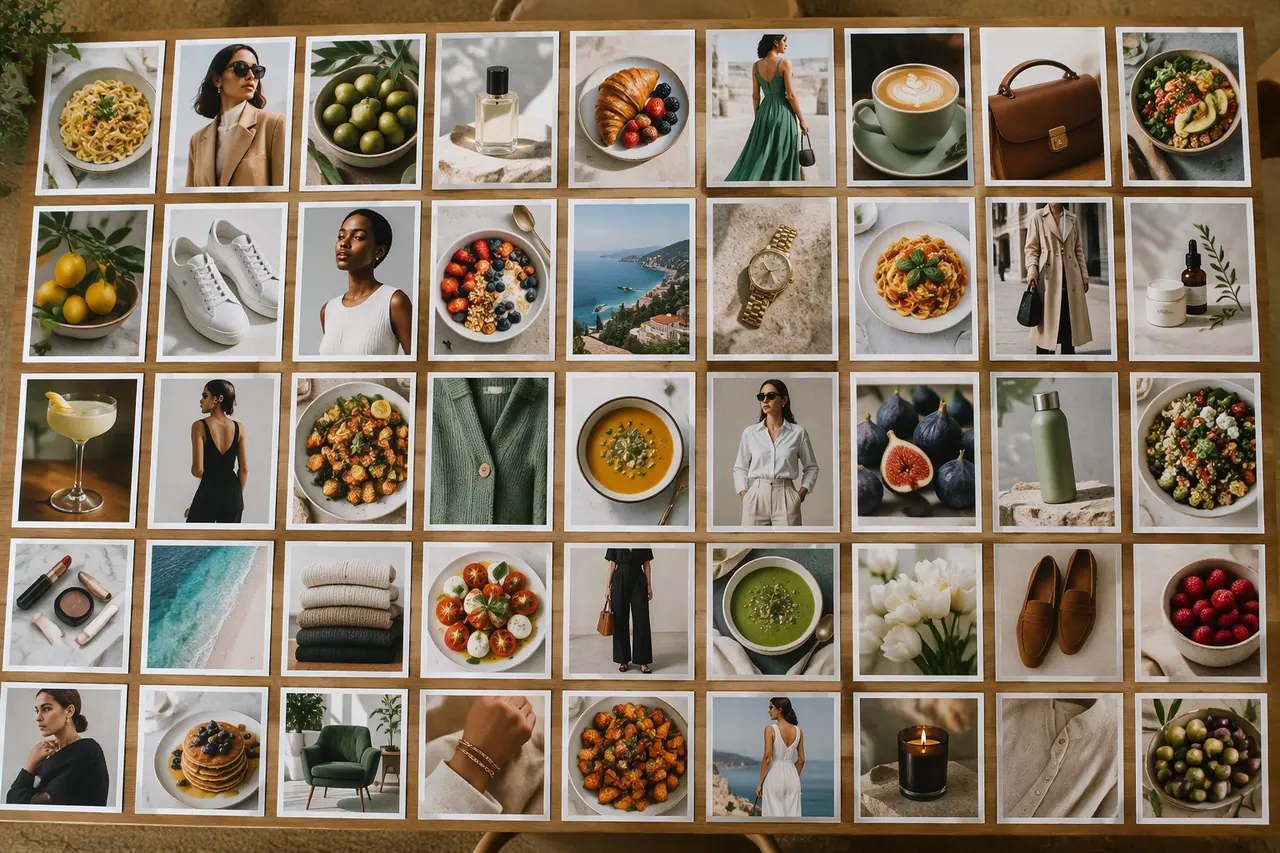
On-brand AI images
Your guidelines and your real logo on every picture.
 Social media
Bulk image generation
Up to 30 posts, stories and pictures from one prompt.
 Social media
 post generator
Feed posts at 1080 × 1350, checked before you post.
 On-brand content
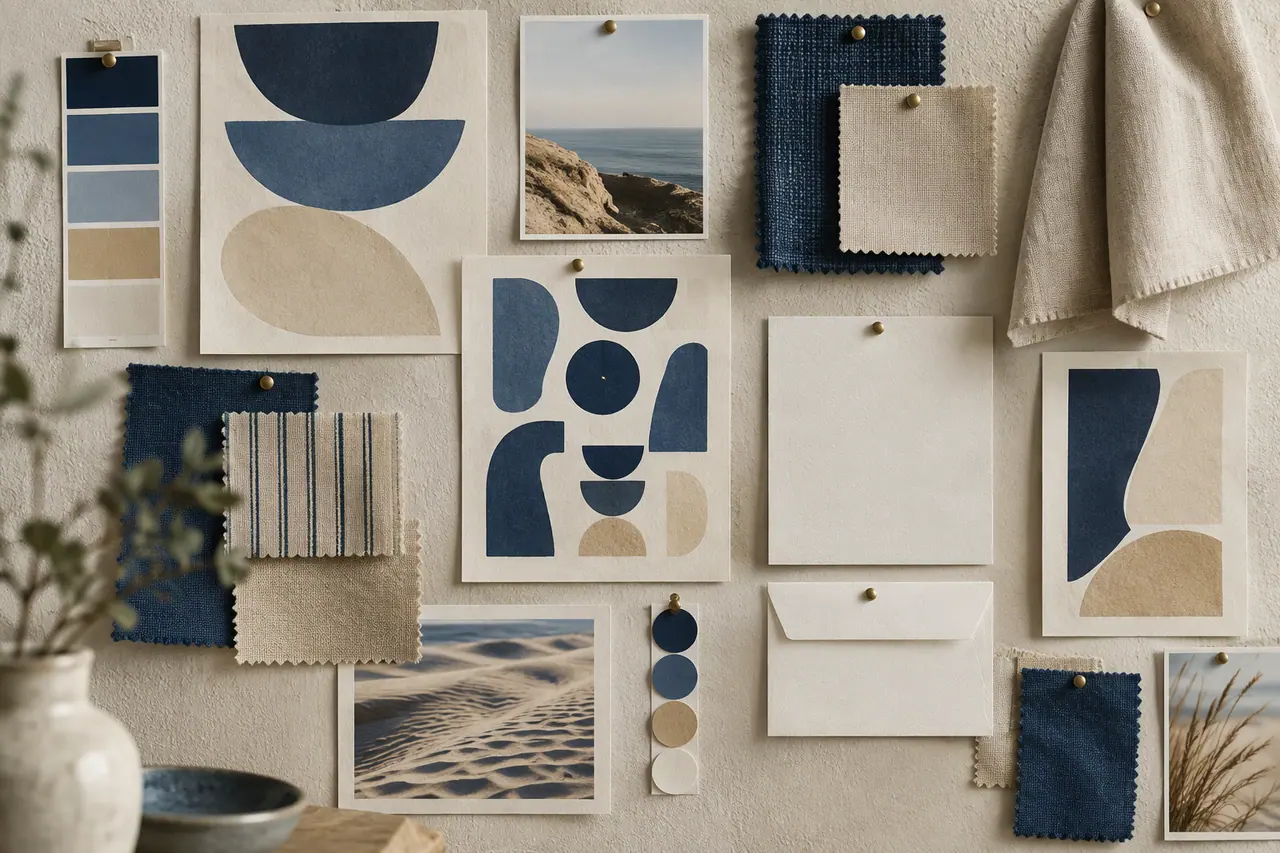
AI brand identity generator
Logo, colours, fonts and guidelines from a description.
Can we make content for each of our brands in Cutlin?
Yes. Name a brand with published guidelines by its @username under Primary brand in Configuration, and the results follow that brand's guidelines and carry its real logo.
Can each brand have its own visibility?
Yes. In Melon Cut Guidelines visibility is set per brand, so the group can be public while an unreleased brand stays private, open only to people who have its link.
Where are our brands' guidelines kept?
In Melon Cut Guidelines, at meloncut.com, where each brand has its own page and its own plan. Cutlin reads them from there by the brand's @username.
A brand used in Cutlin is kept in Melon Cut Guidelines: its guidelines page is at meloncut.com/yourbrand, and Cutlin reads it from there.
People also ask
- Your brand How do I make AI images on-brand? Give the AI your brand, not just a prompt: your colours, fonts, photo style and the rules for your logo. Describing them in every prompt helps, but results still drift. A tool that reads your published brand guidelines does it consistently. In Cutlin, add your brand's @username and every result follows its guidelines, with your real logo placed afterwards.
- Social media How do I keep social media posts on-brand? Write the rules down and apply them every time: the same colours, fonts, logo placement and tone of voice on every post. Brand guidelines make that possible. Publish yours in Melon Cut Guidelines, then type your brand's @username in Cutlin: its colours, fonts and style guide every post, and your real logo file is placed on it.
- Your brand Can AI put my real logo on images? Most AI image models can't reproduce a logo exactly: they redraw it, and letters, shapes or colours come out wrong. The reliable way is to generate the picture first and then place your real logo file on it. Cutlin does this when you add your brand: it picks the logo version that stands out best and never recolours or stretches it.
Make this week's content today
Content for every brand, each in its own look.