AI video and design tools for content creators
Your audience expects something new every day. Cutlin makes b-roll, intros and vertical videos from a prompt or your photos, restyles clips you filmed, and makes the posts around them, while your own brand page in Melon Cut Guidelines gives sponsors your logo and colours.
- longest clip
- 30 s
- video styles, or Auto
- 6
- of your own footage restyled in one go
- 30 s
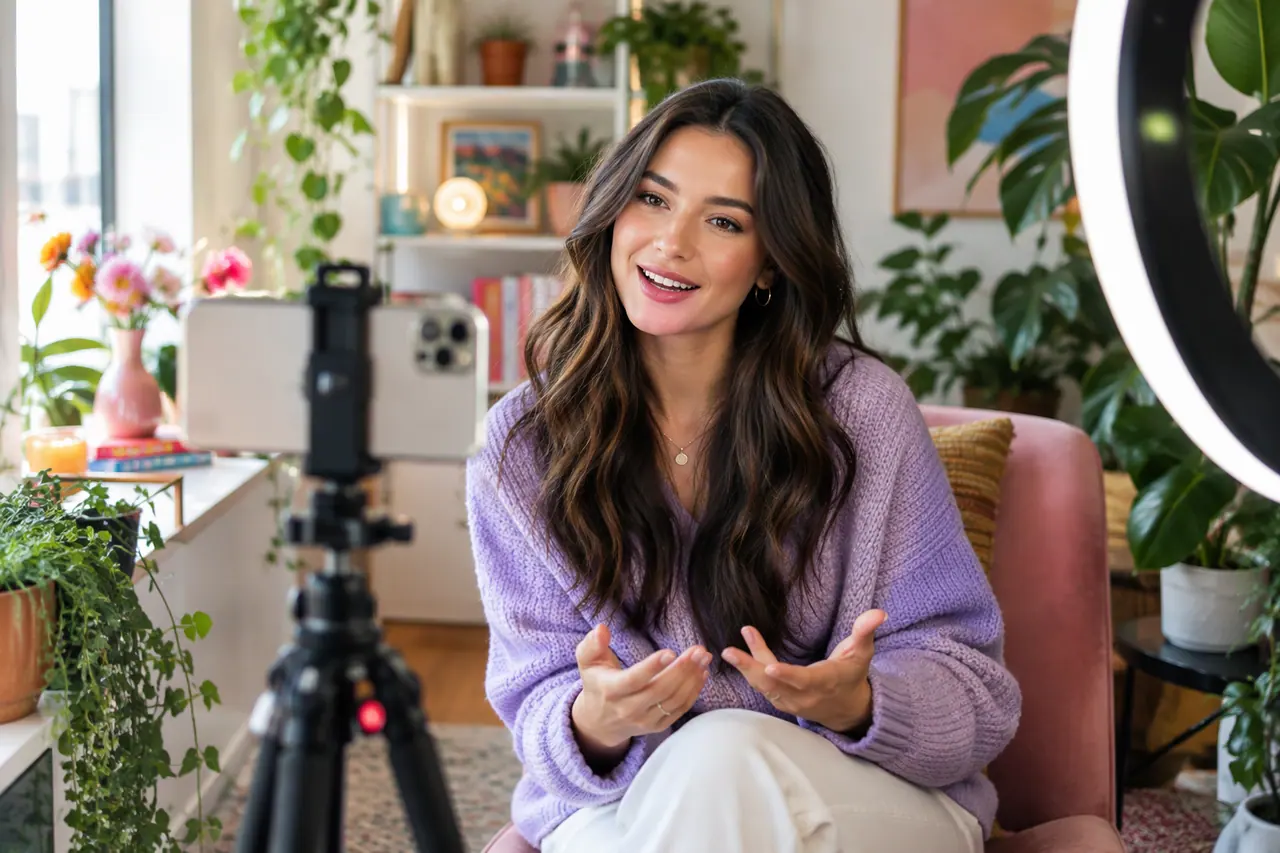
Sounds familiar?
- Posting every day across Reels and TikTok
- B-roll you never have time to film
- Keeping a look people recognise as the channel grows
- Sponsors asking for your logo, colours and a media kit
What you can make
- A 15-second b-roll clip of a rainy city street at night, to sit under a voiceover
- Your own clip restyled with Change the video, at the same length and shape
- A vertical intro from four photos of your desk setup
- A personal brand page in Melon Cut Guidelines with your logo, colours and fonts for sponsors
- A week of quote posts set in your own font, with captions
How content creators use Cutlin
Pick the kind of video
Text-to-video, a video from your photos, or Change the video for a clip you filmed.
Choose a style
Cutlin picks the model, such as Kling, Gemini Omni or one on Higgsfield, from those ticked in Settings. Pick a style for what the video is for, or leave it on Auto so your prompt decides the look. Then set the length and shape.
Download and cut it in
Download the clip and drop it into your edit in the editor you already use.
Video first
Videos run up to 30 seconds with Kling 4.0, in 16:9, 9:16, 1:1 or 21:9, and up to 15 with Gemini Omni 1.2, in 16:9 or 9:16. Each shape is labelled with where it is used, and Generate for social media remakes a finished video at exactly 1080 × 1920, with words and faces kept clear of the app's buttons. Change the video takes your own MP4 or MOV, up to 100 MB and 30 seconds, and changes it from a prompt while keeping its length and shape.
A brand sponsors can work with
Put your logo, colours, fonts and a few lines about you and your audience in Melon Cut Guidelines. Sponsors and editors take the right files from your link, and your own posts in Cutlin follow the same look when you name your @username.
The features they use most
 Video
AI video generator
Text to video, up to 30 seconds, in the shape you need.
 Video
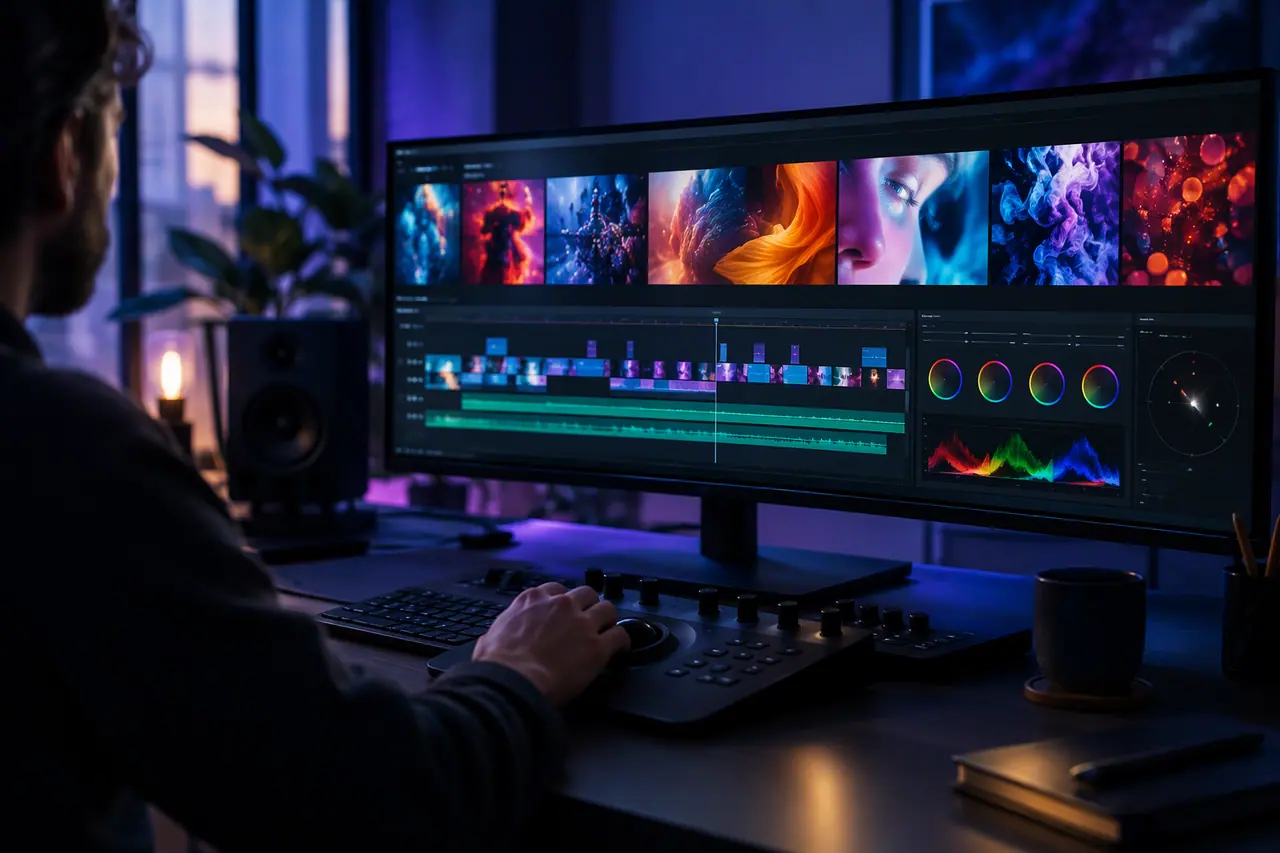
AI video editor
Change an MP4 or MOV of up to 30 seconds with a prompt.
 Video
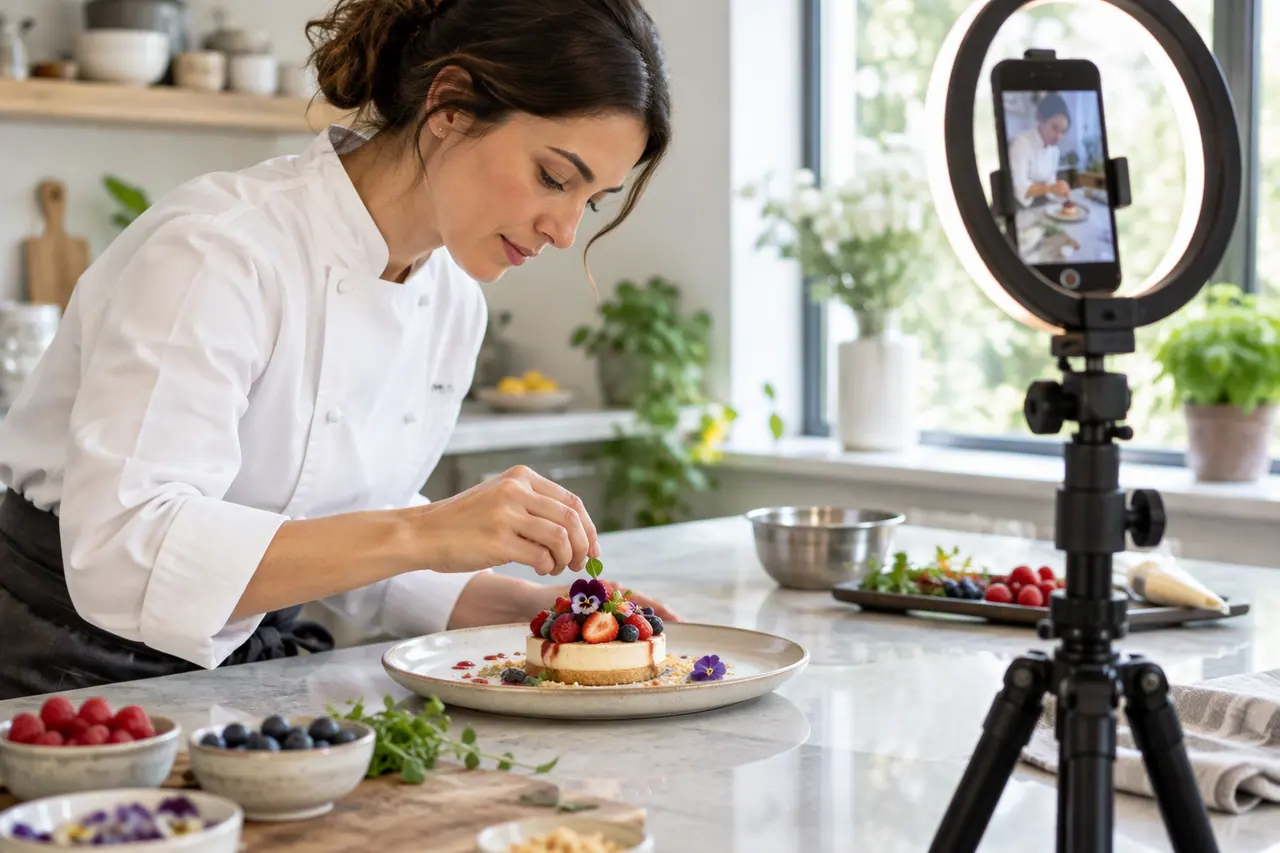
Social media video maker
Vertical, square or landscape videos, remade clear of the buttons.
 Social media
AI captions
A caption for every item, written with the plan.
 On-brand content
On-brand AI images
Your guidelines and your real logo on every picture.
How long can AI videos be?
In Cutlin, up to 30 seconds with Kling 4.0 and up to 15 with Gemini Omni 1.2, and you choose the length before you make it.
Can I edit a video I filmed?
Yes. Change the video takes an MP4 or MOV of up to 100 MB and 30 seconds and changes it from your prompt, keeping its length and shape.
Do I have to label AI videos?
Platforms have their own rules on AI content, and some ask you to label it. Check each platform's policy, since they differ and change.
A brand used in Cutlin is kept in Melon Cut Guidelines: its guidelines page is at meloncut.com/yourbrand, and Cutlin reads it from there.
People also ask
- Video How long can AI videos be? AI video models generate short clips, from a few seconds to about half a minute at a time. In Cutlin, Kling 4.0 makes 3 to 30 seconds and Gemini Omni 1.2 makes 3 to 15. For a longer video, join several clips in a video editor.
- Video Can AI edit an existing video? Yes. Video-to-video AI takes a clip you already have and changes it from a description - a new style, a different setting, a changed detail - while following the original's movement. In Cutlin, attach an MP4 or MOV of up to 100 MB and 30 seconds and use Change the video; the result keeps the source's length and shape.
- Using AI content Do I need to label AI-generated content on social media? Sometimes. Platforms such as Instagram, Facebook and TikTok have their own rules for labelling AI-generated content, especially realistic images, video or audio that people could mistake for real people or events. The rules differ by platform and by country and change often, so check each platform's current policy and local law before you post. When in doubt, label it.
Make this week's content today
B-roll, vertical videos and posts in your own look.