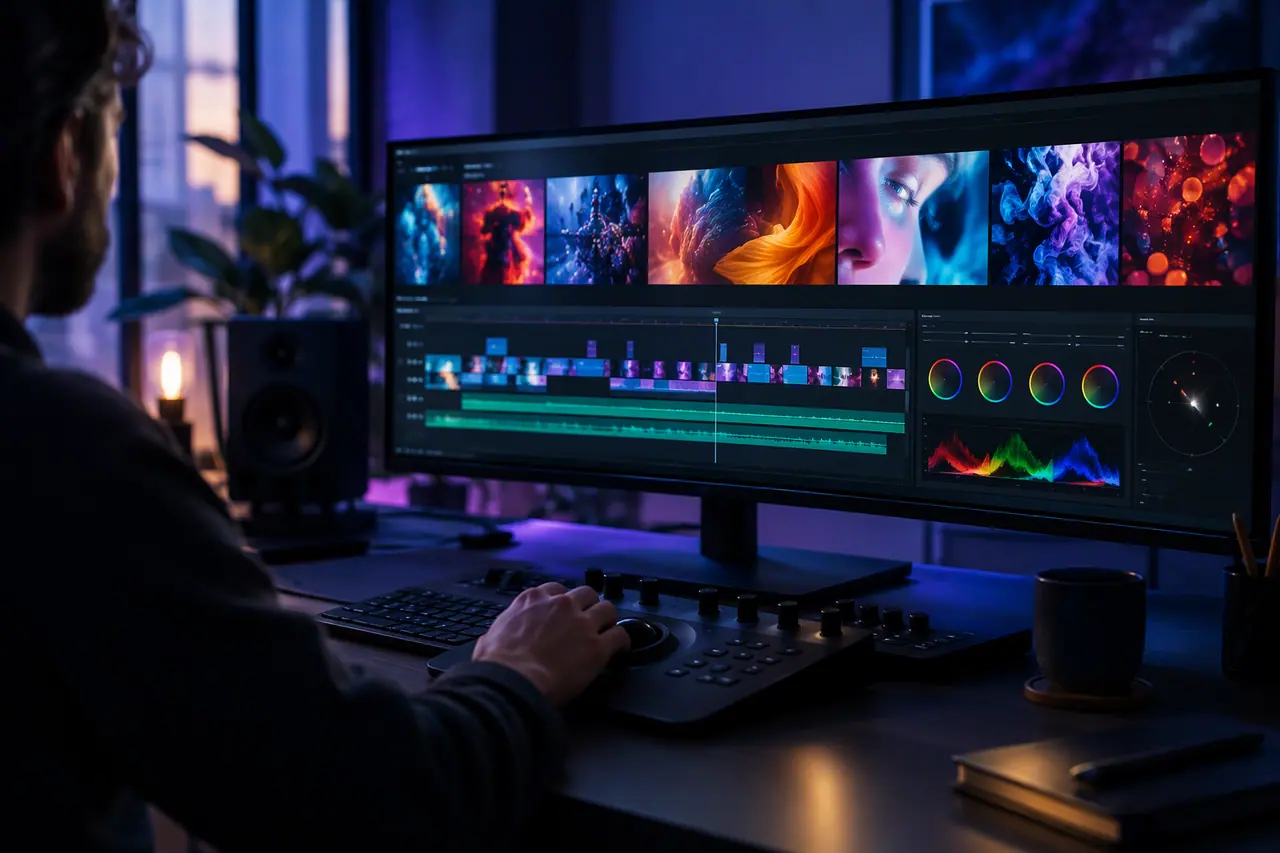
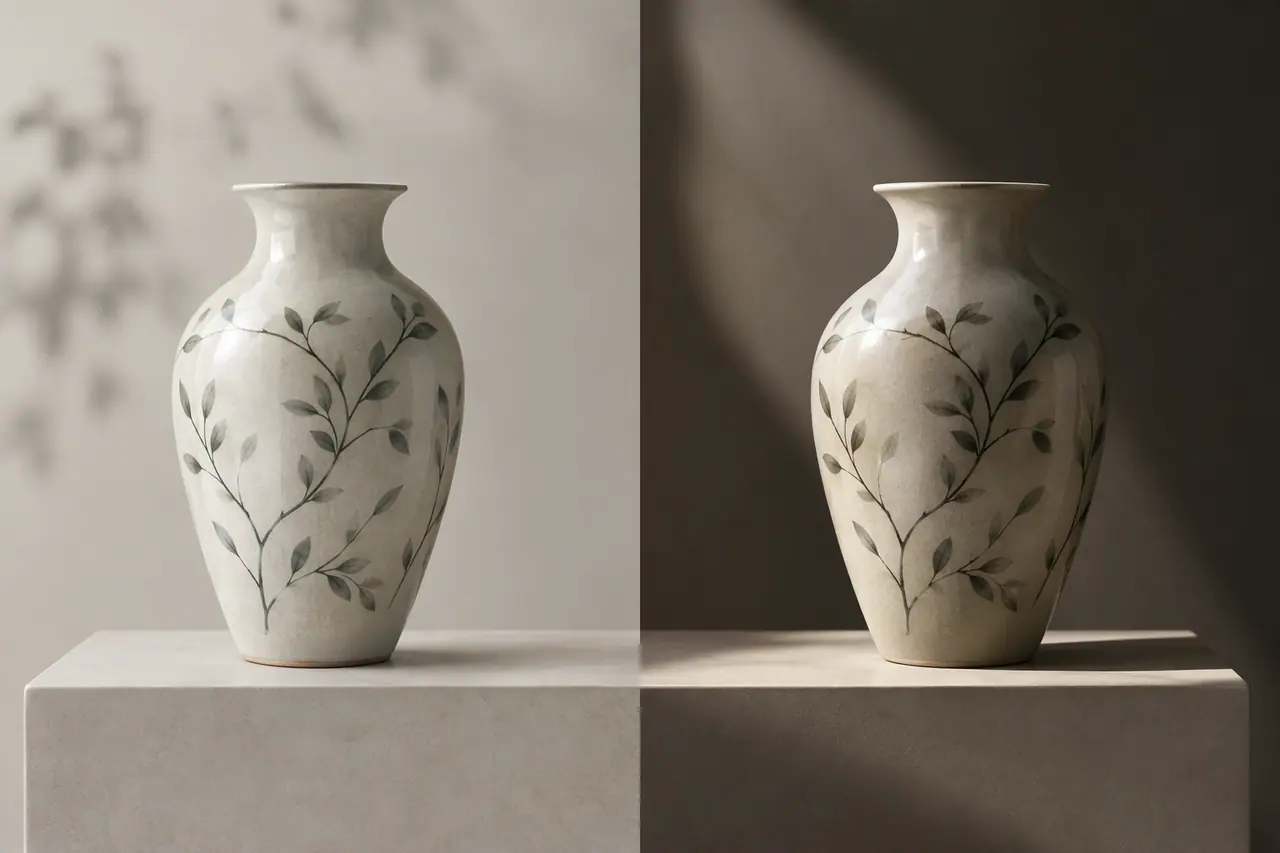
Changing a video you have by describing the change.
What video-to-video is good for
It changes what the video looks like, not how it is cut. For trimming and joining clips, use a video editor.
- Restyling a clip: illustrated, cinematic, a different season
- Changing the setting behind the subject
- Changing a detail: a colour, an object, the weather
- Making versions of one clip for different campaigns
How it works in Cutlin
Attach the video, choose Change the video and describe what should be different. The source must be an MP4 or MOV file of at most 100 MB, and 30 seconds with Kling or 15 with Gemini Omni, and the result has the same length and shape. Video edits are made with Kling 4.0 or Gemini Omni 1.2, or Seedance 2.5 or Kling O3 on Higgsfield, and with Gemini Omni the next prompt in a chat changes the last video without sending it again, and a change to a video can also be one item in a plan.