AI content for beauty and wellness businesses
Clients choose a salon, a spa or a skincare brand by how it feels. Melon Cut Guidelines keeps that feeling written down - colours, fonts, voice and tone - and Cutlin makes the posts, stories, product pictures and short videos that carry it.
- stories for openings and offers
- 9:16
- posts and stories in one plan
- 30
- feed posts, ready to upload
- 1080 × 1350
Sounds familiar?
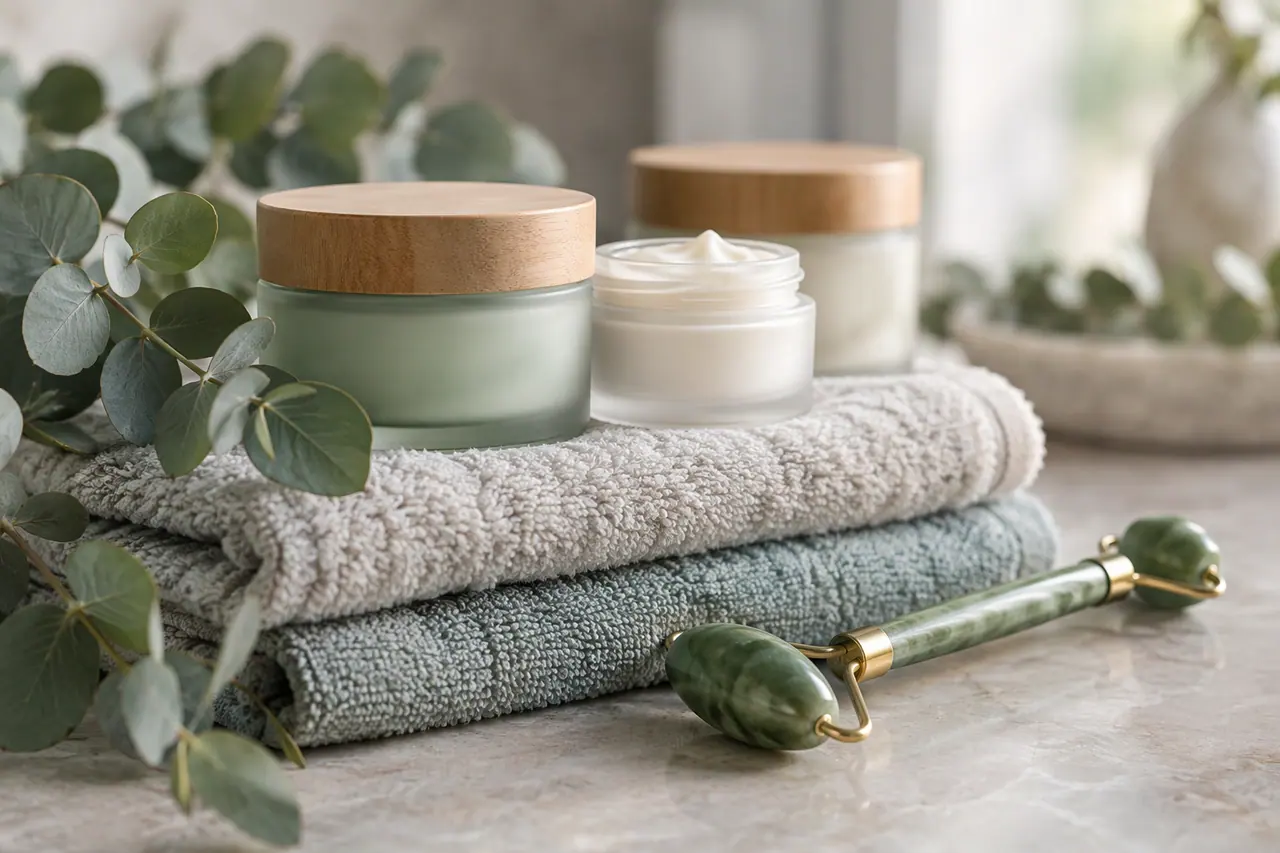
- A calm, premium look that is hard to keep across every post
- Treatment menus and prices that change with the season
- Small bottles and jars that look flat in phone photos
- Writing that sounds like an advert instead of like the salon
What you can make
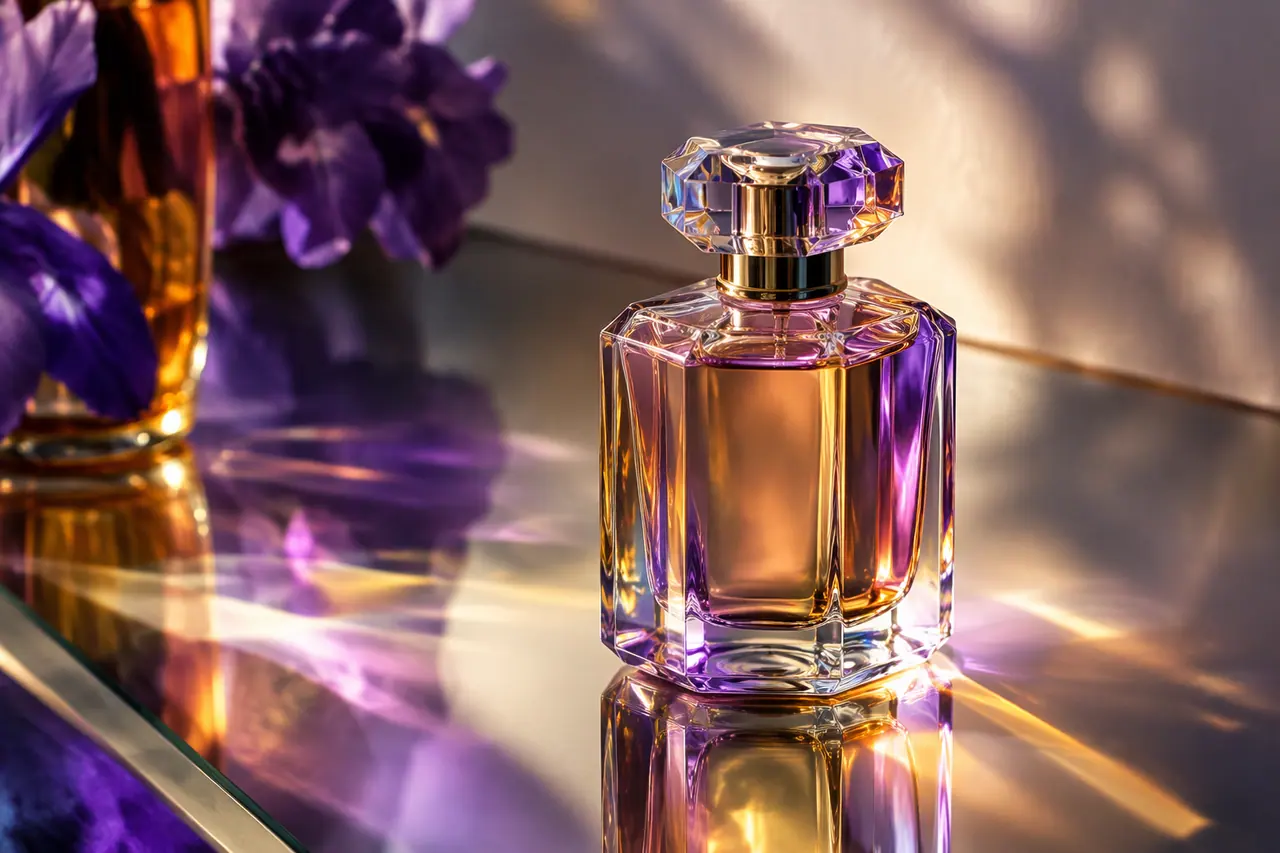
- A serum bottle from a phone photo, shown on a marble shelf in the brand's blush colour
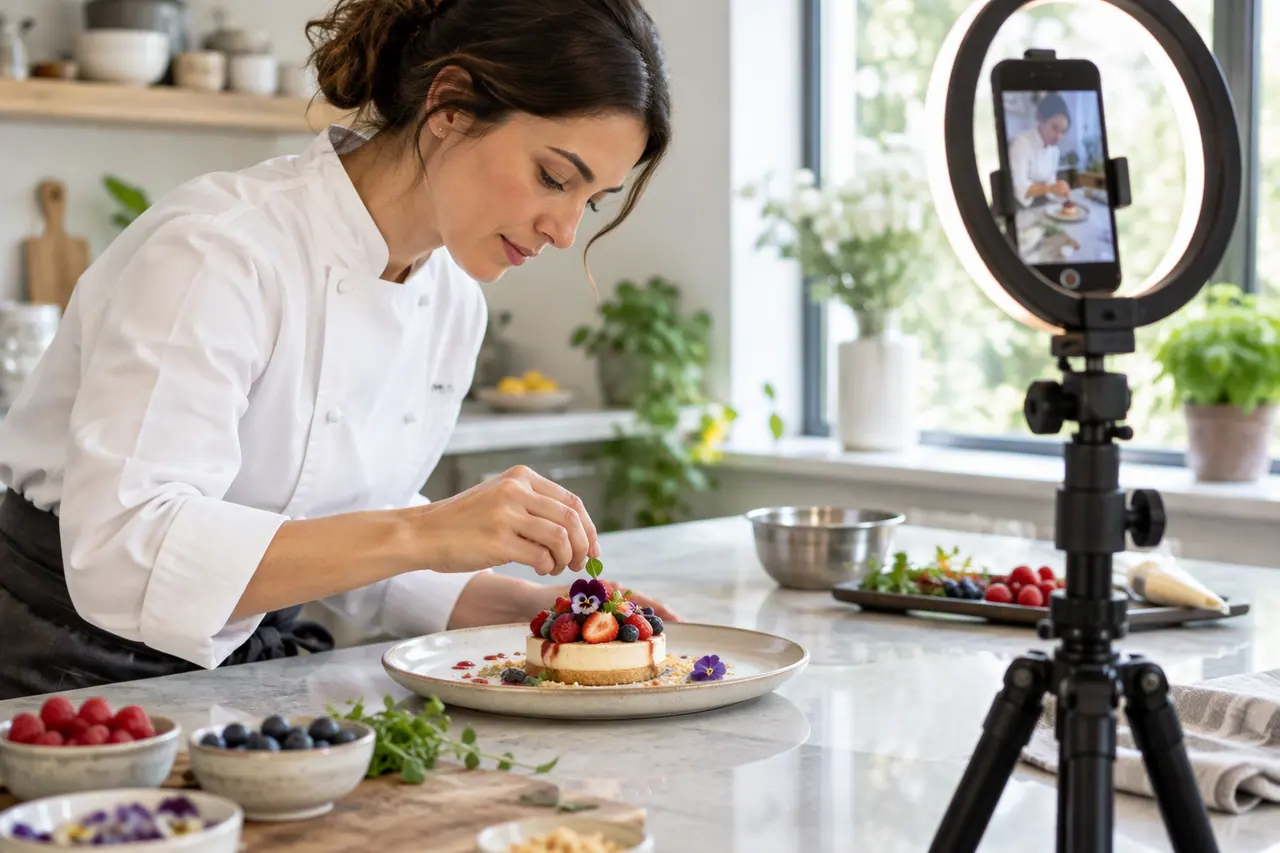
- A slow vertical video from three photos of the treatment room
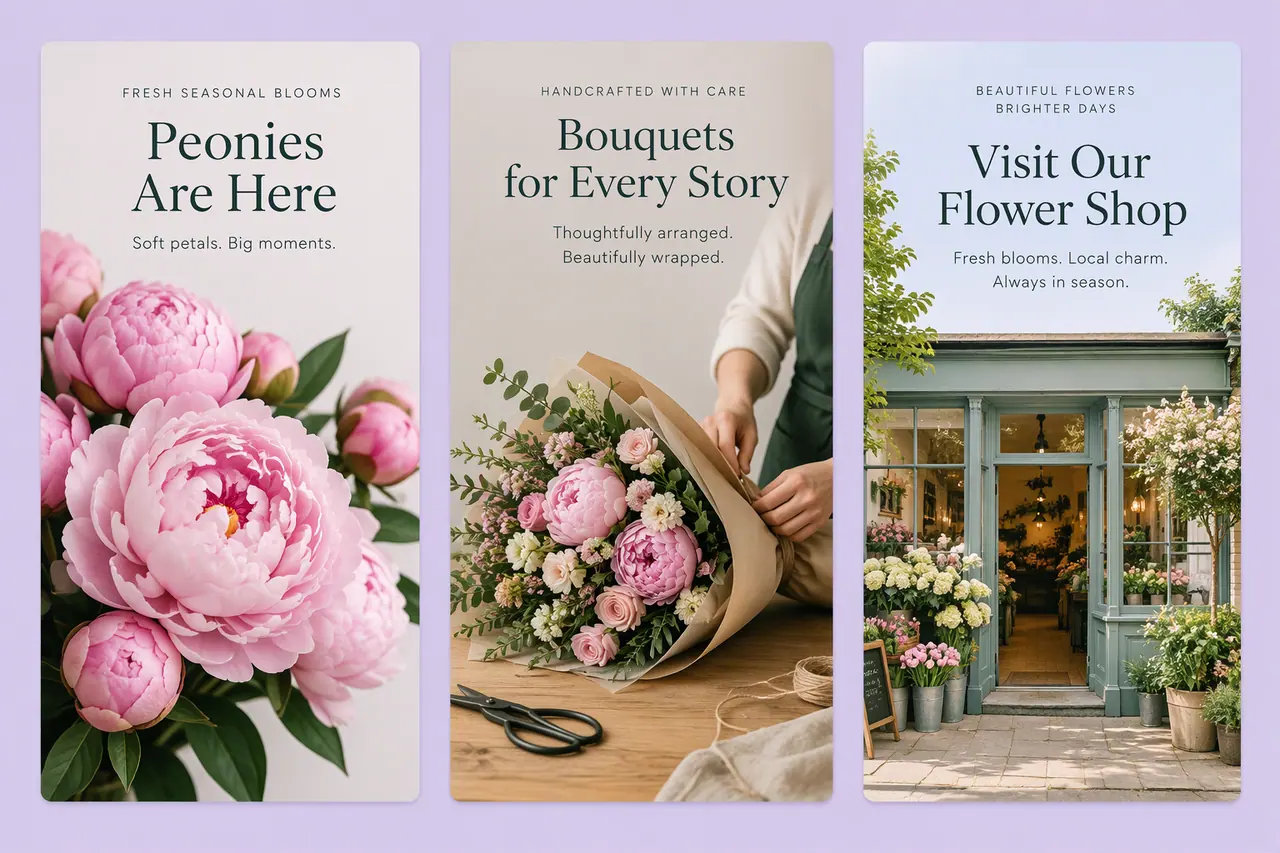
- Stories announcing next week's open appointment slots
- A post for International Yoga Day or National Relaxation Day
- The treatment menu, attached as a PDF, turned into one post per treatment with captions
How beauty and wellness use Cutlin
Write down the feel
In Melon Cut Guidelines, add your colours and fonts and write your Voice & Tone and Terminology, with a Critical note on any wording you never use.
Make the content
In Cutlin, add your brand's @username and ask for the week's posts, stories and a short video.
Check and download
Check each post for social media, copy the captions and download.
A look clients recognise
Soft colours, a particular typeface, a quiet way of speaking - these make a salon feel like itself. Keep them in your guidelines, in Melon Cut Guidelines, with the exact colour codes and font files, and write the voice down too, so whoever posts sounds the way you would.
Content between appointments
Describe the week once and get a plan of posts and stories, each with a caption. Attach a photo of a bottle or jar and ask for it in a calm scene in your colours, and a few photos of the space become a short vertical video.
Show real results only
Use AI for settings, products and announcements, not for treatment results. A before-and-after should show a real client, and rules on beauty claims and AI images differ by country and platform, so check them before you post.
The features they use most
 Create images
AI image generator
Text to image, Fast or Quality, at the size you need.
 Video
Social media video maker
Vertical, square or landscape videos, remade clear of the buttons.
 On-brand content
On-brand AI images
Your guidelines and your real logo on every picture.
 Create images
Holiday content calendar
More than 70 international and Lebanese days, one click from a post.
 Social media
AI story generator
Full-screen 9:16 stories, planned with your posts.
Should I use AI for before-and-after pictures?
No. A before-and-after should show a real result. Use AI for your space, your products and your announcements, and check each platform's rules on beauty claims.
Can I make a video from photos of my salon?
Yes. Put the photos in the order you want them seen - the first opens the video, the last closes it - and ask for a slow, calm vertical clip.
A brand used in Cutlin is kept in Melon Cut Guidelines: its guidelines page is at meloncut.com/yourbrand, and Cutlin reads it from there.
People also ask
- Social media How do I keep social media posts on-brand? Write the rules down and apply them every time: the same colours, fonts, logo placement and tone of voice on every post. Brand guidelines make that possible. Publish yours in Melon Cut Guidelines, then type your brand's @username in Cutlin: its colours, fonts and style guide every post, and your real logo file is placed on it.
- Using AI content Can I use AI images in ads? Often yes, as long as the ad follows the platform's advertising policy and the law where it runs. Ad platforms such as Meta and TikTok review what an ad shows and says: misleading claims, realistic depictions of real people or events and other brands' logos are common problems, and some cases need an AI disclosure. Check their current policies before you launch.
- Video How do I make vertical videos for Reels and TikTok? Make them 1080 × 1920 pixels, a 9:16 vertical, open with a hook in the first second, and keep words, logos and faces away from the parts the app covers: 8% from the sides, 14% from the top and 20% from the bottom. In Cutlin, choose the 9:16 shape, then Generate for social media sets the exact size and the safe area; the hook is yours to describe in the prompt.
Make this week's content today
Calm, on-brand posts, stories and videos.