AI video generator: text to video, up to 30 seconds
Write what should happen and Cutlin's AI video generator makes it, with the best of the video models ticked in Settings - Kling 4.0, Gemini Omni 1.2 or a model on Higgsfield. Pick a style, such as Realistic, Cinematic or Cartoonish, or leave it on Auto, then set the length, up to 30 seconds, and the shape, from widescreen 16:9 to vertical 9:16.
- longest clip
- 30 s
- video models Cutlin can pick from
- 12
- credits per started 5 seconds
- 60
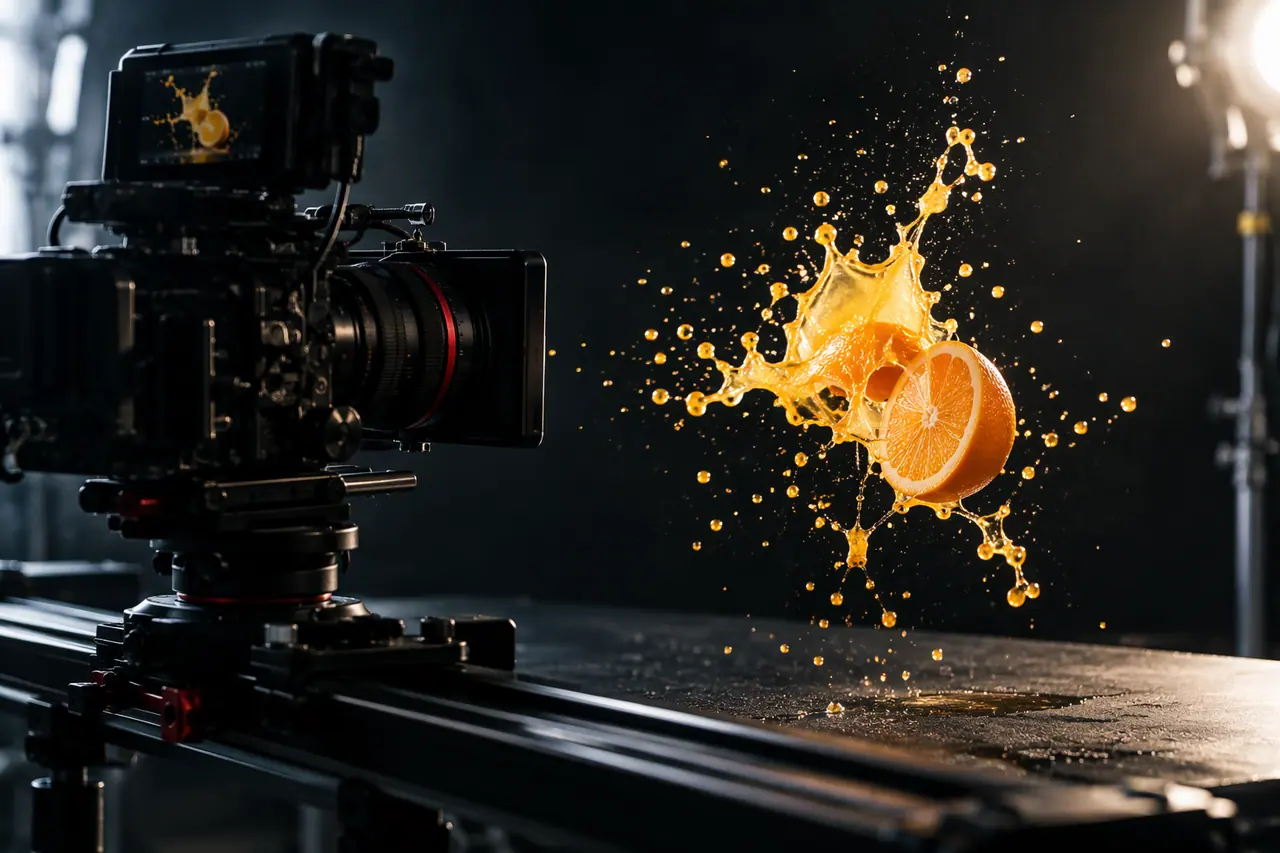
AI video generator, step by step
Ask for a video
In the studio's prompt, ask for a video and describe the scene: who or what is in it, what happens, the setting, the camera and the mood. Cutlin reads the prompt and makes a video.
Set the style, length and shape
In Configuration, pick a style or leave it on Auto, then choose a length and a shape. Cutlin picks the model from the video models ticked in Settings, and the studio shows the credits before you run it.
Watch and download
Watch the result in the chat and download it, or write a new prompt for another take.
From a sentence to a clip
Text-to-video is the quickest way to get moving pictures for a post, an ad or a website. Describe it the way you would brief a videographer - the subject, the action, the place, the light - and the model makes the clip.
Length and shape
Kling 4.0 runs from 3 to 30 seconds and makes all of these shapes. Gemini Omni 1.2 runs from 3 to 15 seconds, or up to 10 with an opening and a closing frame, and makes 16:9 and 9:16.
- 16:9 for YouTube, websites and presentations
- 9:16 for Reels, TikTok and stories
- 1:1 for feeds and displays
- 21:9 for wide, cinematic banners
A style for what the video is for
A style says what the video is for, and the look follows. Auto leaves the look to your prompt, which is a good place to start when your words already say it.
- Realistic: true-to-life people, products and places
- Cinematic: film-like shots and camera moves
- Cartoonish: animated, playful characters
- Talking people: someone speaking to the camera
- Big scenes: wide, ambitious settings
- Quick clips: one simple, punchy moment
Change it in conversation, then make it larger
With Gemini Omni, the next prompt changes the last video and keeps everything else, so you can refine a clip turn by turn. Ask for a new video to start another. It works at 720p until it is right. When you download it, choose its size: 1080p for 30 credits per started 5 seconds, or 4K for 60. Generate for social media, in a video's menu, makes it again at a platform's exact size.
In the same chat as your pictures
Cutlin has one prompt and one chat for everything, so pictures and videos sit side by side. Say "turn this into a video" and it starts from the latest picture, or ask for a picture after a video. One prompt can ask for both - "a picture, a video and a caption for our launch" - and all three are made in the same chat.
Priced by length
A video uses 60 credits for every started 5 seconds, so a 10-second clip uses 120. With your brand added it is 150 per started 5 seconds, and the studio shows the total before every run.
AI video generator: the details
- Ways to start
- Text, pictures, or a video to change or, with Gemini Omni, to go by
- Length
- Kling: 3 to 30 seconds. Gemini Omni: 3 to 15 seconds
- Shapes
- Kling: 16:9, 9:16, 1:1, 21:9, or the first picture's shape. Gemini Omni: 16:9 or 9:16
- Models
- Kling 4.0, Gemini Omni 1.2, and eleven more on Higgsfield
- Styles
- Realistic, Cinematic, Cartoonish, Talking people, Big scenes, Quick clips, or Auto
- Credits
- 60 per started 5 seconds
How long can the videos be?
Up to 30 seconds with Kling 4.0 and up to 15 with Gemini Omni 1.2, and you choose the length before you make it.
Can I make vertical videos for Reels and TikTok?
Yes. Shape in Configuration lists the model's shapes, each labelled with where it is used: choose 9:16, for Reels, TikTok and Shorts. Generate for social media, in a finished video's menu, makes it again at exactly 1080 × 1920 with words and logo inside the safe area.
Can I start from a photo instead of text?
Yes. Attach pictures and the first one opens the video, the last one closes it, and up to 8 more act as keyframes in between.
Works well with
 Video
Image to video
Photos in, video out: first frame, last frame and keyframes.
 Video
Social media video maker
Vertical, square or landscape videos, remade clear of the buttons.
 Video
AI video editor
Change an MP4 or MOV of up to 30 seconds with a prompt.
 Create images
AI models
GPT Image or Nano Banana for pictures, Fast or Quality, on one credit balance.


People also ask
- Video How do I make a video with AI? Describe the video in a prompt, or give the AI pictures to animate, and it generates a short clip. In Cutlin you can make a video from text, from your pictures - the first opens it, the last closes it - or by changing a video you already have. Cutlin picks the model from those ticked in Settings; pick a style or leave it on Auto. One chat holds pictures and videos together, so you can ask for a video after a picture.
- Video How long can AI videos be? AI video models generate short clips, from a few seconds to about half a minute at a time. In Cutlin, Kling 4.0 makes 3 to 30 seconds and Gemini Omni 1.2 makes 3 to 15. For a longer video, join several clips in a video editor.
- Pricing and credits How many credits does an AI video cost? In Cutlin an AI video costs 60 credits for every started 5 seconds, so a 10-second clip costs 120 credits. A branded video, made with your brand guidelines, costs 150 credits per started 5 seconds. The studio shows the exact cost before you start, and the rate is the same whichever video model Cutlin picks.
Coming soon
AI video generator is coming soon. Today you can make AI images and on-brand social media pictures in Cutlin.