AI design for marketing agencies, on every client's brand
Make every client's content in a studio that knows their brand. Each client's guidelines are kept in Melon Cut Guidelines, at their own link for designers and printers, and Cutlin makes their posts, stories and videos on-brand as soon as you name the client's @username.
- items in one client content plan
- 30
- creative routes compared side by side
- 4
- guidelines link per client
- 1

Sounds familiar?
- Every client has different colours, fonts and logo rules to remember
- Logos that arrive as screenshots, old PDFs or the wrong file
- A month of content to produce for every account, every month
- Feedback rounds that send a design back to the beginning
What you can make
- A client onboarding pack: logo, palette and fonts published at the client's own link in Melon Cut Guidelines
- A month of feed posts built from the client's content calendar, attached as a .csv or .docx
- Two creative routes for a pitch, compared side by side before the meeting
- A product teaser video that ends on the client's real logo
- Launch posts for a retail client, checked for the Instagram grid before they go for approval
How marketing agencies use Cutlin
Set up each client
Create a brand in Melon Cut Guidelines for every client - logos, colours, fonts and rules - and publish it.
Name the client in Cutlin
Type the client's @username under Primary brand in Configuration. Every result follows that client's guidelines and carries their real logo.
Review and deliver
Compare options side by side, refine the one the client picks, then download everything as a zip.
A guidelines link for every client
In Melon Cut Guidelines each client gets a brand of their own, with its own address, visibility and plan. Their designers, printers and partners take logos, colour codes and fonts from the link instead of from your inbox. Its plans, a Free one among them, are on meloncut.com.
Content that already knows the client
Name the client's brand and Cutlin follows its published guidelines before it makes anything. The real logo file is placed on the finished picture - never redrawn, recoloured or stretched - and posts come out at exactly the size you pick, such as 1080 × 1350 for Portrait 4:5, with the logo inside the safe area.
Revisions without starting over
Each new prompt changes the latest result, so "make the headline shorter" edits the post you have instead of making a new one. Try another direction copies the chat so you can explore a second route without losing the first, and Compare shows up to 4 results side by side.
The features they use most
 On-brand content
On-brand AI images
Your guidelines and your real logo on every picture.
 Social media
Content plans from documents
Briefs, calendars and menus turned into a plan of posts.
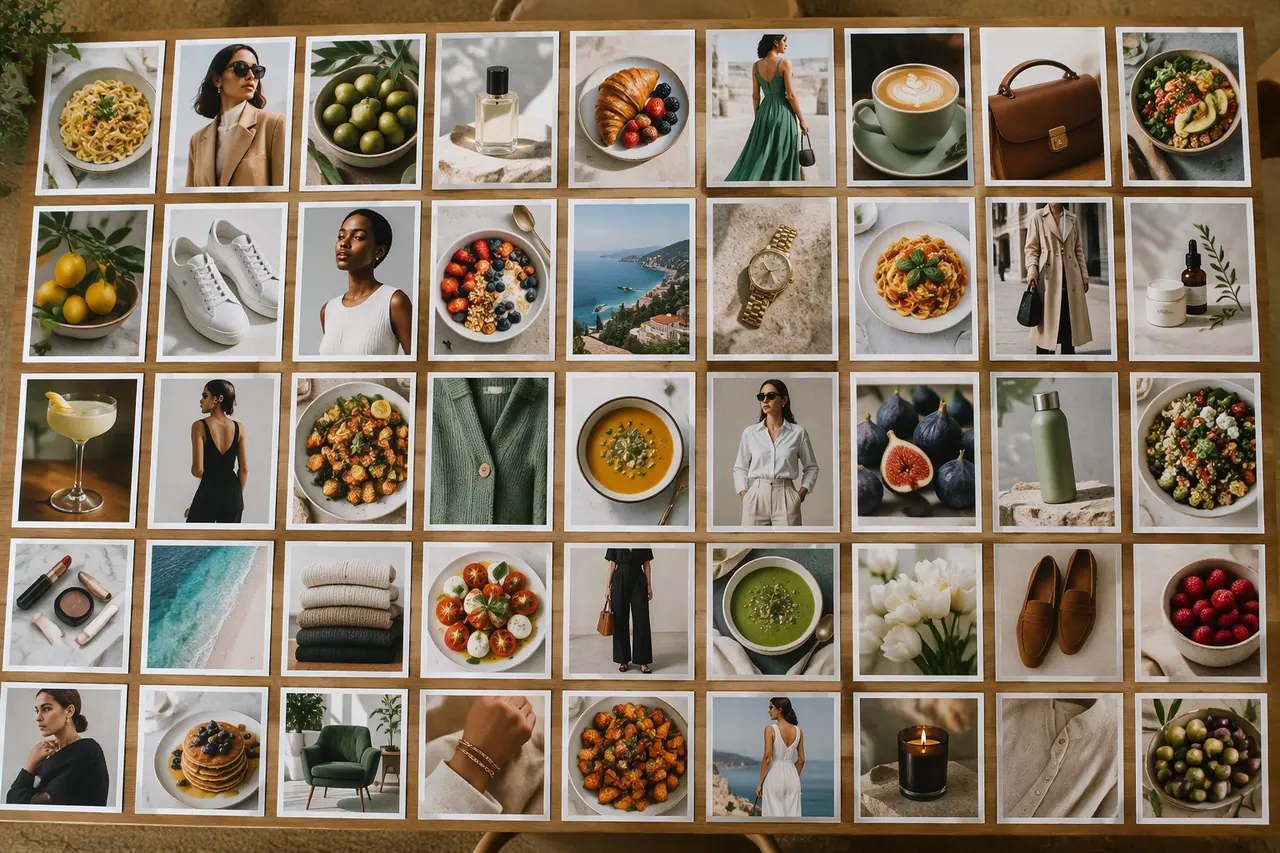 Social media
Bulk image generation
Up to 30 posts, stories and pictures from one prompt.
 Social media
 checker
Size, shape, content and grid crop, checked in one click.
Can we make content for several clients?
Yes. Each request can name a different client's brand by its @username, and the results follow that brand's guidelines and carry its logo.
Does Cutlin post to our clients' accounts?
No. Cutlin makes and checks the content; you download it and publish it the way you do today.
Can clients open their guidelines without signing in?
Yes. Guidelines are kept in Melon Cut Guidelines: a public brand's are open to anyone at meloncut.com, and a private brand's open for anyone who has its link.
A brand used in Cutlin is kept in Melon Cut Guidelines: its guidelines page is at meloncut.com/yourbrand, and Cutlin reads it from there.
People also ask
- Your brand How do I make AI images on-brand? Give the AI your brand, not just a prompt: your colours, fonts, photo style and the rules for your logo. Describing them in every prompt helps, but results still drift. A tool that reads your published brand guidelines does it consistently. In Cutlin, add your brand's @username and every result follows its guidelines, with your real logo placed afterwards.
- Social media How do I keep social media posts on-brand? Write the rules down and apply them every time: the same colours, fonts, logo placement and tone of voice on every post. Brand guidelines make that possible. Publish yours in Melon Cut Guidelines, then type your brand's @username in Cutlin: its colours, fonts and style guide every post, and your real logo file is placed on it.
- Bulk creation and plans How do I create a month of social media content fast? Plan first, then make everything in one sitting: choose a few content themes, map them to dates, and create the posts, stories and captions together instead of one a day. In Cutlin, one request - or an attached content calendar - becomes a plan of up to 30 items, each with a caption, made 3 at a time.
Make this week's content today
Every client's content on-brand, from their own guidelines.