AI content for fashion and retail brands
Every drop needs a launch set, and every sale needs another. Cutlin turns your product photos into styled scenes, 4:5 posts, stories and vertical videos, while Melon Cut Guidelines keeps the logo, colours and fonts the same in the store, on the site and in the feed.
- pieces in one launch plan
- 30
- styled scenes from one prompt
- 4
- vertical videos for new arrivals
- 9:16
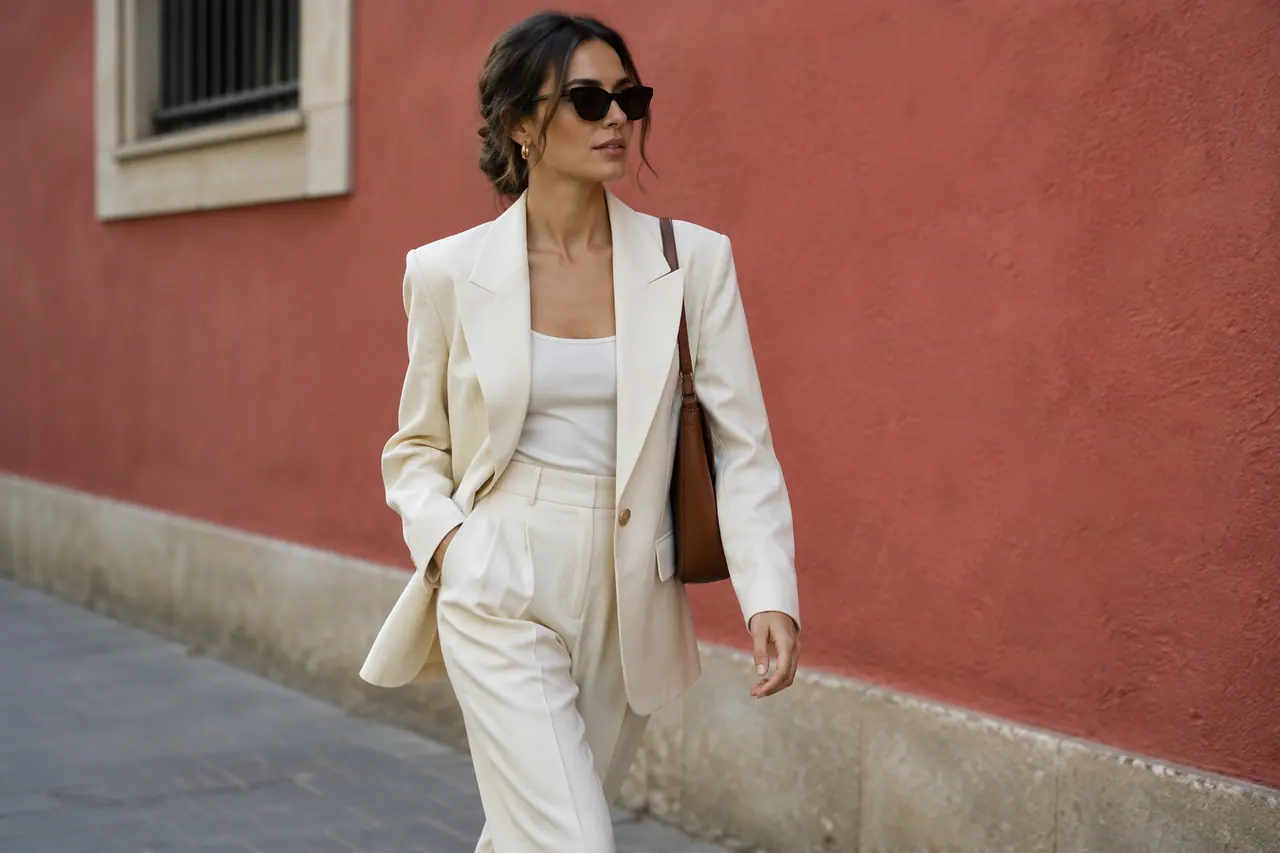
Sounds familiar?
- New drops every few weeks, each needing a full launch set
- Photoshoots that cost more than a small collection can carry
- Product photos that need a different size for every channel
- Sale season, when every channel needs new visuals at once
What you can make
- New-arrival posts at 4:5, one per piece, from flat-lay photos
- A dress shot on a hanger, shown in a sunny street scene made from the photo
- A vertical video from three photos of the same jacket, for Reels and TikTok
- End-of-season sale stories in the brand's colours
- The brand's logo watermarked across a whole drop's photos before they go to stockists
How fashion and retail use Cutlin
Shoot simply
Photograph each piece flat or on a hanger with your phone, and attach the photos to your prompt in the studio.
Make the launch set
Ask for the drop's posts, stories and a vertical video, and add the brand's @username so everything follows your guidelines.
Check and download
Run Check for social media on each post, copy the captions and download all as a zip.
A launch set for every drop
One message can ask for the whole set - a feed post per piece, sale stories, a teaser video - and Cutlin plans up to 30 items with a caption each. You see about how many credits it will use before anything is made.
Styled scenes without a location shoot
Attach a photo of the piece and describe the scene - a sunny street, a studio wall, a beach at dusk - and get up to 4 options from one prompt. Keep the colour, cut and print of each garment true to the real thing, so customers get what they saw.
One look from store to feed
Your guidelines, in Melon Cut Guidelines, hold the logos, colours and fonts that go on swing tags, shopping bags, the website and the feed, and its asset library can be filtered by market if you sell in several countries. Name the brand in Cutlin and every post follows the same guidelines.
The features they use most
 Create images
AI image generator
Text to image, Fast or Quality, at the size you need.
 Social media
 post generator
Feed posts at 1080 × 1350, checked before you post.
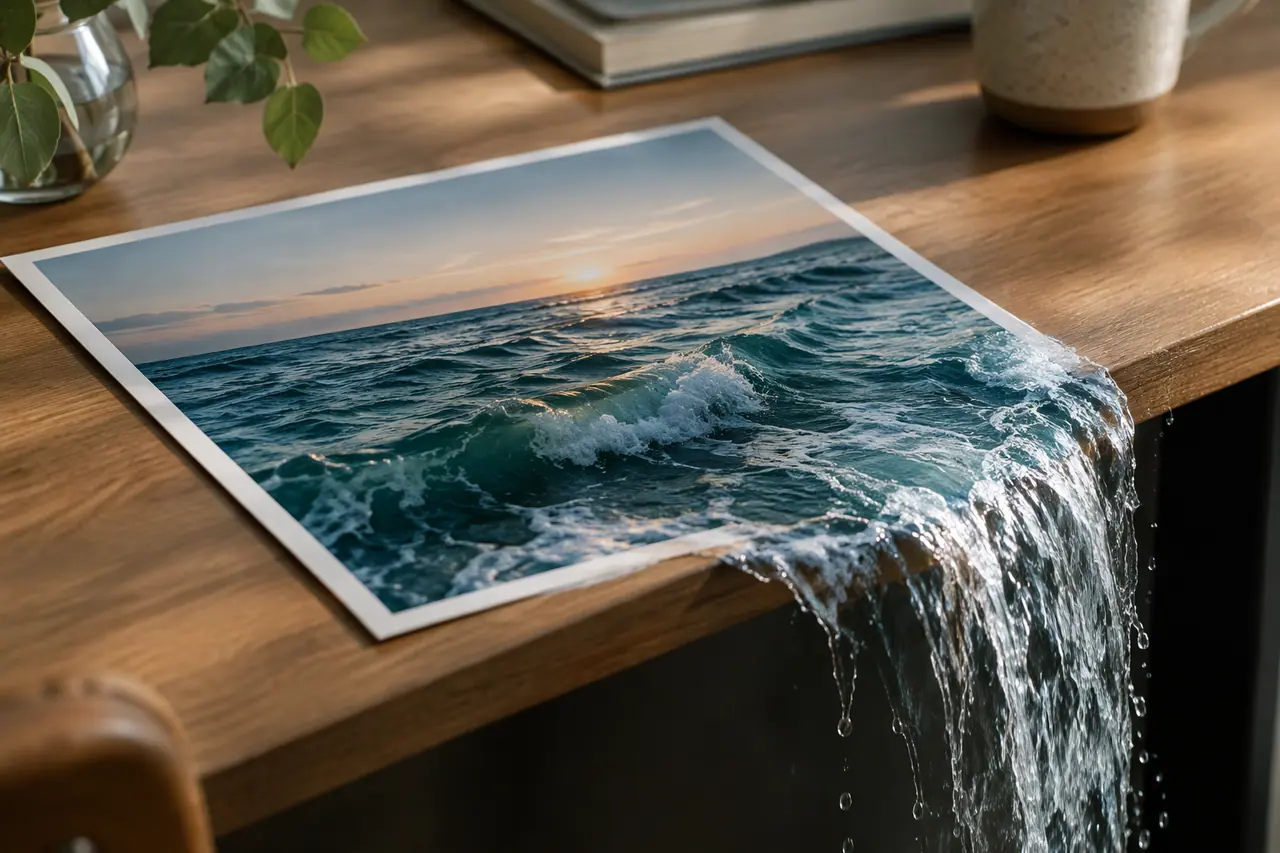 Video
Image to video
Photos in, video out: first frame, last frame and keyframes.
 Watermark
Logo watermark
Free for anyone signed in: your logo on as many pictures as you add.
 On-brand content
On-brand AI images
Your guidelines and your real logo on every picture.
Can AI put my products in a new setting?
Yes. Attach the product photo and describe the setting, and the picture is made from your photo and your prompt. Check the garment still matches the real one before you post it.
Can I make videos from product photos?
Yes. Use two or three shots of the same piece as pictures for a video - the first opens it, the last closes it - and ask for the vertical shape that Reels and TikTok use.
A brand used in Cutlin is kept in Melon Cut Guidelines: its guidelines page is at meloncut.com/yourbrand, and Cutlin reads it from there.
People also ask
- AI images What image sizes can AI generate? Many AI image generators make only a few fixed shapes: usually square, portrait and landscape. Cutlin lists its sizes in one place, each tagged with the platforms that use it - Portrait 4:5 at 1080 × 1350 for an Instagram post, Link picture 1.91:1 at 1200 × 628 for a link share - and also takes a custom size or keeps an attached picture's size. Each picture comes back at exactly the size chosen.
- Social media How do I keep social media posts on-brand? Write the rules down and apply them every time: the same colours, fonts, logo placement and tone of voice on every post. Brand guidelines make that possible. Publish yours in Melon Cut Guidelines, then type your brand's @username in Cutlin: its colours, fonts and style guide every post, and your real logo file is placed on it.
- Video How do I make vertical videos for Reels and TikTok? Make them 1080 × 1920 pixels, a 9:16 vertical, open with a hook in the first second, and keep words, logos and faces away from the parts the app covers: 8% from the sides, 14% from the top and 20% from the bottom. In Cutlin, choose the 9:16 shape, then Generate for social media sets the exact size and the safe area; the hook is yours to describe in the prompt.
Make this week's content today
A launch set for every drop, in one look.