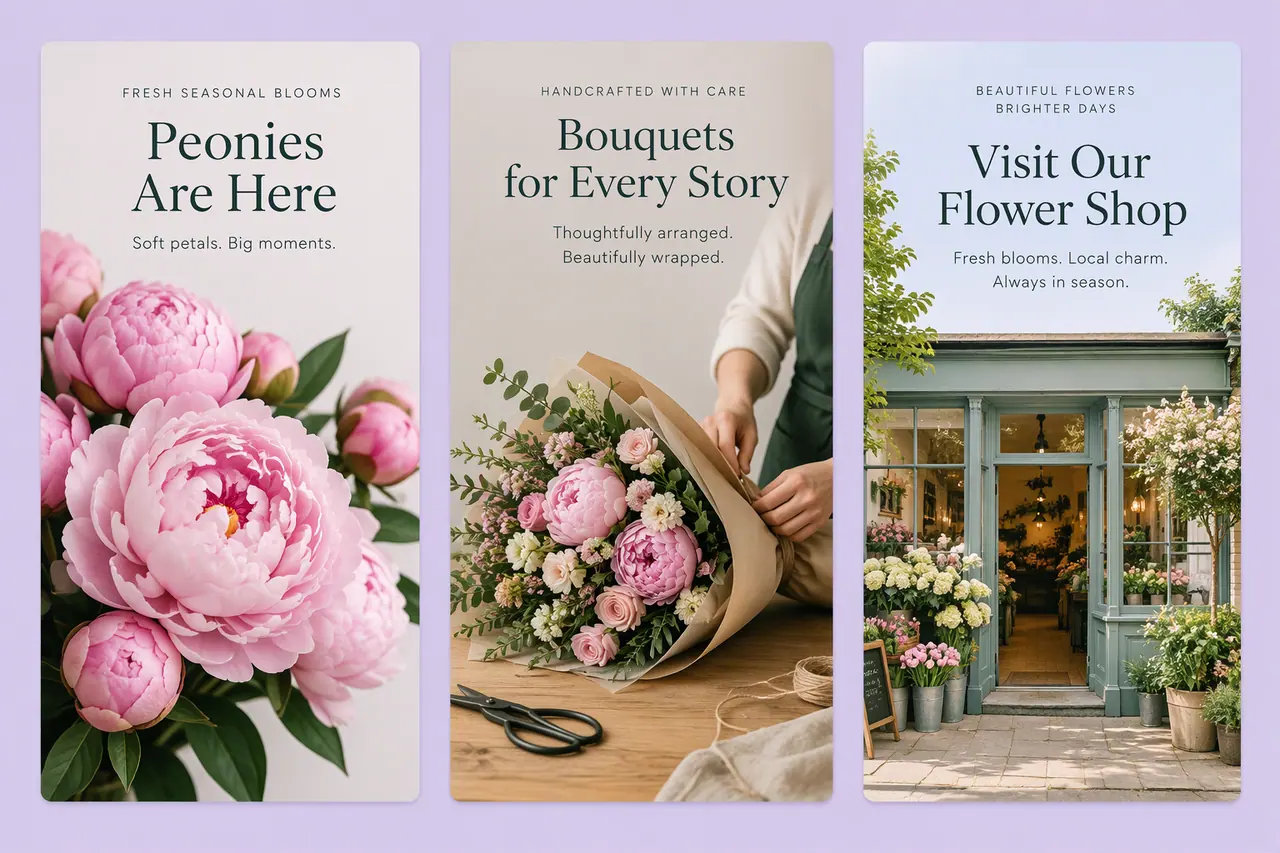
The shapes AI images come in, and how to get the size you need.
Why many generators use fixed shapes
Image models are built to produce a handful of shapes well, so many tools offer only those and leave you to crop or resize afterwards. A tool that takes a custom size saves that step, and keeping an attached picture's size means a new version drops straight into the slot the original was made for.
The sizes Cutlin makes
Size in Configuration is one list, each size tagged with the platforms that use it, and a picture is handed back at exactly the pixels chosen. Leave it on Auto and the prompt decides. Generate for social media remakes a finished picture at the platform sizes you pick, with words and logo inside the safe area.
- Square 1:1, 1024 × 1024: posts on every platform, carousels, profile pictures
- Portrait 4:5, 1080 × 1350: Instagram, Facebook and LinkedIn posts, Threads
- Tall 3:4, 1080 × 1440: Instagram posts and the grid
- Portrait 2:3, 1024 × 1536: Pinterest pins and print
- Landscape 3:2, 1536 × 1024: websites, blog headers and email
- Wide 16:9, 1536 × 864: YouTube thumbnails, presentations, banners
- Link picture 1.91:1, 1200 × 628: link previews on LinkedIn, Facebook and X
- Tall 9:16, 864 × 1536: Instagram Stories, Reels, TikTok, YouTube Shorts
- Custom: the width and height you type; with a picture attached, Same as the picture
- Vectors: SVG, which stays sharp at any size