Turn a document into a plan of social media posts
Turn the document your content already lives in - a campaign brief, a content calendar, a product list, a menu - into social media posts. Cutlin reads it, plans the posts and stories with a caption for each, and makes them when you say so.
- documents attached at once
- 10
- characters read from each document
- 60,000
- items in one plan
- 30

Content plans from documents, step by step
Attach the document
Add .docx, .pdf, .txt, .md or .csv files - up to 10, 15 MB each - along with any product photos the posts should use.
Ask for the content
Say what you want from it: "a post for each product in this list" or "the five stories in this brief". Cutlin lists every item with its title and caption.
Trim and make
Remove what you don't need, check the credit estimate and press Make all. Copy each caption as the results arrive.
Your brief is already the plan
Most content starts life as a document: a launch brief, a spreadsheet of products, a month's calendar from a client. Instead of copying it into prompts one line at a time, attach it and let Cutlin read it.
Each item in the plan is written from the document, with its own title and caption. The offers, dates and messages in your brief carry through to the posts.
What it reads
The first 60,000 characters of each document are read - enough for most briefs, calendars and catalogues. A CSV with one product per row is an easy way to ask for one post per product.
- Word documents (.docx)
- PDFs (.pdf)
- Plain text (.txt) and Markdown (.md)
- Spreadsheets saved as CSV (.csv)
Photos and documents together
Attach product photos next to the document and each plan item can be made from the pictures it needs. Up to 30 files fit in one request, so a catalogue and its product shots can go in together.
See the cost, then make it all
The plan shows about how many credits it will use before anything is made. Items are made 3 at a time with one Stop button for the rest, and every result has a Copy caption button.
Content plans from documents: the details
- Document types
- .docx, .pdf, .txt, .md and .csv
- Documents at once
- Up to 10, 15 MB each
- Text read
- The first 60,000 characters of each
- Plan size
- Up to 30 items
- Item types
- Image, Post 4:5, Story 9:16
- Captions
- One per item, with Copy caption
Which document formats work?
Word (.docx), PDF, plain text, Markdown and CSV, up to 15 MB each. Up to 10 documents can be attached at once.
What if my document is very long?
The first 60,000 characters of each document are read. For a long report, attach the part that matters, or split it into several documents.
Can it use the photos I attach too?
Yes. Attach product photos next to the document and ask for posts made from them; each plan item uses the pictures it needs.
Works well with
 Social media
Bulk image generation
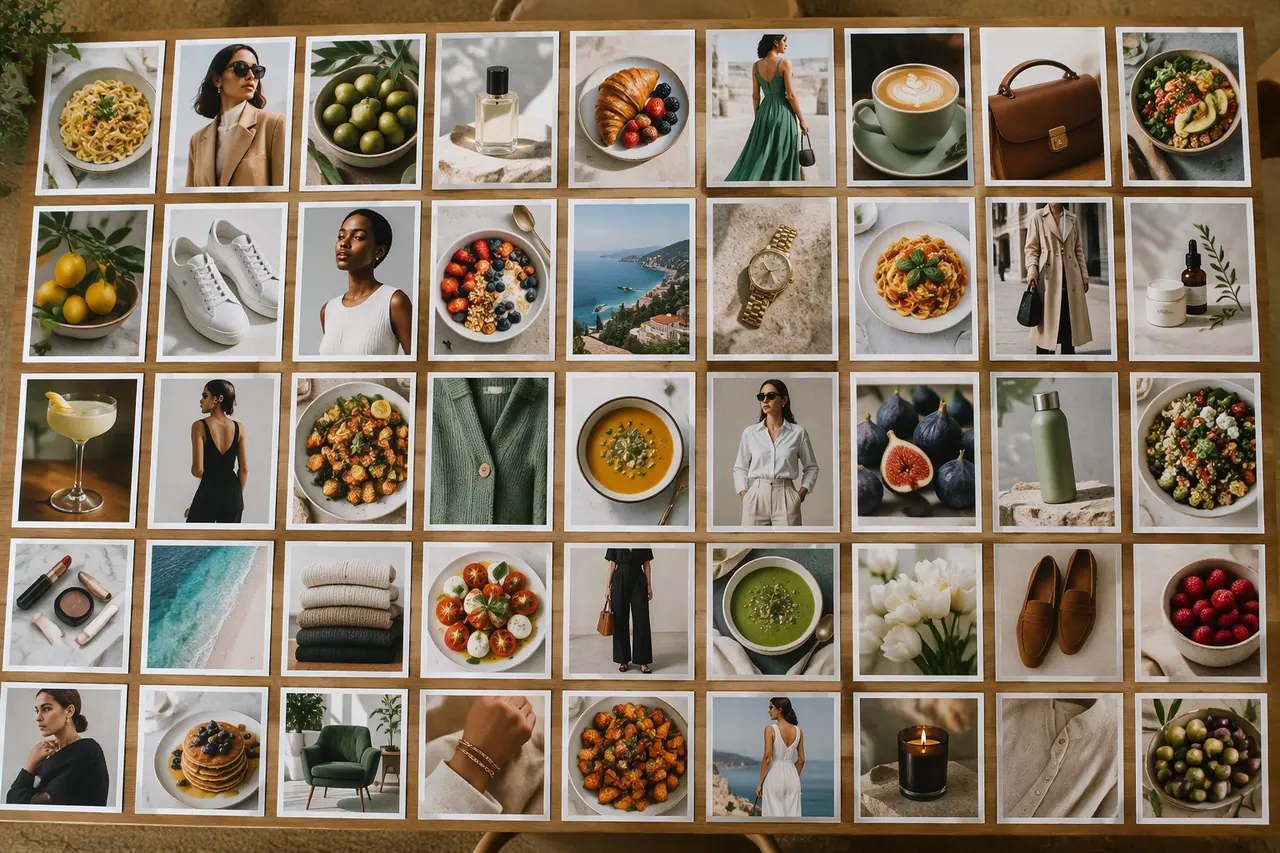
Up to 30 posts, stories and pictures from one prompt.
 Social media
AI captions
A caption for every item, written with the plan.
 Social media
 post generator
Feed posts at 1080 × 1350, checked before you post.
 Social media
AI story generator
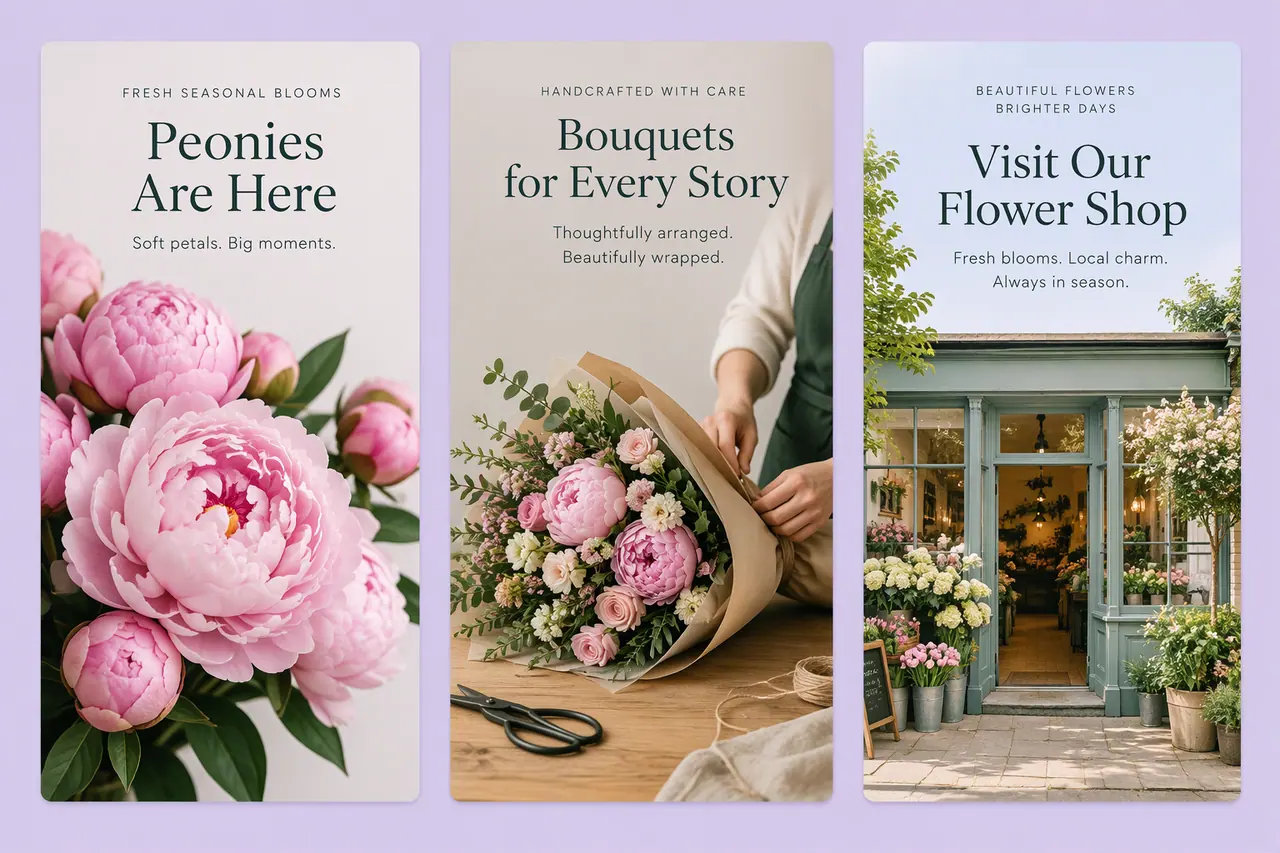
Full-screen 9:16 stories, planned with your posts.



People also ask
- Bulk creation and plans Can AI turn a document into social media posts? Yes. An AI tool that reads documents can pull the key points from a brief, a report, a menu or a content calendar and turn them into posts with captions. In Cutlin, attach up to 10 documents - Word, PDF, text, Markdown or CSV - and ask for the posts you need; Cutlin plans them, up to 30 items.
- Bulk creation and plans How do I create a month of social media content fast? Plan first, then make everything in one sitting: choose a few content themes, map them to dates, and create the posts, stories and captions together instead of one a day. In Cutlin, one request - or an attached content calendar - becomes a plan of up to 30 items, each with a caption, made 3 at a time.
Try it on your next post
Briefs, calendars and menus turned into a plan of posts.