Social media safe zones for posts, stories and videos
A safe zone is the part of a post, story or video that nothing crops or covers. Here are the three that Cutlin's Generate for social media keeps to, side by side, with the reason for each margin.
- pixels
- 1080 × 1350 and 1080 × 1920
- aspect ratio
- 4:5 and 9:16
Social media safe zones: the specs
- 4:5 post (1080 × 1350)
- 13% from the sides, 12% from the top and bottom
- 9:16 story (1080 × 1920)
- 8% from the sides, 14% from the top and bottom
- 9:16 video (1080 × 1920)
- 8% from the sides, 14% from the top, 20% from the bottom
- How it is measured
- Side margins as a share of the width, top and bottom margins as a share of the height
- What goes inside
- Text, logos, faces and anything else that must be seen
Make it at exactly this size
Pick the format
Decide whether it is a feed post, a story or a vertical video: each has its own safe zone.
Keep key content inside
Place words, logos and faces inside the margins; let backgrounds and decoration run to the edges.
Check before posting
In Cutlin, press Check for social media on a post to see whether anything would be cropped on the Instagram grid.
4:5 posts: the profile grid crop
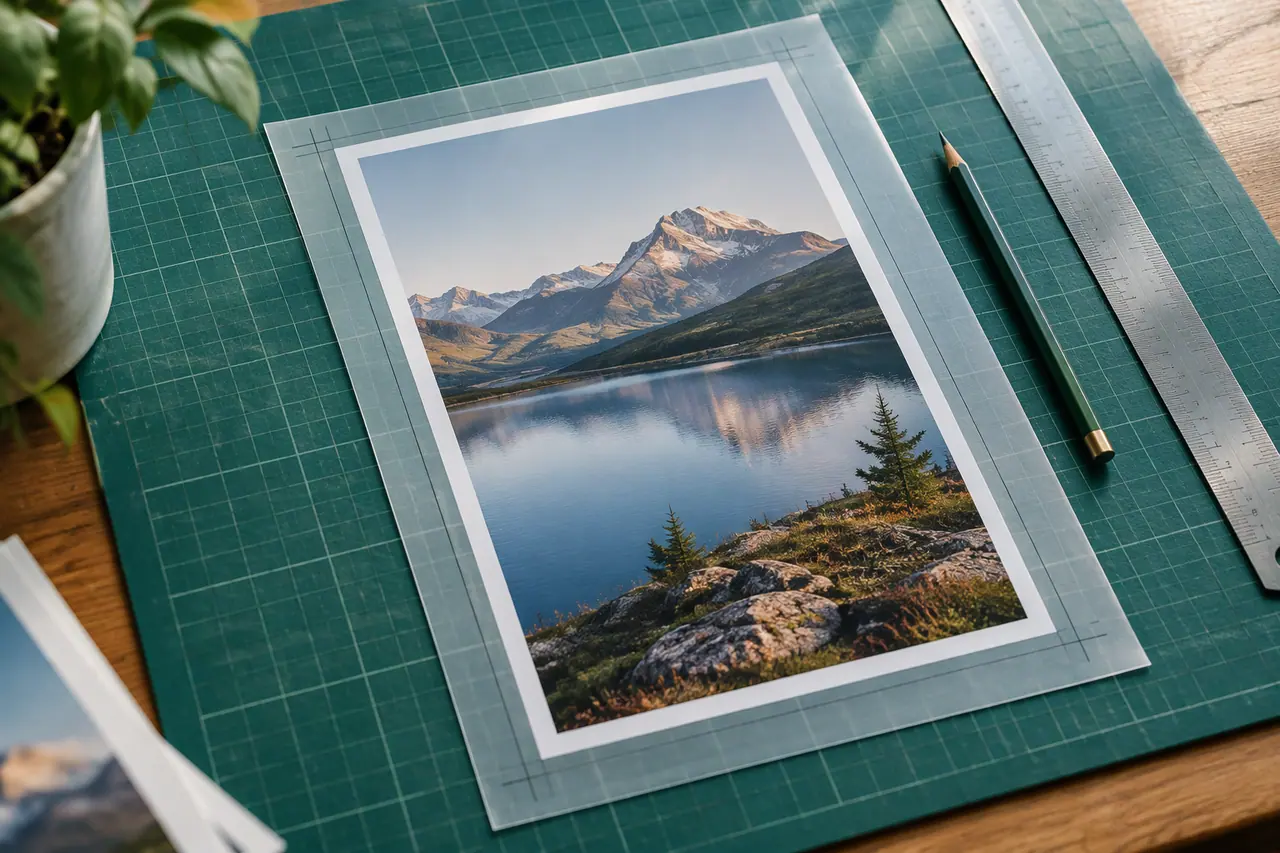
In the feed, a 1080 × 1350 post is shown in full. On your Instagram profile it appears as a tile cut from its middle, so the edges can disappear there. Keep text and logos 13% from the sides and 12% from the top and bottom.
9:16 stories: names on top, replies below
A story fills the screen, but your profile name and the progress bar sit across the top and the reply bar across the bottom. Keep content 14% from the top and bottom and 8% from the sides.
Vertical videos: the biggest margin at the bottom
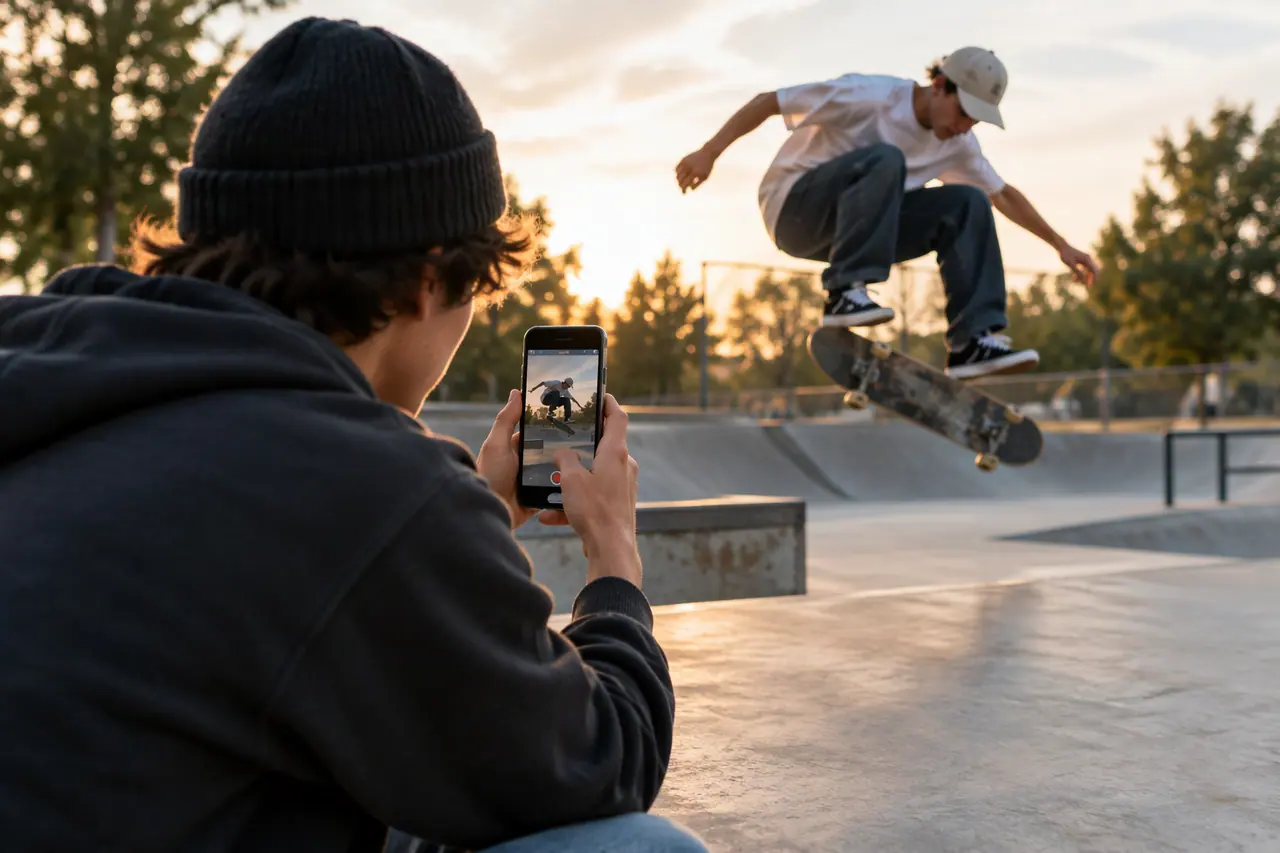
On Reels and TikTok, the caption, the account name and the buttons cover the lower part of the video. Keep words, logos and faces 20% from the bottom, 14% from the top and 8% from the sides.
How Cutlin keeps to them
Generate for social media, in a picture's or a video's menu, remakes it at the platform sizes you pick with key content inside their safe zone, and a brand's real logo is always placed inside it. Check for social media flags anything the Instagram grid would crop.
What is a safe zone on social media?
The part of a post, story or video where content won't be cropped or covered by the app's names, captions and buttons.
Why is the bottom margin bigger on vertical videos?
Because the caption, the account name and the buttons sit over the lower part of the video on Reels and TikTok.
Do feed posts need a safe zone too?
Yes, for the profile grid: it shows only the middle of a 4:5 post, so keep important content 13% from the sides and 12% from the top and bottom.
Other sizes

Make it with Cutlin


People also ask
- Social media What is a safe zone on social media? A safe zone is the area of a post, story or video where important content won't be cropped or hidden behind the app's buttons, names and captions. Keep text, logos and faces inside it. Cutlin's Generate for social media uses 13% from the sides and 12% from the top and bottom for 4:5 posts, 8% and 14% for stories, and 8%, 14% and 20% for vertical videos.
- Social media How can I check a post before publishing it? Check the size and shape, what will be cropped or covered, every word in the picture and the platform's content rules, then read the caption. In Cutlin, Check for social media, under every picture, checks a post's size, shape and content and whether anything is cropped on the Instagram grid, then says it is compatible or lists what to fix.
Every post at the right size, every time
Cutlin's Generate for social media makes posts and stories at the sizes on this page, with your logo and text kept inside the safe area.