AI product photos for ecommerce
Every product needs pictures for the shop, the feed and the launch. Attach the product photos you already have and Cutlin makes new scenes, sized social posts and vertical videos from them - and the free Watermark tool puts your logo on as many photos as you need.
- scene options from one prompt
- 4
- launch pieces in one plan
- 30
- logo watermark on every photo
- Free
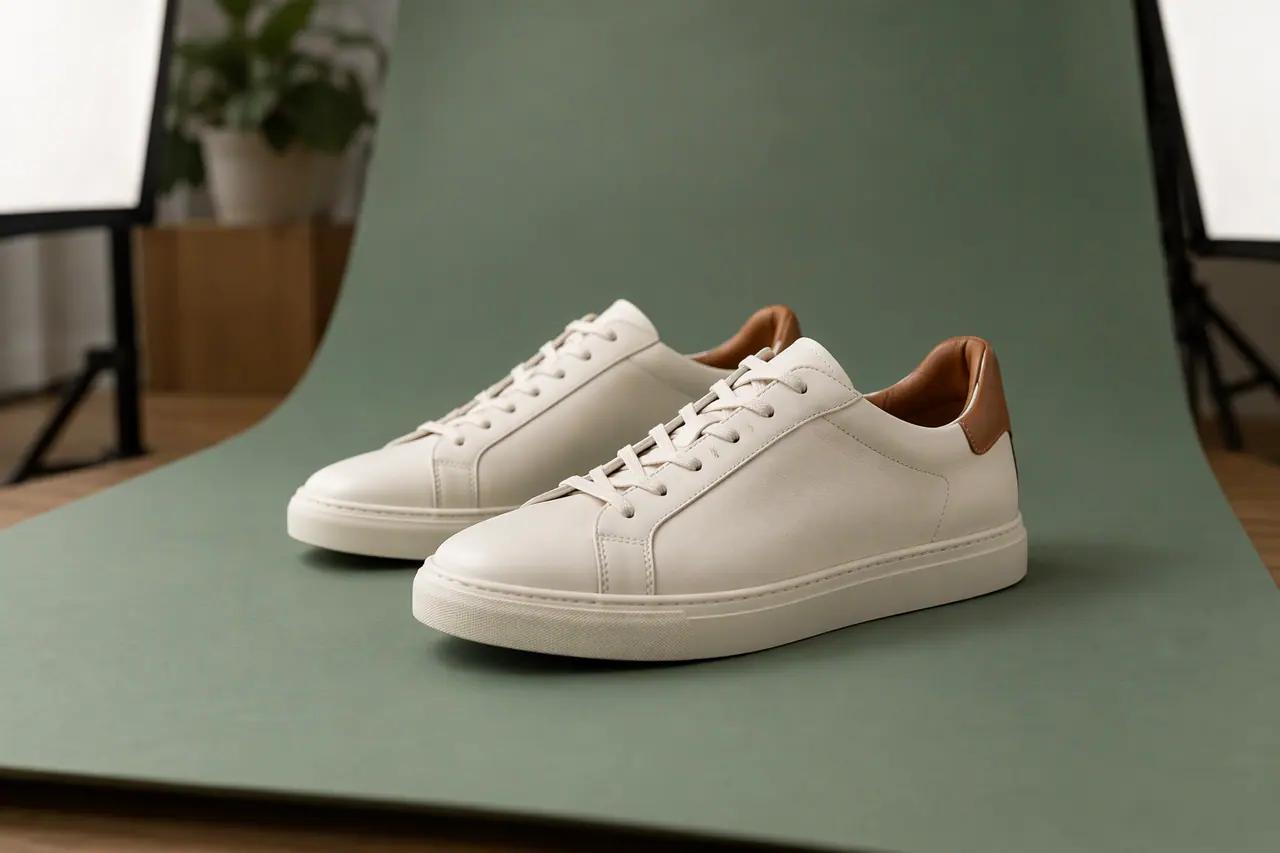
Sounds familiar?
- A studio shoot for every new product, colour and variant
- Pictures needed in a different size for every channel
- Product photos copied and reused by other sellers
- Turning catalogue photos into posts and videos for a launch
What you can make
- A candle photographed on the counter, shown in a calm bathroom scene in your brand's colours
- A 4:5 feed post and a 9:16 story for each new arrival
- A 1.91:1 picture for the product page, sized for when the link is shared
- A vertical launch video from three angles of the same product, ending on your logo
- Your logo watermarked across a whole set of product photos before they go to resellers
How ecommerce product photos use Cutlin
Attach the photos
Drop your product photos into the studio's prompt - phone shots are fine - as PNG or JPEG files of up to 25 MB each, and add your brand's @username.
Describe what you need
Ask for a scene, a feed post, a story or a launch video. A new picture keeps the attached photo's size unless you pick another, such as a size tagged Instagram post or Instagram Story.
Watermark and download
Put your logo on the photos you will share elsewhere with the free Watermark tool, then download.
Scenes from the photos you have
A studio day for every product adds up. Attach a product photo and describe the setting - a marble counter, a sunny shelf, a gift table - and Cutlin makes the picture, up to 4 options at a time, with the best of the models ticked in Settings.
From catalogue to campaign
The same photos can launch the product. Pick Portrait 4:5 for 1080 × 1350 feed posts, Tall 9:16 for stories and Link picture 1.91:1 for link shares, and a few angles become a vertical video. With your brand's @username added, that video ends on an end card with your real logo.
Your logo on every photo
The Watermark tool is free for anyone signed in. Add your logo and every product photo in the set, choose a corner mark or a tiled pattern, and save it as your brand's template so the next set matches.
Show the product as it is
AI pictures should change the setting, not the product. Check that colour, shape and details still match what the customer will receive, and check each marketplace's rules on AI and edited images, since they differ.
The features they use most
 Create images
AI image generator
Text to image, Fast or Quality, at the size you need.
 Social media
 post generator
Feed posts at 1080 × 1350, checked before you post.
 Video
Image to video
Photos in, video out: first frame, last frame and keyframes.
 Watermark
Logo watermark
Free for anyone signed in: your logo on as many pictures as you add.
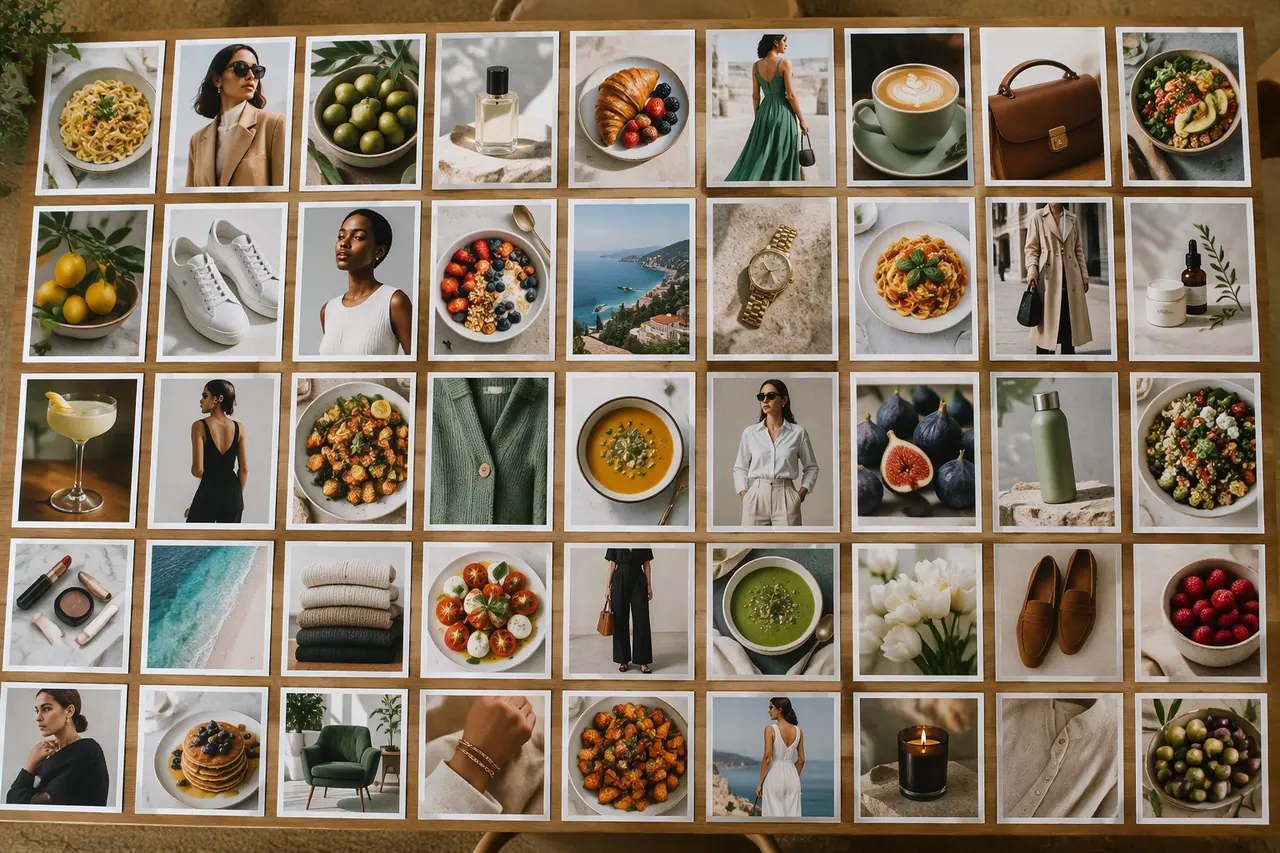 Social media
Bulk image generation
Up to 30 posts, stories and pictures from one prompt.
Can AI put my product in a new scene?
Yes. Attach the product photo and describe the setting, and the picture is made from your photo and your prompt. Check that the product still looks exactly like the real one before you use it.
Can I watermark all my product photos at once?
Yes, for free. Add your logo and as many photos as you need to the Watermark tool, and each gets the same mark.
Can I use AI product pictures on marketplaces?
Rules differ by marketplace and country, so check each platform's image policy. Whatever the rules, keep the product itself true to what customers receive.
A brand used in Cutlin is kept in Melon Cut Guidelines: its guidelines page is at meloncut.com/yourbrand, and Cutlin reads it from there.
People also ask
- Watermarks How do I add a logo watermark to photos? Place your logo on the photo at a set position, size and opacity - usually a corner, small and partly transparent - or repeat it across the picture so it is hard to crop out. Cutlin's Watermark tool does this for free for anyone signed in: add your logo and as many pictures as you like, place the mark or choose a tiled or diagonal pattern, set its rotation and margin, and watch the live preview.
- AI images What image sizes can AI generate? Many AI image generators make only a few fixed shapes: usually square, portrait and landscape. Cutlin lists its sizes in one place, each tagged with the platforms that use it - Portrait 4:5 at 1080 × 1350 for an Instagram post, Link picture 1.91:1 at 1200 × 628 for a link share - and also takes a custom size or keeps an attached picture's size. Each picture comes back at exactly the size chosen.
- Using AI content Can I use AI images in ads? Often yes, as long as the ad follows the platform's advertising policy and the law where it runs. Ad platforms such as Meta and TikTok review what an ad shows and says: misleading claims, realistic depictions of real people or events and other brands' logos are common problems, and some cases need an AI disclosure. Check their current policies before you launch.
Make this week's content today
Product scenes, posts and videos from the photos you have.