Convert an image to SVG with AI tracing
Have a logo only as a blurry PNG, or a drawing you want as a vector? Convert the image to SVG: Convert to vector traces the picture you upload into a real SVG made of paths, so it scales cleanly and can be edited in any vector editor.
- credits per conversion
- 3
- picture traced per conversion
- 1
- credits to generate a new vector instead
- 10
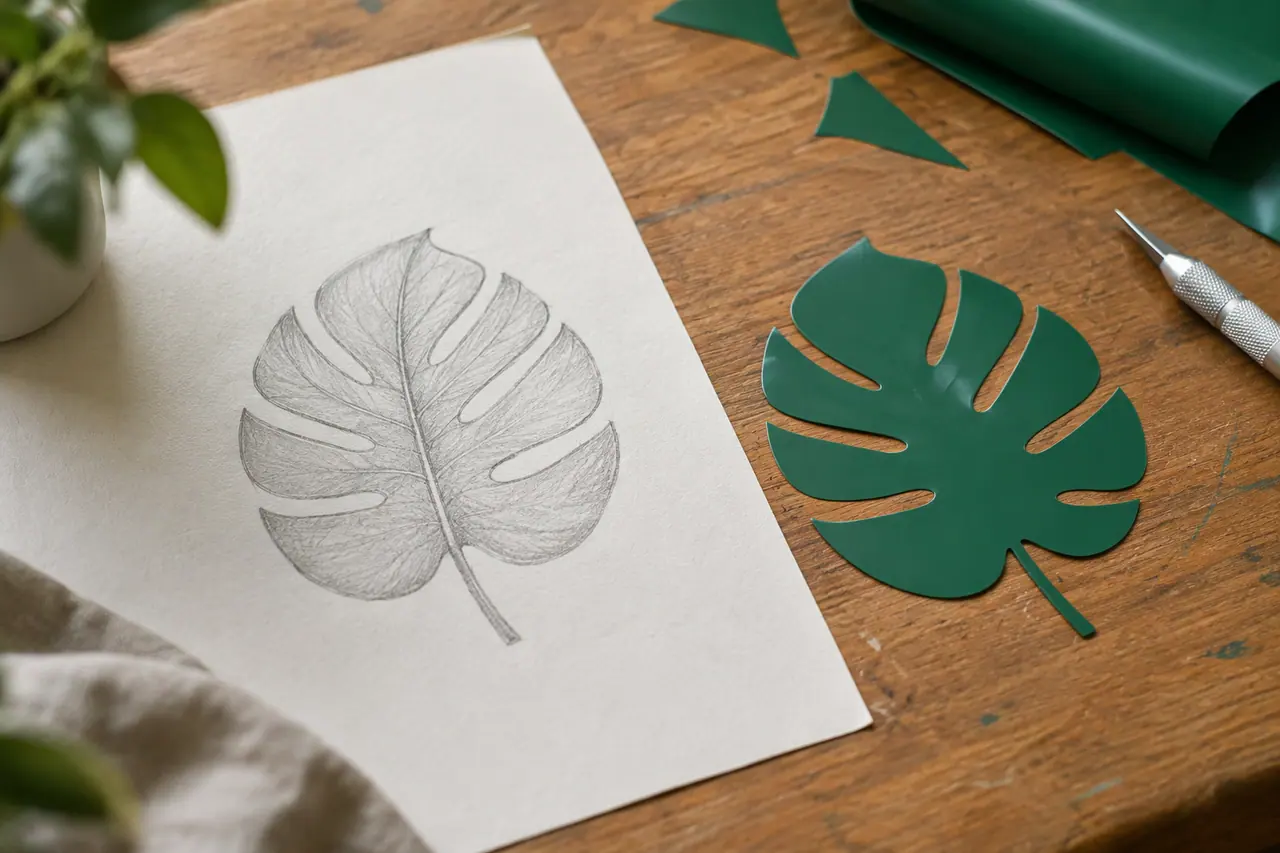
Image to SVG, step by step
Upload the picture
In the studio, attach the PNG or JPEG you want as a vector to your prompt.
Ask for a vector
Ask for it as an SVG. Cutlin reads the prompt and Convert to vector traces the picture.
Download the SVG
Download the traced SVG and open it in your design tool to adjust colours or shapes.
Turn a picture into paths
A PNG or JPEG is a grid of pixels: enlarge it and the edges go soft. Converting it to SVG traces its shapes into vector paths, which stay sharp at any size and can be edited one by one.
When to convert to vector
Convert a picture when you need it larger, sharper or more editable than pixels allow. Typical cases:
- A logo you only have as a small PNG or JPEG
- A hand-drawn sketch or signature
- Icons or illustrations that must scale for print
- Artwork for signage, cutting or embroidery, where vectors are often required
Cleaner input, cleaner output
Tracing works best on pictures with clear shapes and flat colours, like logos and line drawings. A busy photo becomes a busy vector, so crop to the part you need before you upload it.
Trace it, or redraw it?
If the picture is too rough to trace well, describe it in the same chat and ask for a new SVG instead. For a brand logo, ask Cutlin for a brand: it can trace an upload or redraw it as part of a full identity.
Image to SVG: the details
- Input
- An uploaded picture, such as a PNG or JPEG
- Output
- Real, editable SVG
- Models
- Recraft vector models
- Credits
- 3 per conversion
- Where
- Any chat: attach the picture and ask for a vector
How do I convert an image to SVG?
In Cutlin, attach the picture to your prompt and ask for it as a vector; Convert to vector traces it. Then download the SVG.
Is the result a real vector?
Yes. The picture is traced into paths and shapes you can edit and scale, not wrapped up as pixels inside an SVG file.
Can I convert a photo to a vector?
You can, but a photo full of detail makes a complex vector. Logos, icons and drawings with clear shapes convert most cleanly.
Works well with
 Vectors
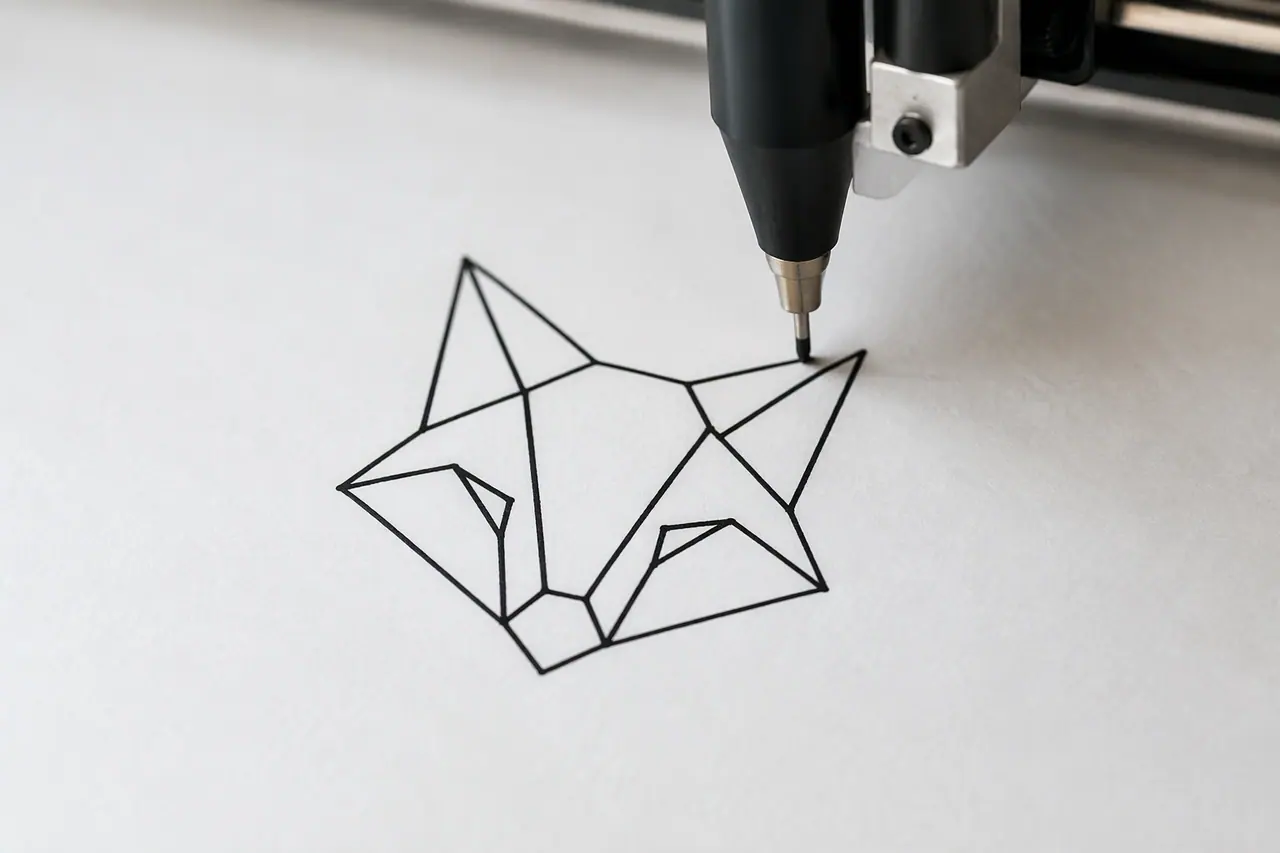
AI vector generator
Real, editable SVG from a text description.
 On-brand content
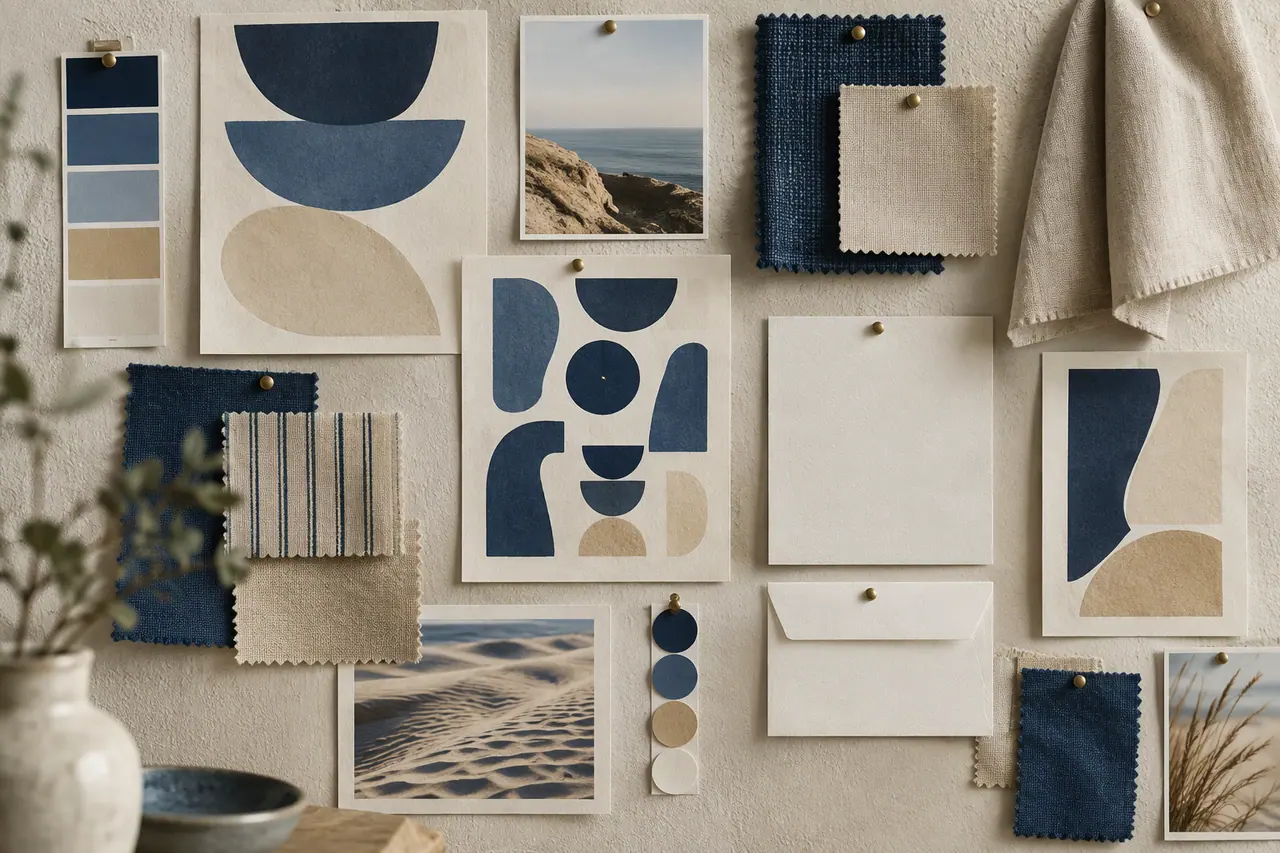
AI brand identity generator
Logo, colours, fonts and guidelines from a description.
 Create images
AI image generator
Text to image, Fast or Quality, at the size you need.
 Create images
AI models
GPT Image or Nano Banana for pictures, Fast or Quality, on one credit balance.


People also ask
- Vectors and SVG How do I convert an image to SVG? To convert an image to SVG, you trace it: software finds the edges and areas of colour in a PNG or JPEG and redraws them as vector paths. Logos, icons and flat illustrations with clear shapes convert best. Photos convert poorly, because their detail becomes thousands of tiny shapes. In Cutlin, attach a picture and ask for it as a vector.
- Vectors and SVG What is a vector image? A vector image is a picture stored as shapes - points, lines, curves and fills - rather than a grid of pixels. Because the shapes are described mathematically, a vector scales to any size, from a favicon to a billboard, without blurring. SVG is the most common vector format on the web; JPEG and PNG are pixel formats.
Coming soon
Image to SVG is coming soon. Today you can make AI images and on-brand social media pictures in Cutlin.