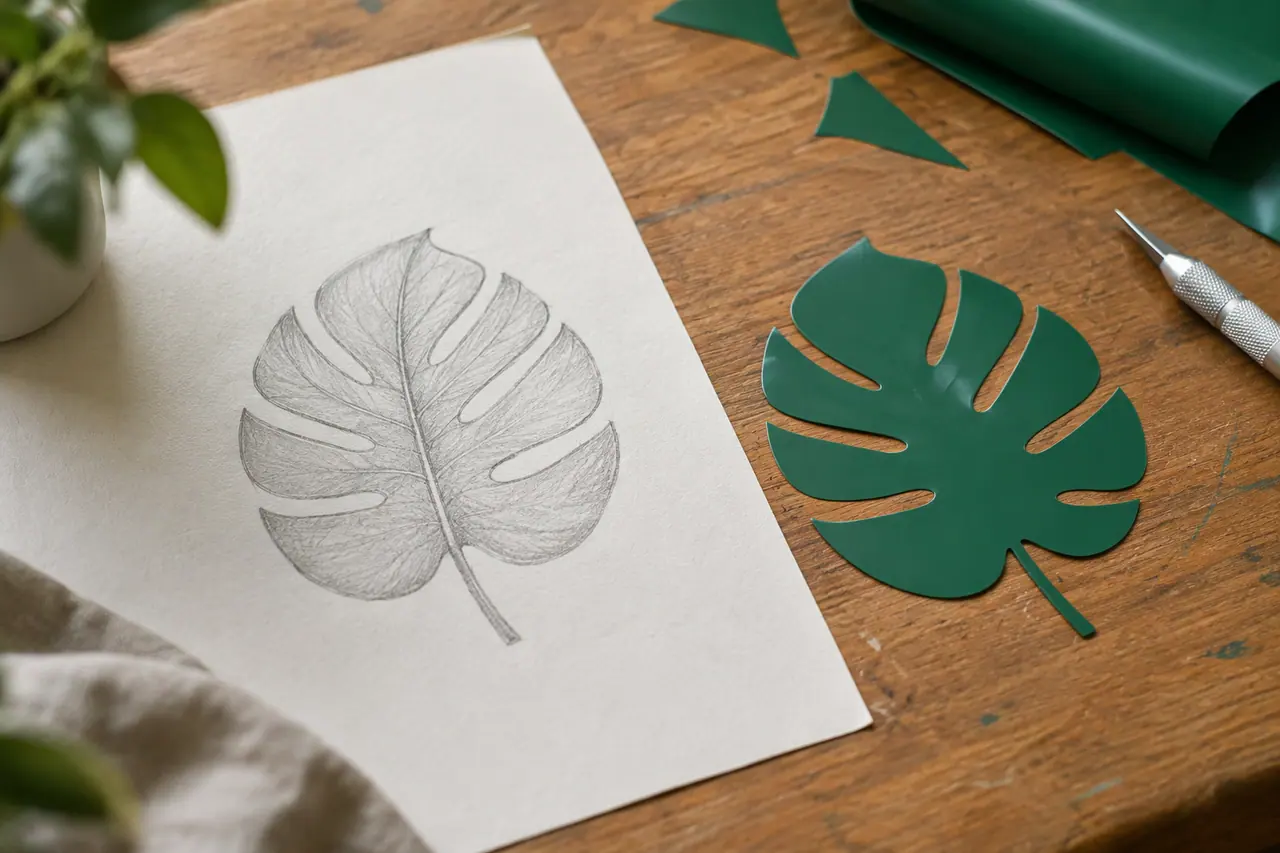
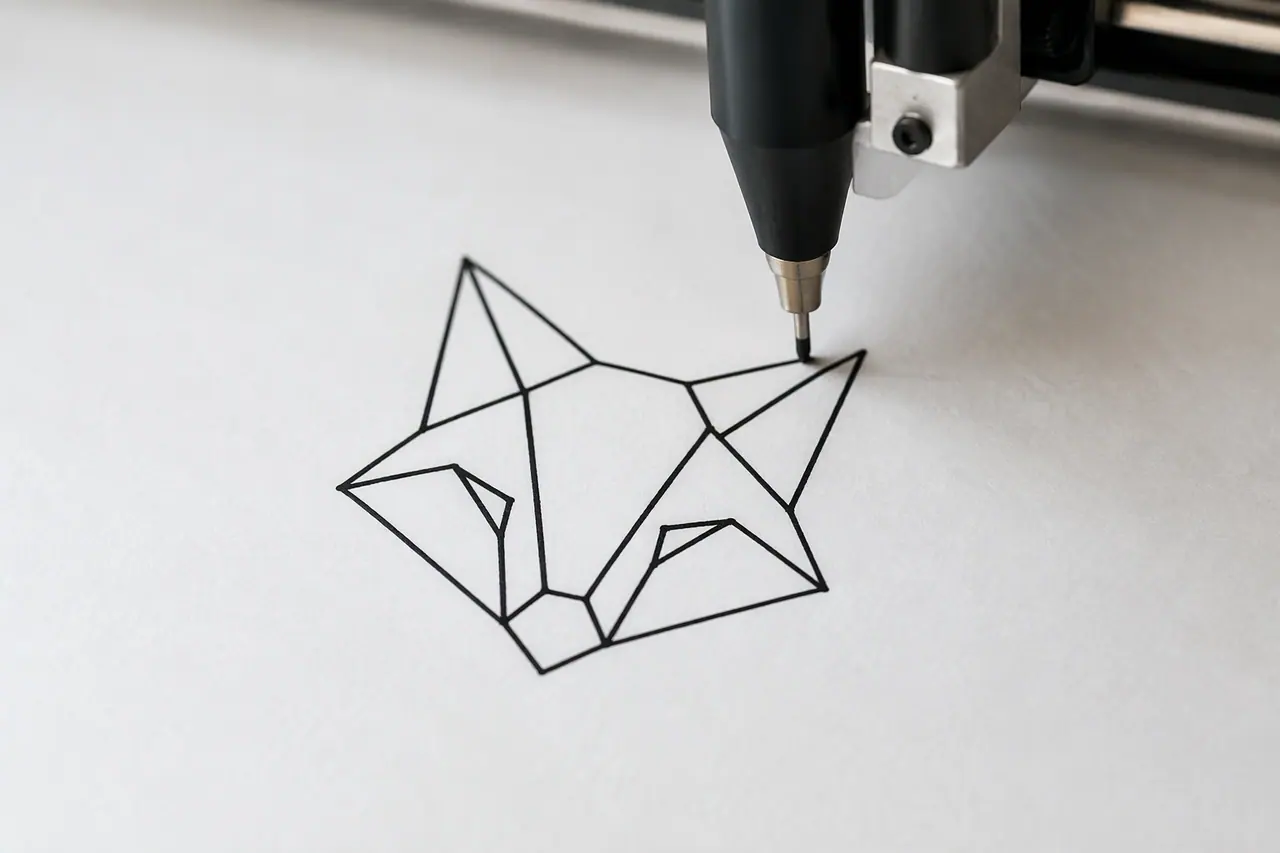
How tracing converts an image to SVG, and what to expect from the result.
What converts well
Tracing groups similar colours into shapes, so the cleaner the source, the cleaner the SVG. These convert best:
- Logos and wordmarks
- Icons and simple illustrations
- Flat graphics with a few solid colours
- High-contrast drawings and sketches
Getting a clean result
Start from the largest, sharpest copy you have, ideally on a plain background. If the picture is small or blurry, find a better copy first: tracing can only follow the edges it can see. After converting, check fine details such as thin lines and small text, which tracing can simplify.
Converting with Cutlin
In Cutlin, attach a picture to your prompt and ask for it as a vector. Convert to vector traces it into an SVG you can download and edit, for 3 credits. If you would rather redraw it from a description, ask for a new vector instead, for 10 credits.