Yes - but it matters whether the SVG file has real paths inside.
Real vectors or wrapped pixels
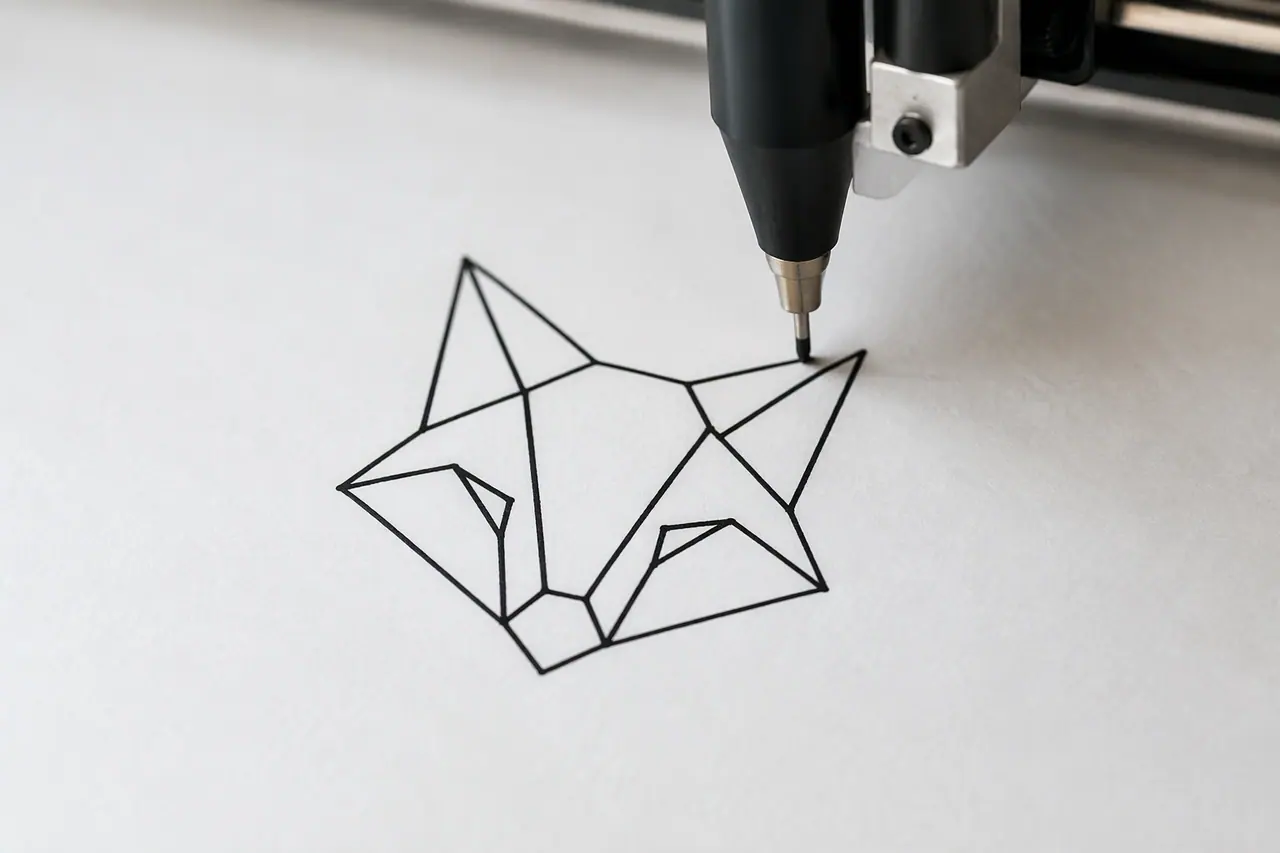
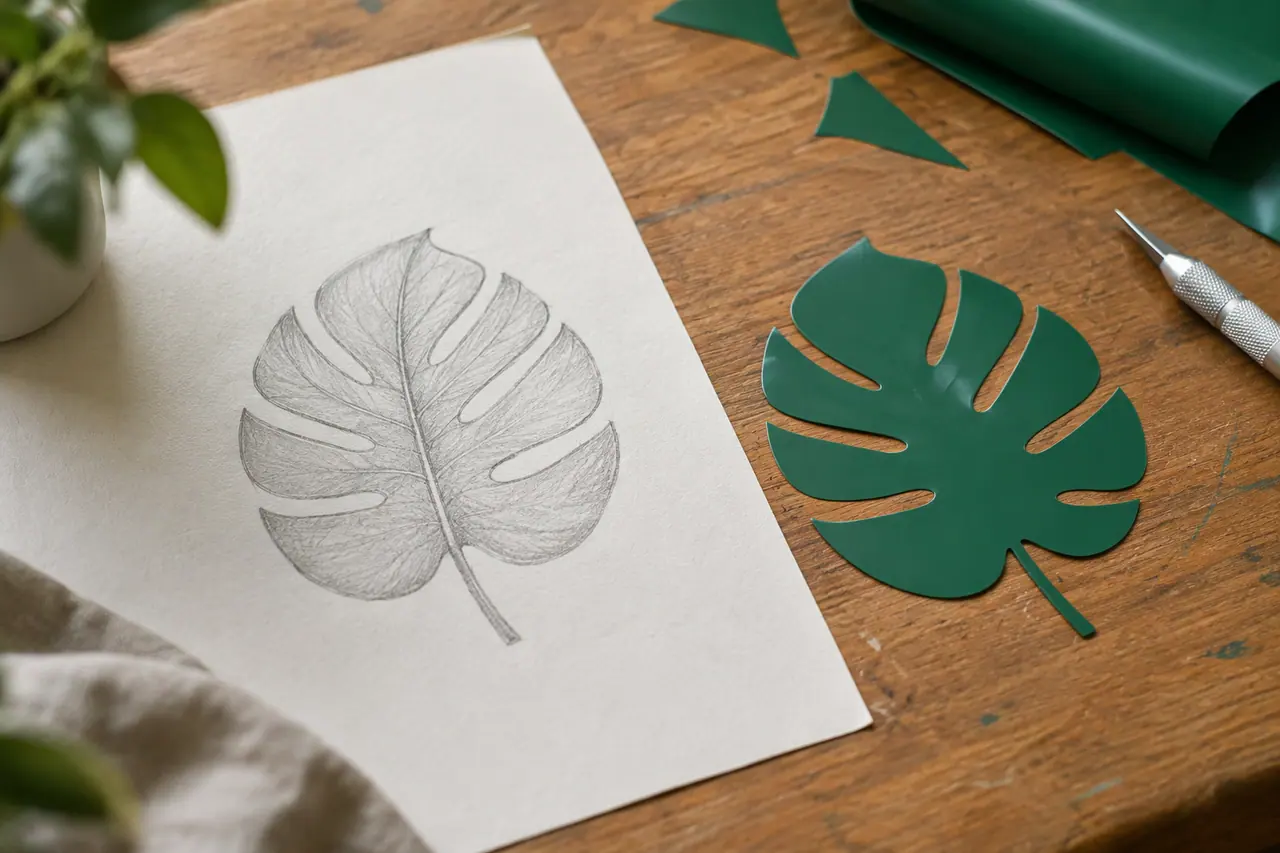
An SVG that only holds an embedded picture looks like a vector file, but it blurs when enlarged and you can't change its shapes. A real vector SVG is made of paths: open it in a vector editor and every shape can be moved, recoloured or resized.
What AI vectors are good for
AI vector generation suits simple, bold artwork that has to work at many sizes:
- Icons and pictograms
- Spot illustrations for websites and slides
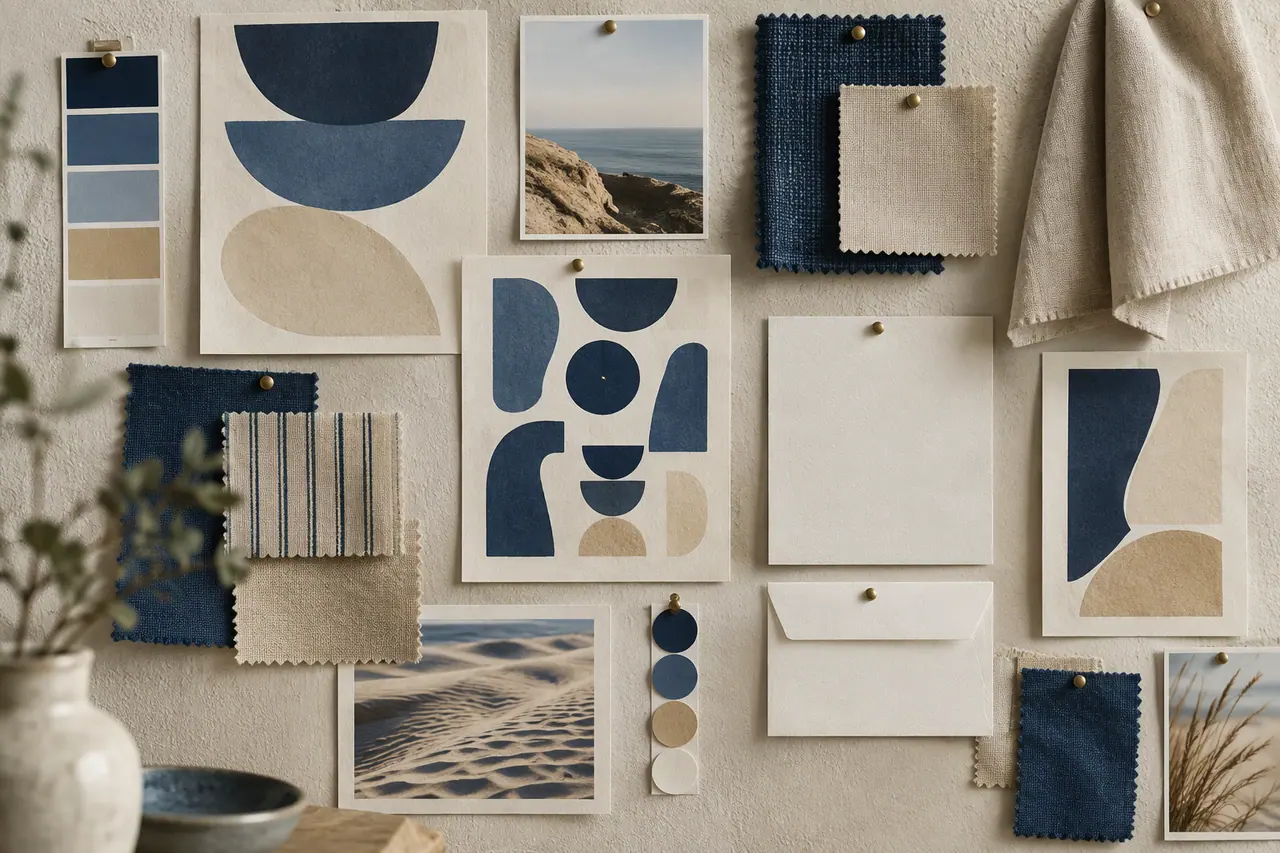
- Patterns and decorative shapes
- Logo ideas to refine
- Artwork for print at any size
How Cutlin makes SVG files
Ask for a vector in your prompt and describe what you need, then pick the aspect ratio and how many results you want. Cutlin uses Recraft vector models, picking the best of those ticked in Settings, and each vector costs 10 credits. To turn a picture you already have into SVG, use Convert to vector instead.